MX 3900 / MX 4900
Operation
18
5.3 Operating the spot welding pliers
Warning:
Electromagnetic fields!
Wear goggles and gloves!
Electrodes become hot!
Flying sparks!
Switch on the welder (s. operating instructions welder )
Connect the device to the compressed air supply.
Important: After finishing the welding task, let the cooling pump run on
for a while to prevent heat congestion
i
Ensure there is sufficient compressed air pressure.
Operating pressure is 6-10 bar!
If necessary adjust the pressure with the pressure reducer. Insufficient
compressed air will lead to excessive splatter and the weld spot may
burn out.
Warning! For these electrode arms the pressure must be reduced to
1.8 kN (6 bar) for the MX 3900 and 2,4 kN for the MX 4900, otherwise the
12mm-electrodes will bend.
Use the CD buttons (s. Fehler! Verweisquelle konnte nicht gefunden wer-
den.) to adjust the sheet thickness.
Adjusting sheet thickness:
Select welding task with keys EF, e. g.
a - HSS sheets )
b - three-ply sheets ) (see
c - galvanized sheets )
Several options can be selected at the same time.
During welding, hold the pliers button until the welding process is automati-
cally cut-off.
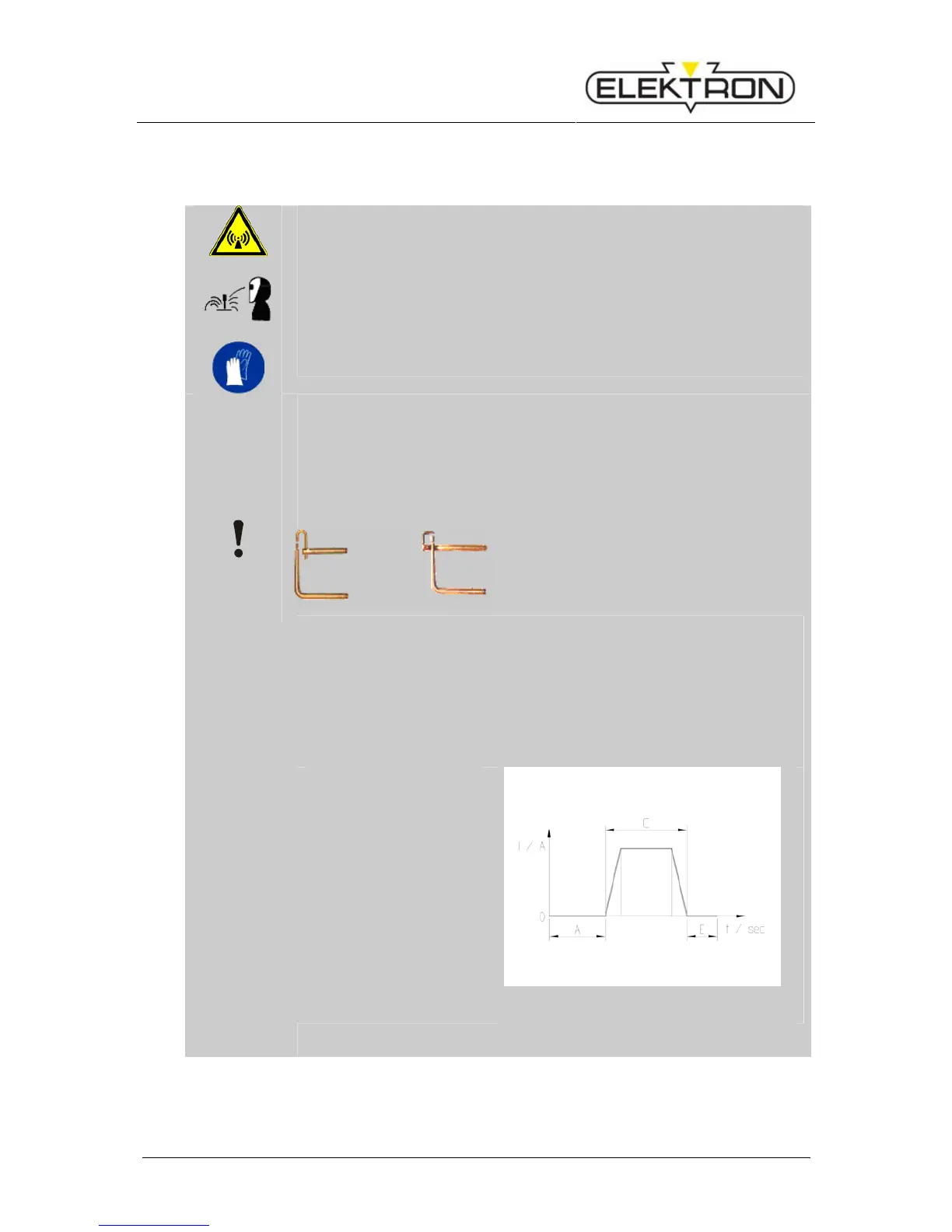
Example of a welding pro-
gram sequence (see dia-
gram on the left):
A – Pre-pressing 1 sec.
C – Welding time de-
pending to setting.
E – Post-pressing 1 sec.
(see Fig. 13)
Fig. 13: Sequence welding program


 To Next Page