14
Remote control setup
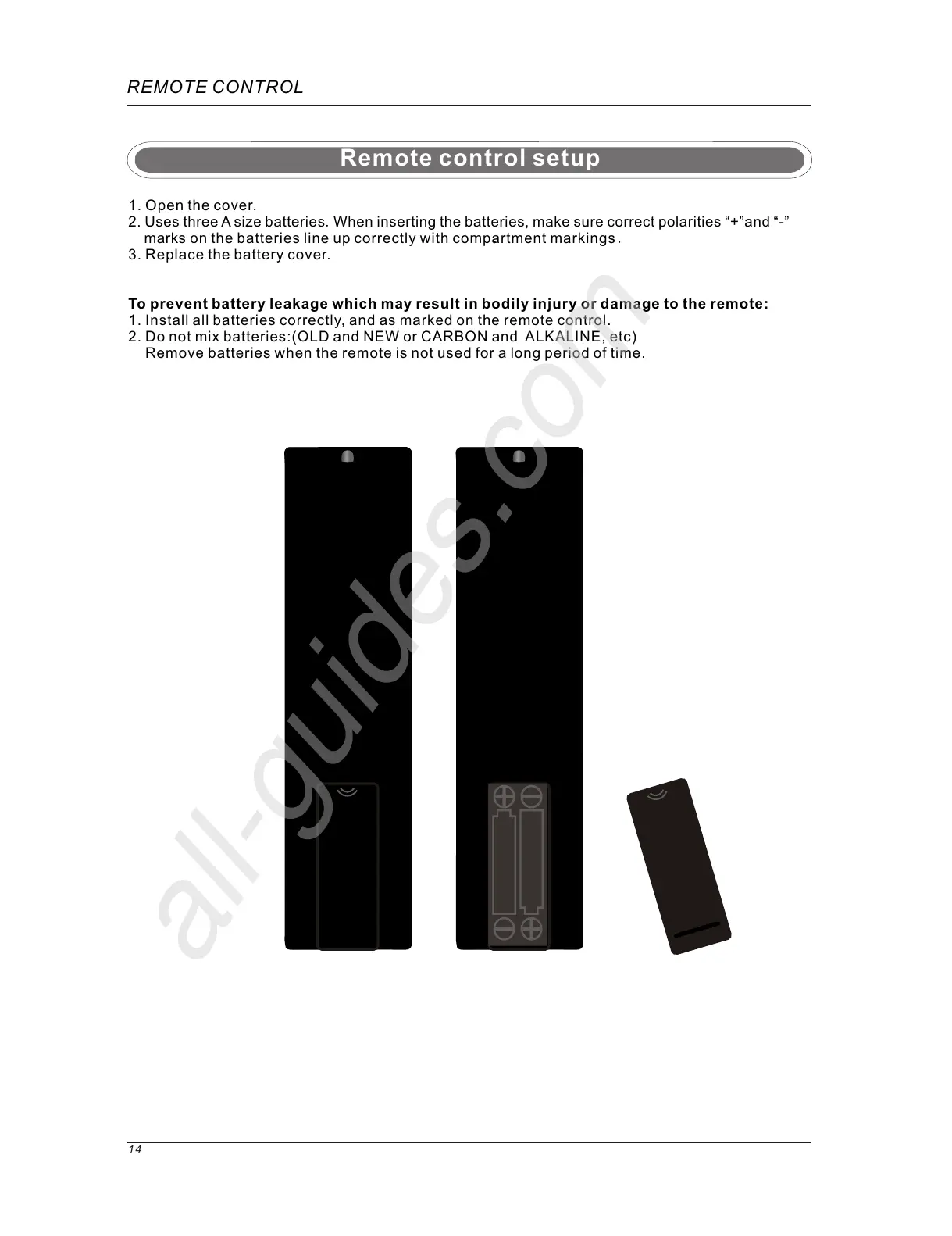
1. Open the cover.
2. Uses three A size batteries.When inserting the batteries, make sure correct polarities “+”and “-”
marks
on the batteries line up correctly with compartment markings .
3. Replace the battery cover.
To prevent battery leakage which may result in bodily injury or damage to the remote:
1. Install all batteries correctly, and as marked on the remote control.
2. Do not mix batteries:(OLD and NEW or CARBON and ALKALINE, etc)
Remove batteries when the remote is not used for a long period of time.
.
REMOTE CONTROL



 To Next Page