:Move
MENU
:Return
ENTER
:Move :Press to Enter
15
SETUP WIZARD
8.Menu Operation
MENU OPERATION
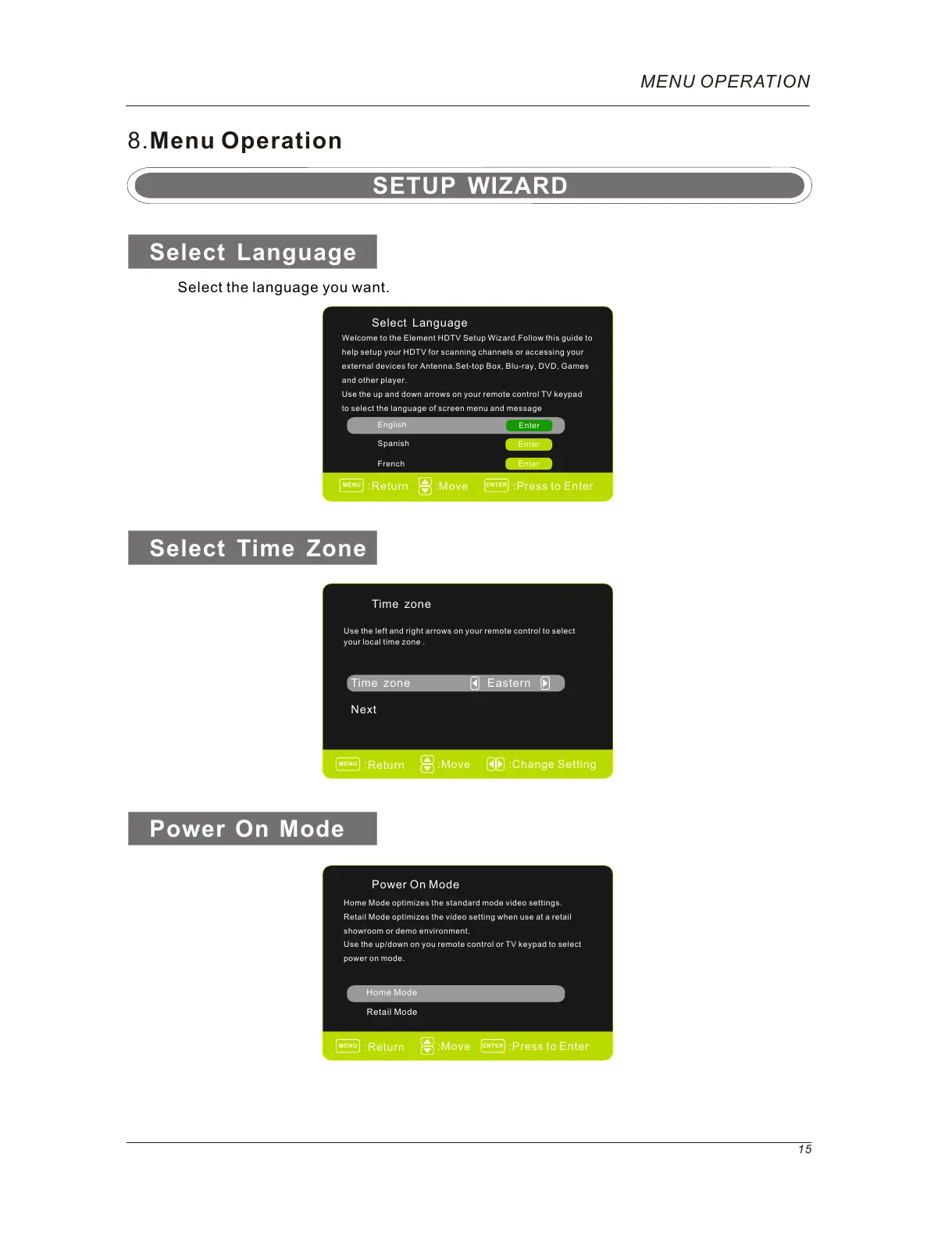
Select Language
Next
Time zone
Time zone
Eastern
Select Language
English
Enter
French
Spanish
Enter
Enter
Welcome to the Element HDTV Setup Wizard.Follow this guide to
help setup your HDTV for scanning channels or accessing your
external devices for Antenna,Set-top Box, Blu-ray, DVD, Games
and other player.
Use the up and down arrows on your remote control TV keypad
to select the language of screen menu and message
Use the left and right arrows on your remote control to select
your local time zone .
:Press to Enter
Power On Mode
Retail Mode
Home Mode
Select the language you want.
Select Time Zone
Power On Mode
:Move :Change Setting
MENU
:Return
Home Mode optimizes the standard mode video settings.
Retail Mode optimizes the video setting when use at a retail
showroom or demo environment.
Use the up/down on you remote control or TV keypad to select
power on mode.
ENTER
MENU
:Return



 To Next Page