19
MENU OPERATION
Screen Size
Screen Settings
Sharpness
27
Tint
27
Sharpness
Tint
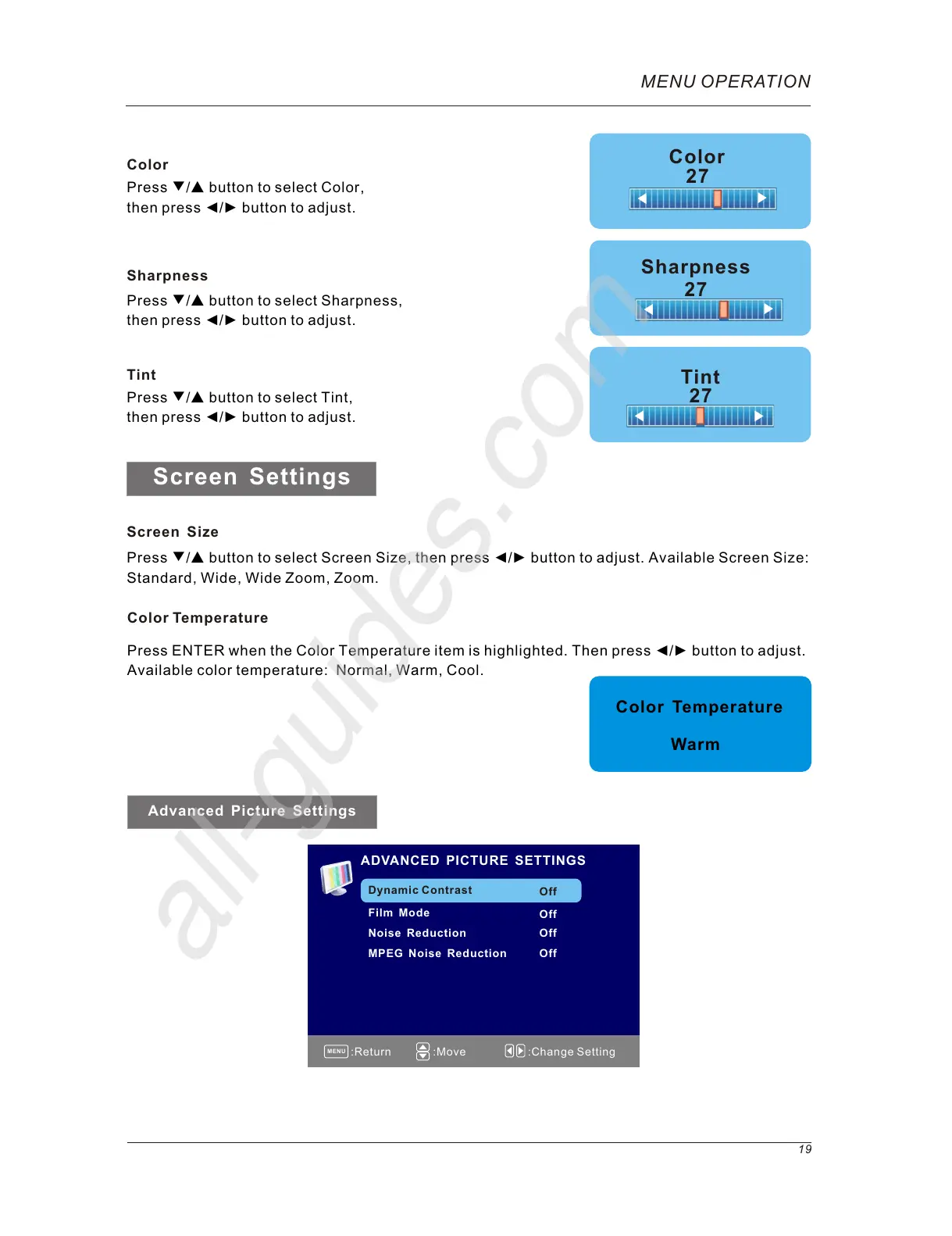
Press ▼/▲ button to select Sharpness,
then press ◄/► button to adjust.
Press ▼/▲ button to select Tint,
then press ◄/► button to adjust.
Color
27
Color
Press ▼/▲ button to select Color,
then press ◄/► button to adjust.
Press ▼/▲ button to select Screen Size, then press ◄/► button to adjust. Available Screen Size:
Standard, Wide, Wide Zoom, Zoom.
MENU
:Return
:Move :Change Setting
Press ENTER when the Color Temperature item is highlighted. Then press ◄/► button to adjust.
Available color temperature: Normal, Warm, Cool.
Color Temperature
Warm
Color Temperature
ADVANCED PICTURE SETTINGS
Dynamic Contrast
Film Mode
Noise Reduction
MPEG Noise Reduction
Off
Off
Off
Advanced Picture Settings
Off



 To Next Page