* Live TV Pause can pause content received on the antenna TV input for up to 90 minutes and requires a
16GB or larger USB drive and a valid Roku account. All data on the USB drive will be deleted prior to use.
0
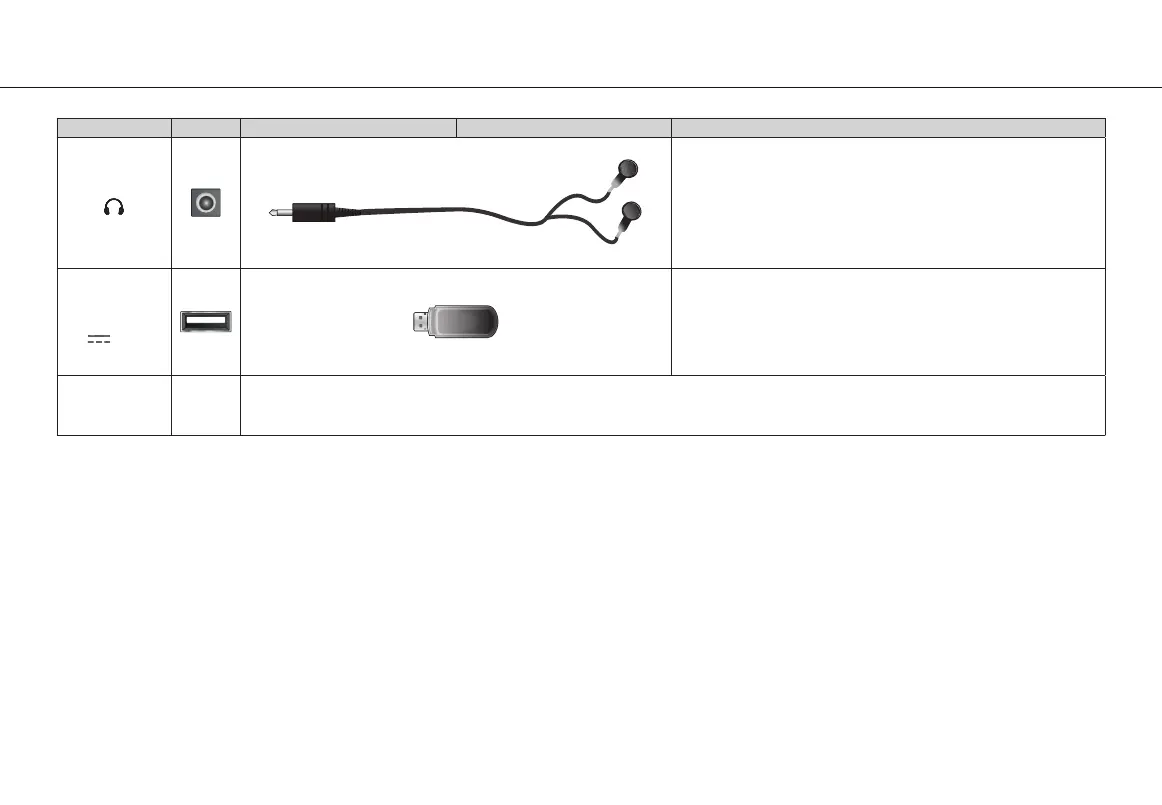
TV label Port Cable External Equipment Brief Description
Connect headphone for audio out of the TV.
USB
5V
500mA
Connect a USB device for browsing photos, music and
movies. Use a USB drive 16GB or larger for pausing Live TV
while watching Antenna TV.
The unit only recognizes a USB Memory Stick.
RESET
Restart or factory reset your TV.


 To Next Page