EasyManua.ls Logo

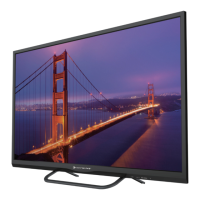
Element ELEFJ322S - User Manual

Element ELEFJ322S
31 pages
Print Icon
To Next Page IconTo Next Page
Loading...
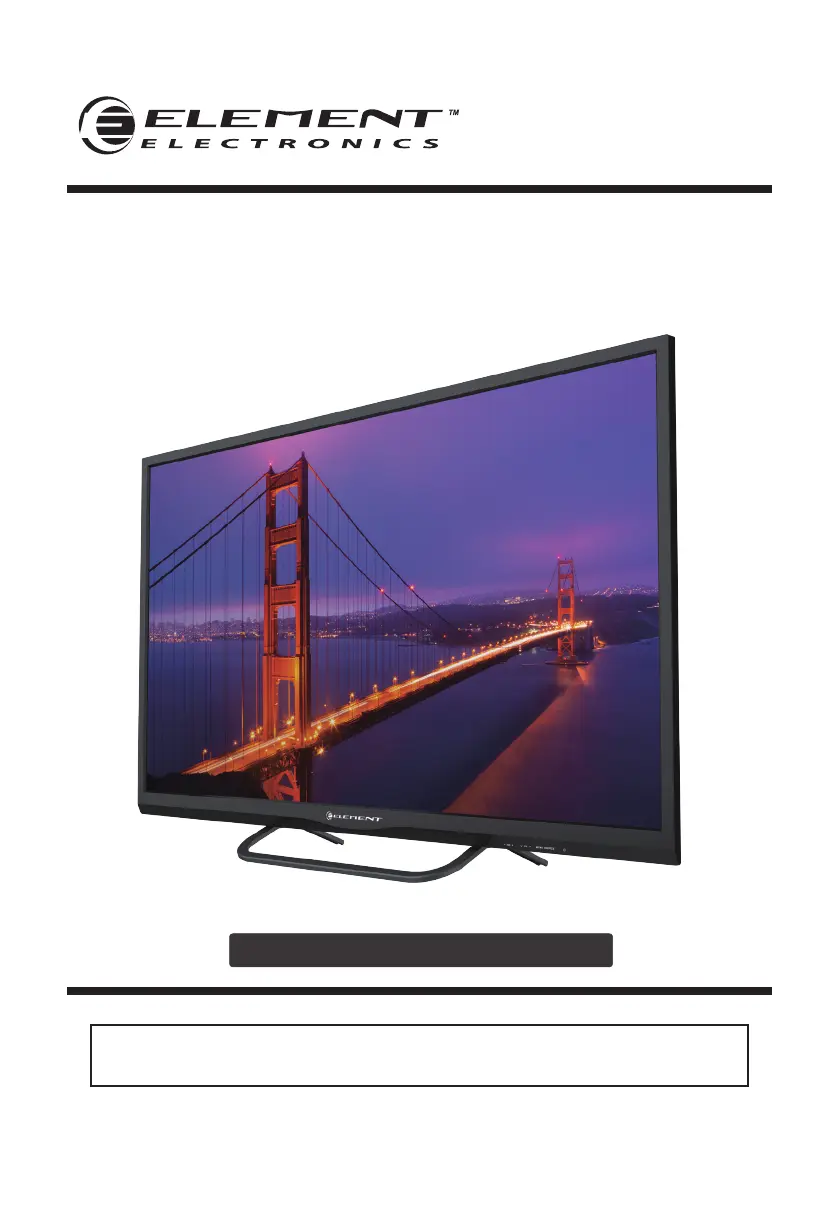
ELEFJ322S
INSTRUCTION MANUAL
Please read all the instructions carefully before using this TV,
and keep the manual for future reference.
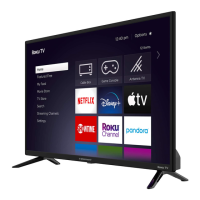
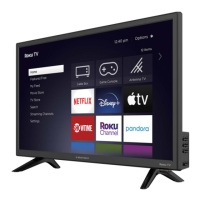
32" HD Digital LED TV

Questions and Answers

  • Q
    qmorganSep 10, 2025
    What to do if my Element ELEFJ322S TV has no sound and picture?
    • D
      David LloydSep 10, 2025
      If your Element TV has no sound and picture, check that the main plug is connected to a wall outlet and that you have pressed the POWER button on the front of the TV. Also, check the picture contrast and brightness settings.
  • L
    Lisa QuinnAug 23, 2025
    What to do if my Element ELEFJ322S TV remote control does not work?
    • M
      Melissa Morgan MDAug 23, 2025
      If the remote control for your Element TV isn't working, check for any obstructions between the remote and the TV. Ensure the batteries are installed with the correct polarity (+/-). Also, verify that the correct remote operating mode is set (TV, VCR, etc.). If these steps don't work, try installing new batteries.
  • M
    masonmorseAug 25, 2025
    Why is my Element TV dead with no LED light?
    • C
      Caroline HarrisAug 25, 2025
      If your Element TV is dead and has no LED light, the cause may be that there is no power to the TV. Check all connections to the TV's AC socket.
  • S
    Scott NolanAug 27, 2025
    Why does my Element TV have a normal picture but no sound?
    • M
      mhuynhAug 27, 2025
      If your Element TV has a normal picture but no sound, check the volume level. Ensure that the sound isn't muted by pressing the MUTE button. Try another channel to rule out a broadcast issue. Also, make sure the audio cables are installed properly.
  • S
    Susan DayAug 28, 2025
    Why does my Element TV say the signal is out of range?
    • M
      Melanie JamesAug 28, 2025
      If your Element TV displays 'The signal is out of range', adjust the resolution, horizontal, or vertical frequency. Check whether the signal cable is connected or loose. Also, check the input source.
  • S
    Stephanie HernandezAug 29, 2025
    How to fix poor color or picture quality on Element ELEFJ322S?
    • M
      Miguel ReedAug 29, 2025
      To fix poor color or picture quality on your Element TV, adjust the color in the Menu option. Keep sufficient distance between the TV and any VCR. Try another channel, as the problem may be with the broadcast. Ensure the VIDEO cables are installed properly. Activate any function to restore the brightness of the picture.
  • D
    Diane MartinezSep 18, 2025
    Why does my Element ELEFJ322S TV have poor reception on some channels?
    • M
      Miguel NelsonSep 18, 2025
      Poor reception on some channels on your Element TV could be due to the station or cable experiencing problems; try tuning to another station. The station signal might be weak, so reorient the antenna for better reception. Also, check for sources of possible interference.
  • A
    Anthony LopezSep 12, 2025
    Why does the red LED indicator light on my Element ELEFJ322S TV?
    • M
      Megan SavageSep 12, 2025
      If the red LED indicator light is on, your Element TV is set in standby mode. Press either the Power button or the Standby button on the remote control.
  • C
    Crystal RodriguezSep 8, 2025
    Why is my Element TV screen blue?
    • J
      Jonathan MartinezSep 8, 2025
      A blue screen on your Element TV usually indicates that there is no signal. Press the SOURCE button to select the correct source.
  • J
    John HigginsSep 5, 2025
    How to fix vertical bar/strip, horizontal noise and incorrect position on Element ELEFJ322S?
    • I
      Isabella MartinezSep 5, 2025
      To fix a vertical bar or strip on the background, horizontal noise, and an incorrect position on your Element TV, set the auto configure or adjust the clock, phase, or H/V position.

Summary

Important Safety Instructions

Additional Safety Information

Preparations

What is Included?

Lists the items included with the TV set.

Front View

Rear View

Wall Mounting

Instructions for mounting the TV on a wall using a VESA bracket.

Remote Control

Connecting External Devices

Customizing TV Settings

Turning On;Off Your TV

Guides on how to power the TV on and off.

Setup Wizard

Describes the initial setup process and mode selection.

Navigating The On-screen Display

Streaming

Media

Viewing Photos

Explains how to view photos from a USB device.

Listening To Music

Selecting The Input Source

Channel Selection

Volume Adjustment

Setup

Settings

Explains how to access and adjust various TV settings.

Audio Settings

Picture Settings

Channel Settings

Time Settings

Network Settings

Lock Settings

Parental Control

Motion Picture Association of America (MPAA) Rating System

TV Parental Guideline Rating System

Troubleshooting

FCC NOTES

FCC STATEMENT

Details compliance with FCC rules and potential interference.

FCC Radiation Exposure Statement

States FCC limits for radiation exposure.

The IC Wants You to Know

Information regarding Industry Canada compliance.

SPECIFICATIONS

OTT APP Service

Element ELEFJ322S Specifications

General IconGeneral
BrandElement
ModelELEFJ322S
CategoryTV
LanguageEnglish

Related product manuals