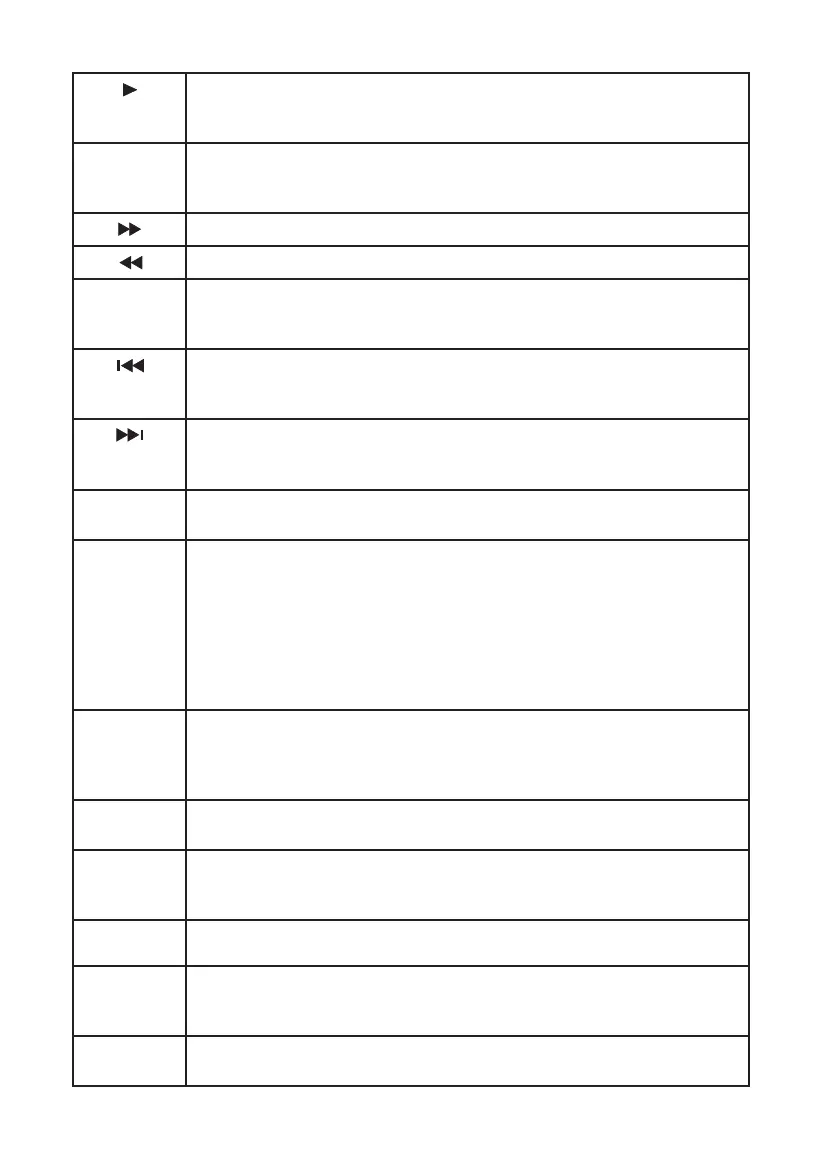
When playing DVD, SVCD, VCD, CD disc, if the disc isn’t in
the normal playing status, press PLAY button to play normally
the disc.
STEP
When playing DVD, SVCD, VCD disc, press STEP once, the pic-
ture will be played to next frame. Press PLAY button to resume
the normal play.
Press this button for quick forward search.
Press this button for quick rewind search.
SLOW
When playing SVCD, VCD, DVD discs, press [SLOW ] button to
select slow speed playing, press [PLAY] button to return the
normal play.
When playing DVD disc, press PREV to the previous chapter.
When playing SVCD, VCD, CD disc, press PREV to the previous
track.
When playing DVD disc, press NEXT to the next chapter.
When playing VCD, VCD, CD disc, press NEXT to the next
track.
N/P
Press N/P button to switch the video format in turn, They are
PAL, NTSC, AUTO formats
REPEAT
Press REPEAT button to repeat a title, chapter, track or the
whole disc. When playing DVD disc, press REPEAT button con
-
tinually, the TV screen shows chapter repeat, title repeat, all
repeat, repeat cancel in turn.
When playing SVCD, VCD, CD disc, the turn is track repeat, all
repeat, repeat cancel.
When playing MP3 disc, the turn is single repeat, directory re
-
peat, repeat cancel.
A-B
When playing DVD, SVCD, VCD, CD disc, press A-B button to
repeat a certain contents. Press A-B key on the start point (A)
and the ending point (B) to select the repeat part. Press A-B the
third time, cancel A-B repeat and return to normal play.
GO TO
Press GOTO button to select title time, chapter time, track time
to play. You can use digit keys input the go to time.
ZOOM
When playing DVD, SVCD, VCD disc, press ZOOM to zoom in
the picture. In zoom in mode, press up/down/left/right to
move the picture for viewing.
VOL
Press VOL + to adjust volume up.
Press VOL - to adjust volume down.
MUTE
Press MUTE button, no sound will give out and the mute sym-
bol will display on the TV screen. Press MUTE again, MUTE OFF
will display and the sound will resume.
OSD
Press the OSD button, the relative information of the disc will
display on the TV screen.
35



 To Next Page