4. With the conveyor completely lowered, if the
main broom is not at proper height, use the
same switch (50) to adjust broom height. This
adjustment will not affect the height of the
conveyor.
5. Start conveyor rotation by using the Conveyor
Rotate switch (49).
6. Lower the side broom(s) by using the Broom
Height switch(es) (26 and/or 46).
7. As necessary, start rotation of brooms by using
the Broom Rotate switches (22, 27, 45).
8. Activate spray water by using the Spray Water
switch(es) (28 and/or 44). Water volume is con-
trolled by using the Spray Water valve (51,
Figure O-2).
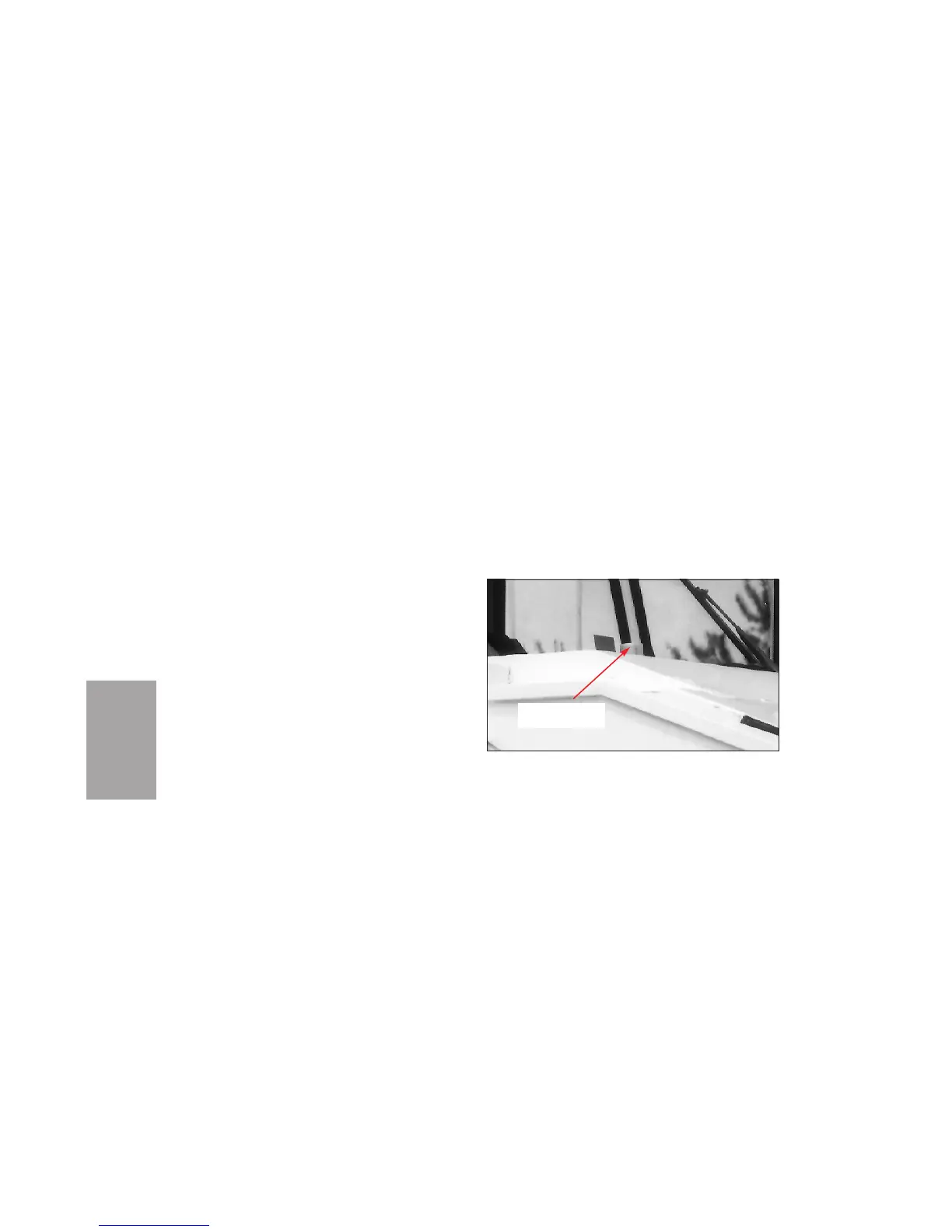
9. During sweeping, monitor the level of water in
the spray water tank. Sweeping without water
will result in poor dust suppression. The
water gauge is located in front of the right
windshield (Figure O-7).
10. If necessary, turn on lights using:
Hazard switch (33, Figure O-1)
Head Lights switch (35)
Broom Light switch(es) (29 and/or 43)
Beacon switch (optional) (34)
Rear Flood switch (optional) (37).
11. Use the Engine Throttle Control (53, Figure
O-2) to set the recommended engine speed
OPERATION
O-14
Area In Front Of Windshield
Figure O-7
SPRAY WATER
GAUGE


 To Next Page
 Loading...