Unit Lock
This feature prevents that the unit switches on during
transport and may discharge the Li-Ion battery. To
activate this function: switch the unit off and press
shortly and immediately “Menu”. To unlock the on/off
button, press on and immediatley “Menu”.
Reset To Default Settings
Switch the unit on and release the ON button. When
the EL Logo appears press immediately the “ON” and
“Menu” button for 4 seconds until the display shows
“Reload all default parameters”.
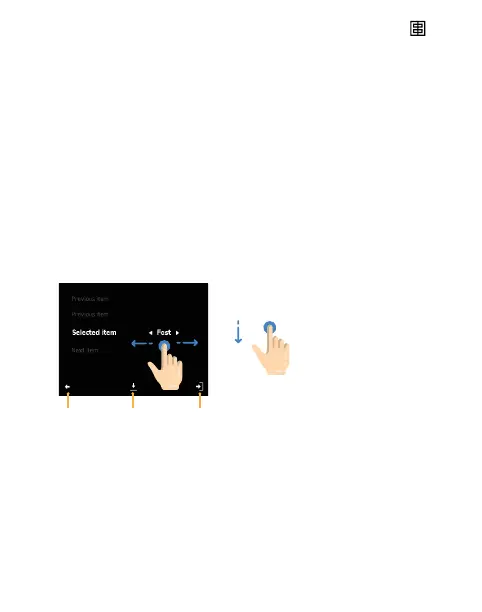
Sub-menu Screen
Select feature by scrolling.
Swipe left or right to change
value between the arrowsBack Save Exit
User manual ONE ELINCHROM — 21



 To Next Page