7. EL logo colour: The side logos can show the
dedicated Group colour to identify which unit works
in which Group, or just set to white.
Blue for Group 1
Yellow for Group 2
Red for Group 3
and Green for Group 4.
8. Wireless settings: The Wireless connection is
needed to update the “ IOT module functionality”
of the ONE. To proceed with regular Firmware
updates, the UPDATER software is required,
available as a free download on the EL website.
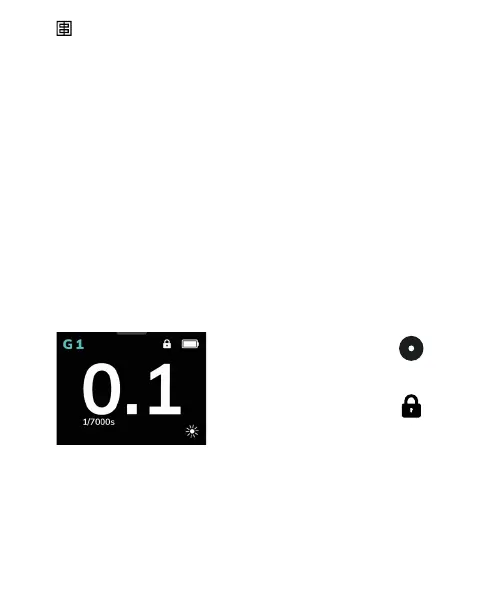
Screen Lock
To activate the touch screen
lock, press the ON button whilst
powering on the unit for 9s. The
lock symbol indicates that the touch
screen is locked.
To unlock switch the unit off and
on again.
20 — ELINCHROM ONE User manual


 To Next Page