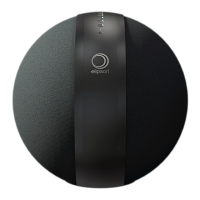
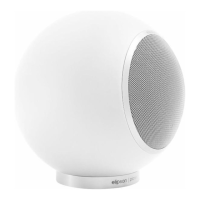
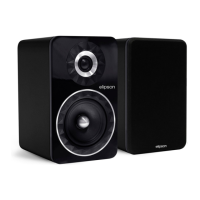
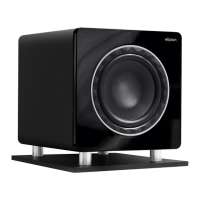
Get to know W35+
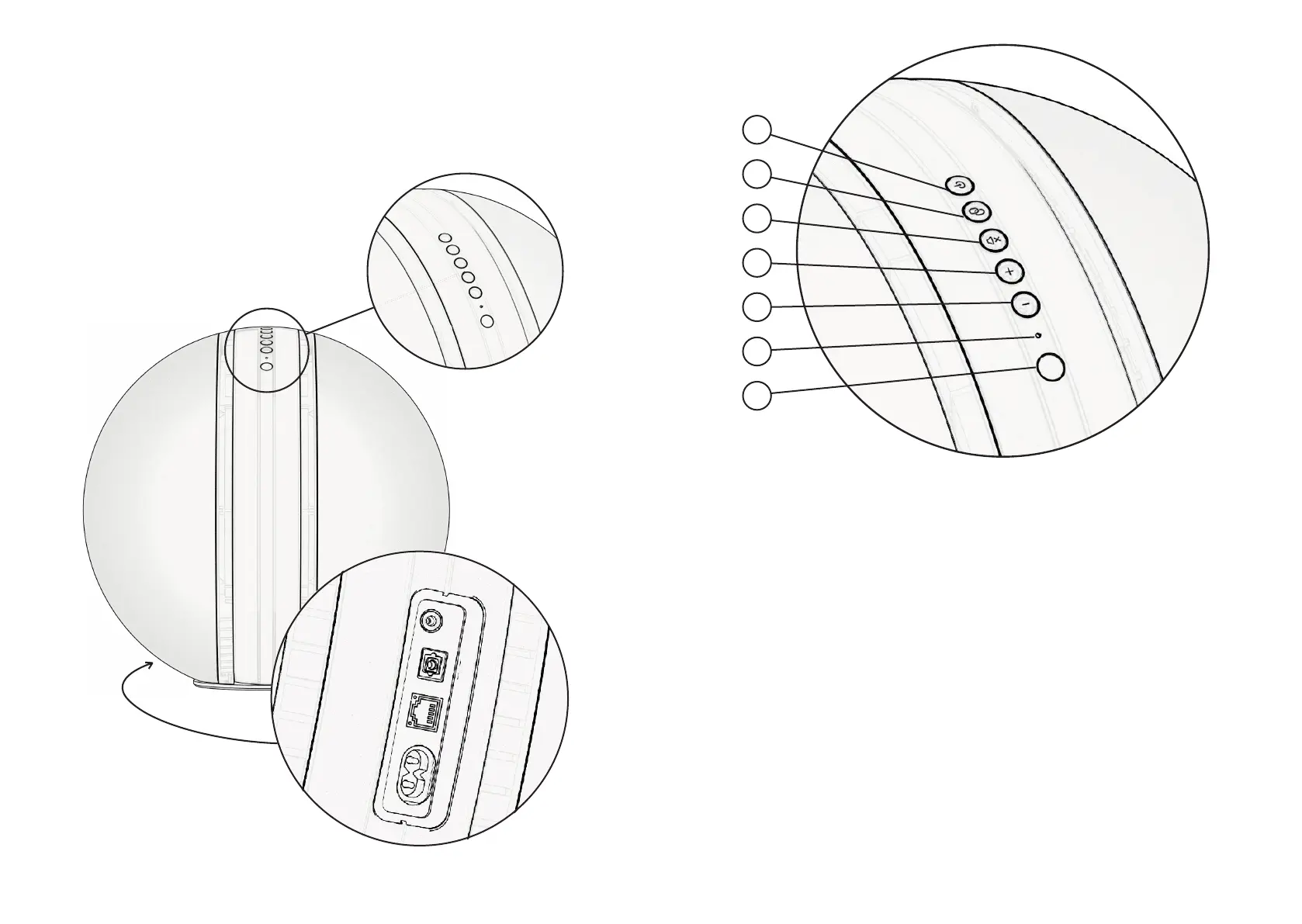
Control panel
Input panel
1
2
3
4
5
6
7
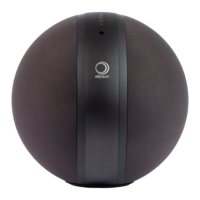
Control panel
1. Power switch and source
selection :
Touch to turn on. Touch again
to select source. Hold during
3 seconds to set speaker into
Standby mode.
2. Pairing :
Hold during 3 seconds to re-
set Wi-Fi or Bluetooth connec-
tion.
3. Mute/unmute :
Tap to mute. Tap any volume
control key to unmute. Hold
for 6sec to hard-reset the
W35+.
4.5. Volume control.
6. Monitoring light :
When constant, your W35+
is connected. When blinking
fast, no connections are es-
tablished. When blinking slow,
mute mode is active.
Blue : Bluetooth
Red : Sleep / Standby
White : Wi-Fi
Green : Auxiliary line-in
Yellow : Optical mode
When in Wi-Fi mode, if you
access to Spotify, the LED will
lit up in green for 2 seconds.
7. Infrared sensor.


 To Next Page