KEEP WORKiNG
Keep Working
KEEP WORKiNG
15
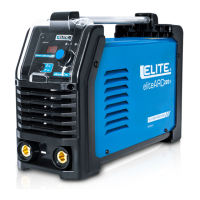
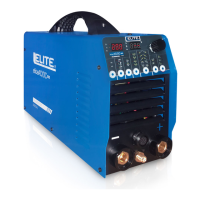
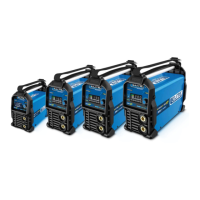
Si6130XP Si7160XP
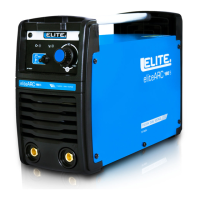
Si7175XP Si7200XP
in
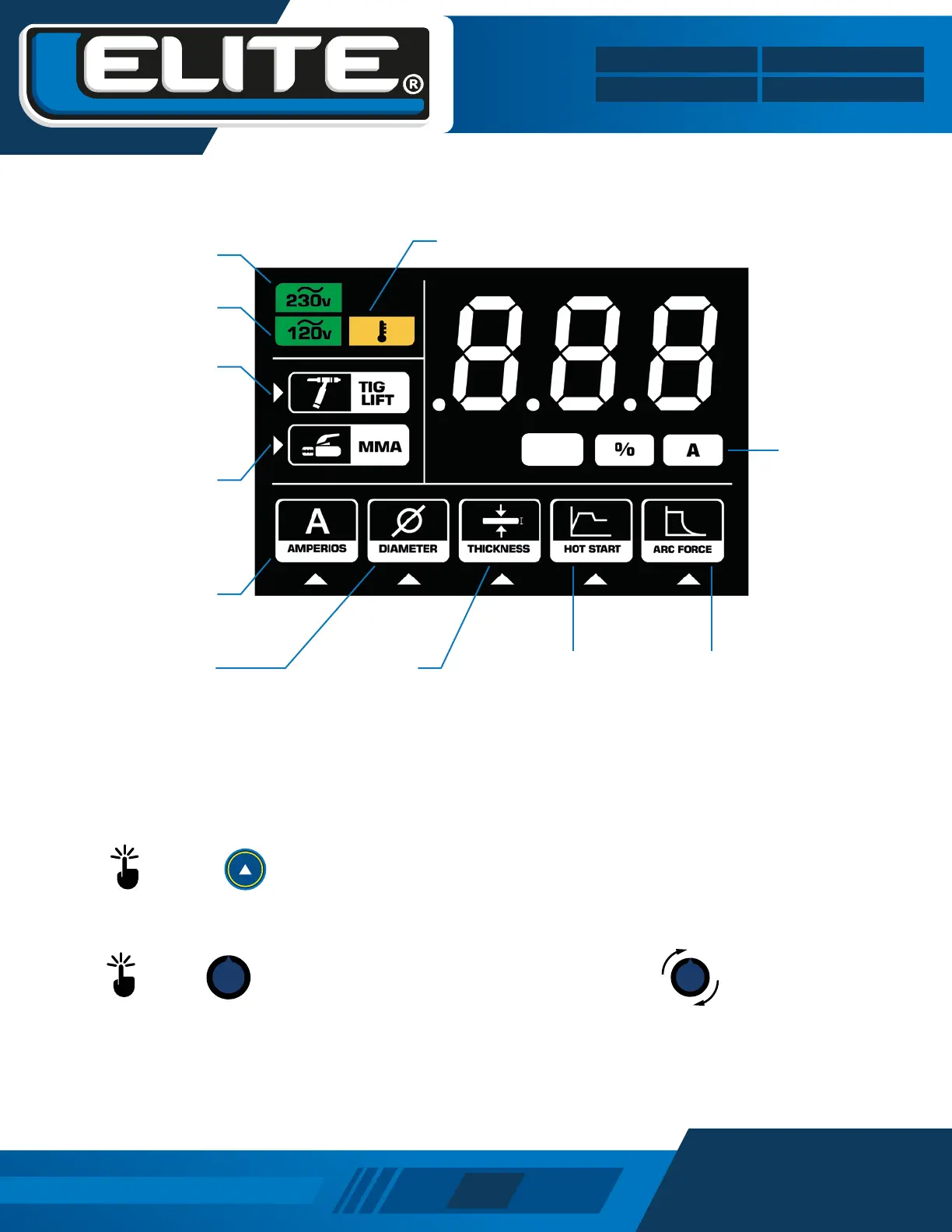
Connected
to 110-127v
Electrode diameter
indicator.
Connected
to 220-230v
Output current
parameter indicator
TIG DC process
indicator, with Lift Arc
technology.
Manual arc welding
process indicator.
Material
thickness
indicator.
Hot Start indicator. It
facilitates the start of the
arc, preheating the
electrode.
Display shows
units: mm, %
and Current
Arc Force indicator.
Improves arc stability and
prevents electrode sticking.
Overheat indicator
Press the button to switch between the MMA (Small Stick Welding or SMAW) and TIG (Gas Tungsten Inert
Welding or GTAW) process.
Press the knob to switch between the parameters to be adjusted and turn it to adjust the parameter.
INSTRUCTIONS FOR ADJUSTING THE EQUIPMENT


 To Next Page