________________________________________________________________________
P a g e | 12
After setting the top riding speed, press MODE for confirmation and enter into the display unit
setting.
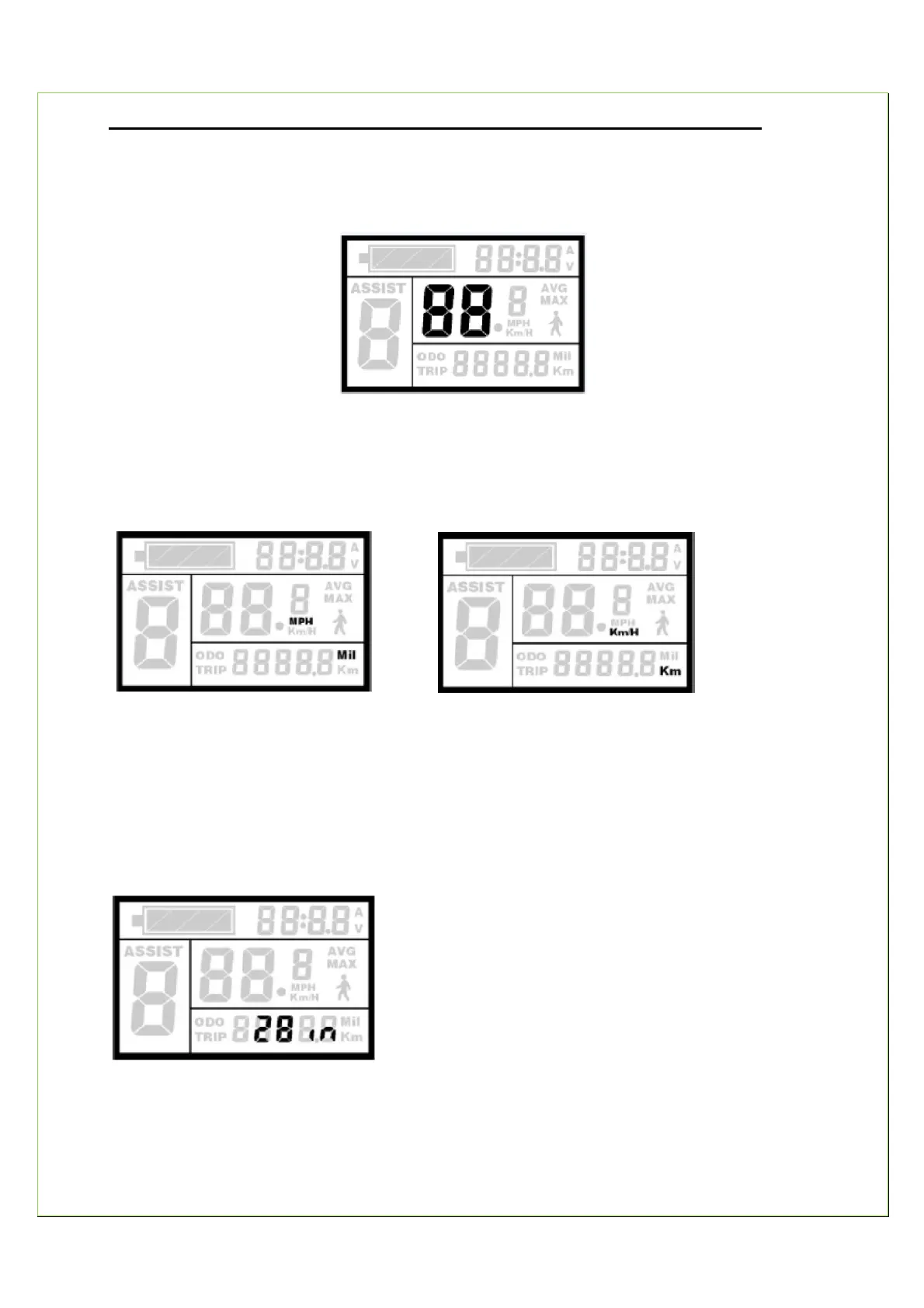
Top-Speed Setting Interface
Choice of Display Unit (Metric system/ Imperial system)
Press UP or DOWN to select between MPH and Km/H. .
Imperial Metric
Wheel Diameter Setting
Press MODE for confirmation and then enter into wheel size setting.
Press UP or DOWN and choose a corresponding wheel diameter to ensure the accurate display
of speed and distance.
Press MODE to confirm the wheel size. The default value of the wheel size is 26inch



 To Next Page