RÉSÉt]key: Resetthe backgroundhalogenlevelto "zero",any leaksources
higher than this "zero" level is considered to be a leak and trigger the alarm
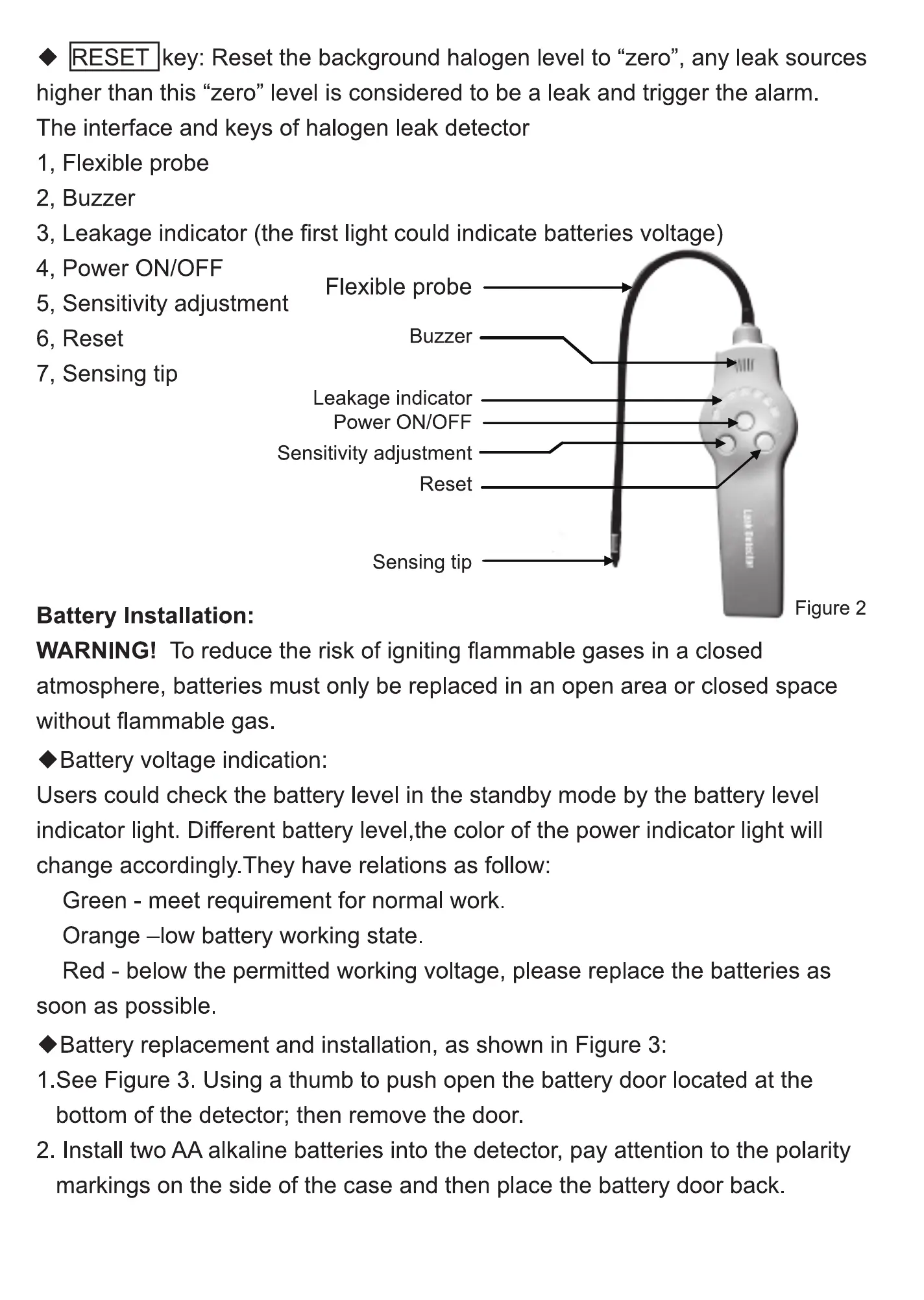
The interface and keys Of ha ogen leak detector
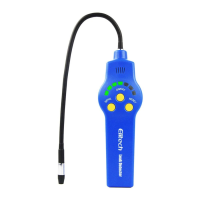
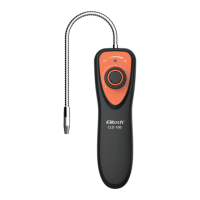
1, Flexible probe
2, Buzzer
3, Leakage indicator (the first light could indicate batteries voltage)
4, Power ONIOFF
Flexible probe
5, Sensitivity adjustment
6, Reset
7, Sensing tip
Buzzer
Leakage indicator
power ON/OFF
Sensitivity adjustment
Reset
Sensing tip
Battery Installation:
Figure 2
WARNING! To reduce the risk of igniting flammable gases in a closed
atmosphere, batteries must only be replaced in an open area or closed space
without flammable gas
• Battery vo tage indication:
Users could check the battery level in the standby mode by the battery level
indicator light Different battery level,the color Of the power indicator light wil
change accordingly They have relations as fol Ow:
Green - meet requirement for normal work
Orange —lowbattery working state
Red - below the permitted working vo tage, please replace the batteries as
soon as possible
•Battery replacement and installation, as shown in Figure 3:
1.See Figure 3. Using a thumb to push open the battery door ocated at the
bottom of the detector; then remove the door.
2. Install two AA alkaline batteries into the detector, pay attention to the polarity
markings on the side of the case and then place the battery door back
4


 To Next Page
 Loading...