6
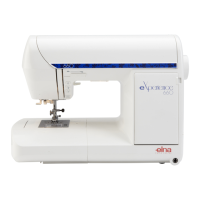
MODEL:eXplore 240
SERVICE ACCESS
FRONT COVER
(TO REMOVE)
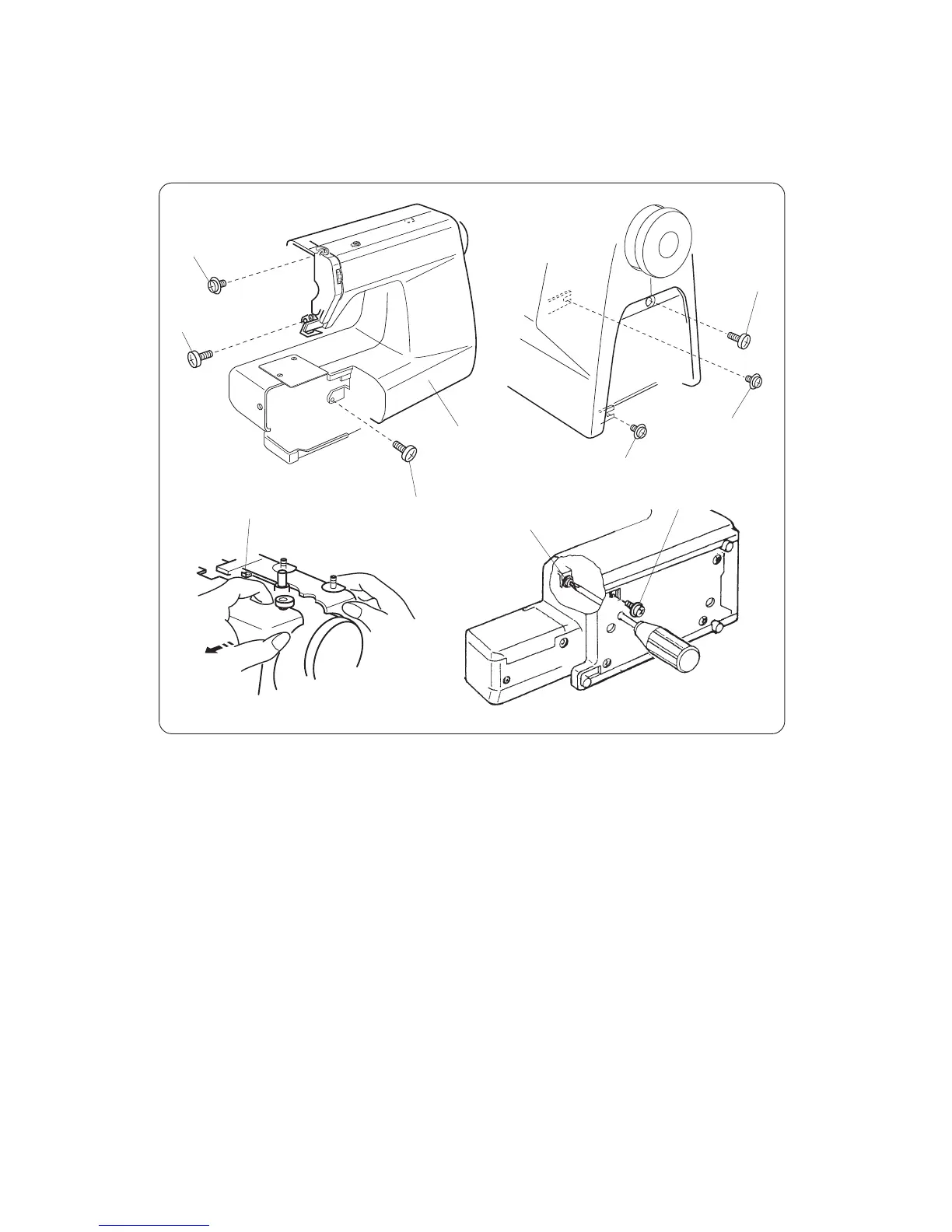
1. Remove the face cover, and belt cover (see pages 4).
2. Loosen setscrews (A), (B), (C), (D) and (E), and then, remove the front cover by removing
setscrews (F), (G) and (H).
NOTE: Pull to release from hook (I).
(TO ATTACH)
3. Mount the front cover in reverse procedure of the removing.
(A)
(B)
(C)
(D)
(F)
(H)
(G)(I)
Front cover
(E)



 To Next Page