EasyManua.ls Logo

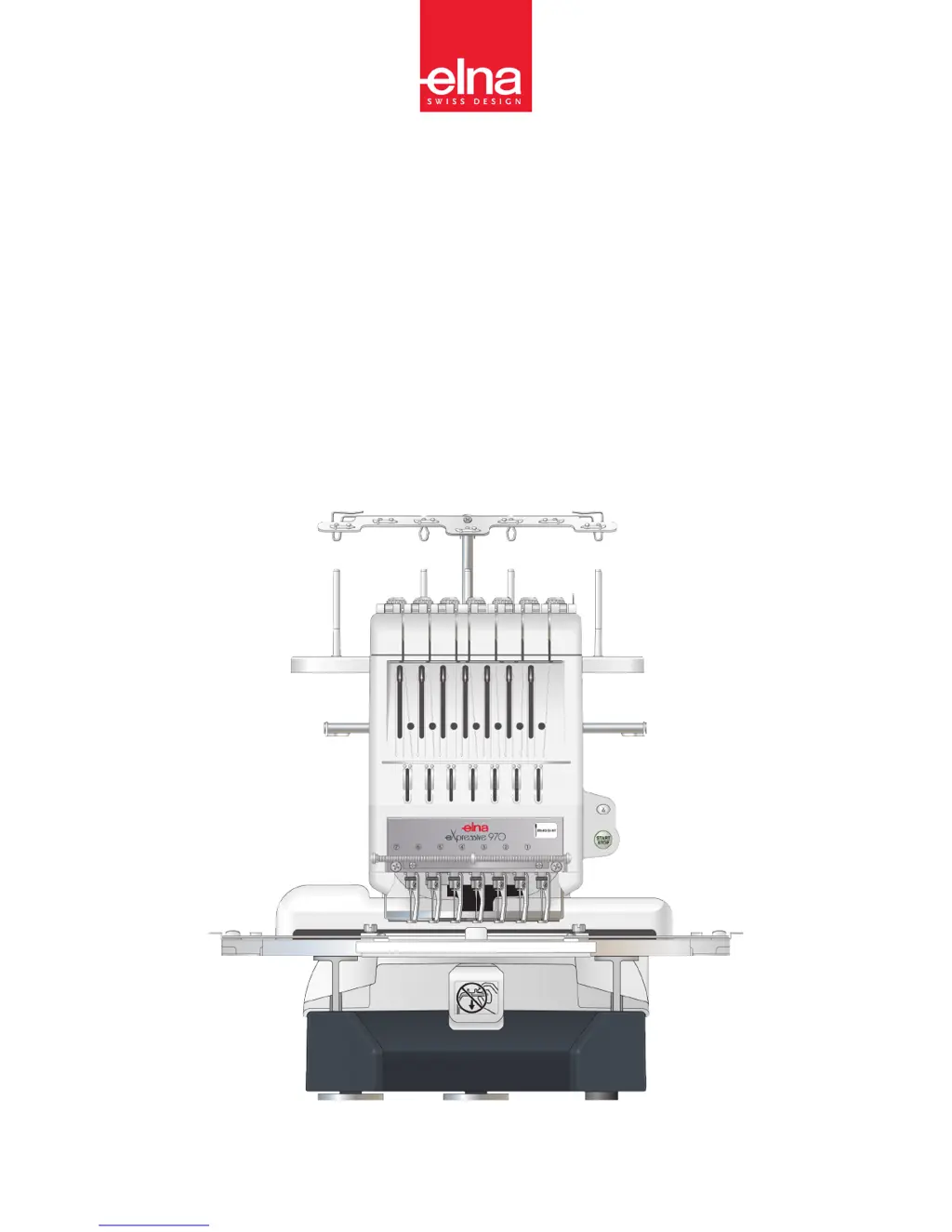
ELNA eXpressive 970 - User Manual

ELNA eXpressive 970
96 pages
Print Icon
To Next Page IconTo Next Page
Loading...
eXpressive 970
| Instruction Manual |

Table of Contents

Other manuals for ELNA eXpressive 970

Questions and Answers

  • D
    David RiosAug 15, 2025
    Why is my ELNA Sewing Machine needle thread breaking?
    • A
      Ashley MillerAug 15, 2025
      The needle thread might be breaking due to several reasons: the needle thread isn't threaded properly, the needle thread tension is too tight, the needle is bent or blunt, the needle isn't inserted properly, the stitch density is too dense, poor quality threads are used, or the bobbin thread isn't threaded properly. If the stitch density is too dense, modify the pattern by using an embroidery software. If poor quality threads are used, switch to high-quality threads.
  • J
    Jeffrey HunterAug 18, 2025
    Why does my ELNA eXpressive 970 keep skipping stitches?
    • J
      Jennifer HeathAug 18, 2025
      Skipped stitches can occur if the needle isn't inserted properly, the needle is bent or blunt, the needle thread isn't threaded properly, or the fabric isn't stretched tight enough in the hoop.
  • D
    David NicholsonAug 22, 2025
    Why is my ELNA eXpressive 970 Sewing Machine needle breaking?
    • D
      Daniel WelchAug 22, 2025
      The needle might be breaking because it isn't inserted properly, it's bent or blunt, the needle clamp screw is loose, the needle thread tension is too tight, the stitch density is too dense, or the needle thread isn't threaded properly. If the stitch density is too dense, modify the pattern by using an embroidery software.
  • M
    Morgan MarshallAug 25, 2025
    What to do if my ELNA eXpressive 970 is noisy?
    • M
      michelemendezAug 26, 2025
      The machine might be noisy because lint has accumulated in the hook or the machine runs out of oil.
  • M
    michael23Aug 28, 2025
    What to do if my ELNA eXpressive 970 touch panel keys do not work?
    • A
      Ashley ChaneyAug 28, 2025
      If the touch panel keys aren't working correctly, it could be because the key position is out of alignment or the control system isn't working correctly. Turn the power off and then on again.
  • A
    Allison BarrettSep 1, 2025
    Why is the bobbin thread breaking on my ELNA eXpressive 970 Sewing Machine?
    • J
      Jennifer SwansonSep 1, 2025
      The bobbin thread might be breaking because it isn't threaded properly, lint has accumulated in the hook, the bobbin isn't inserted into the bobbin case properly, or the bobbin or bobbin case has a scratch or nick. If the bobbin or bobbin case has a scratch or nick, replace it.
  • P
    phillip41Sep 4, 2025
    What to do if my ELNA eXpressive 970 does not run?
    • C
      Cynthia FarrellSep 4, 2025
      The machine may not run if it is not plugged in correctly. Remove jamming threads. Follow the message to turn it off. Turn the power off and turn it on again.
  • R
    Robert GoodmanSep 7, 2025
    What to do if my ELNA eXpressive 970 Sewing Machine embroidery pattern is distorted?
    • K
      kimbrianSep 7, 2025
      If the embroidery pattern is distorted or not aligned, it could be due to several reasons. The needle thread tension may be too tight, the fabric isn't stretched tight enough in the hoop, a stabilizer isn't used, the fabric is caught or trapped while stitching, the threads are tangled on the bottom side of the fabric, or short stitches are eliminated with the “Ignore short stitches” setting. If the threads are tangled, cut off and remove them.
  • S
    Sherri MillerSep 12, 2025
    Why is the thread forming loops on my ELNA eXpressive 970?
    • M
      Micheal VargasSep 12, 2025
      Thread loops can form if the needle thread tension is too loose, the bobbin isn't inserted properly or a poor quality thread is used. If a poor quality thread is used, switch to a high quality thread.

Summary

Important Safety Instructions

Grounding Instructions

Setting Up the Machine

Installing the Machine

Instructions for placing and orienting the sewing machine on a stable surface.

Threading the Needle

Comprehensive instructions for threading the needle with thread.

Connecting the Power Supply

Steps for safely connecting the machine to the electrical power source.

Installing the RCS Unit (optional for some models)

Guide for connecting the optional RCS unit to the sewing machine.

Basic Operation

Machine operating buttons

Explanation of the primary buttons on the machine for operation.

Starting to Embroider

Step-by-step guide to begin the embroidery process.

Adjusting the Thread Tension

Guide on how to adjust needle and bobbin thread tension for optimal stitching.

Basic Operation of the Optional RCS Unit

Machine operating buttons

Description of the buttons on the RCS unit for controlling the machine.

Panel keys

Explanation of various keys and their functions on the RCS unit panel.

Advanced Operation with the Optional RCS Unit

Selecting the Embroidery Patterns

Guide to selecting embroidery patterns using the RCS unit.

Monogramming

Instructions for creating and customizing monograms on the machine.

Editing

Overview of the editing mode for modifying embroidery patterns.

Combining the Patterns and Lettering

Merging embroidery patterns with text elements.

Customizing the Settings with the Sub Control Panel

Resetting all to defaults

Restoring all settings to their original factory values.

Maximum sewing speed

Setting the upper limit for the machine's sewing speed.

Language selection

Choosing the preferred language for on-screen messages.

File Management

Saving the Pattern as a File

Instructions for saving embroidery patterns into files.

Opening a file

Guide to accessing embroidery files from various storage locations.

Optional Items

USB Flash Drive

Information about using USB flash drives with the machine.

Care and Maintenance

Cleaning the Hook

Instructions for cleaning the hook area to ensure smooth operation.

Oiling

Points and procedures for lubricating the machine's moving parts.

Error Message

Audible Signals

Explains the meaning of different buzzer sounds emitted by the machine.

Troubleshooting

The needle thread breaks.

Troubleshooting steps for frequent needle thread breakage.

Embroidery pattern is distorted or not aligned.

Addressing problems that lead to misaligned or distorted embroidery patterns.

The fabric puckers.

Solutions for fabric puckering during the embroidery process.

ELNA eXpressive 970 Specifications

General IconGeneral
Stitch Width9 mm
Stitch Length5 mm
Embroidery Area170 x 200 mm
ConnectivityUSB
DisplayLCD
LCD ScreenYes
SpeedAdjustable
Dimensions475 x 316 x 223 mm
TypeSewing and Embroidery
Buttonhole Styles11
Maximum Sewing Speed1000 spm
Maximum Embroidery Speed800 spm
Needle ThreaderAutomatic

Related product manuals