40
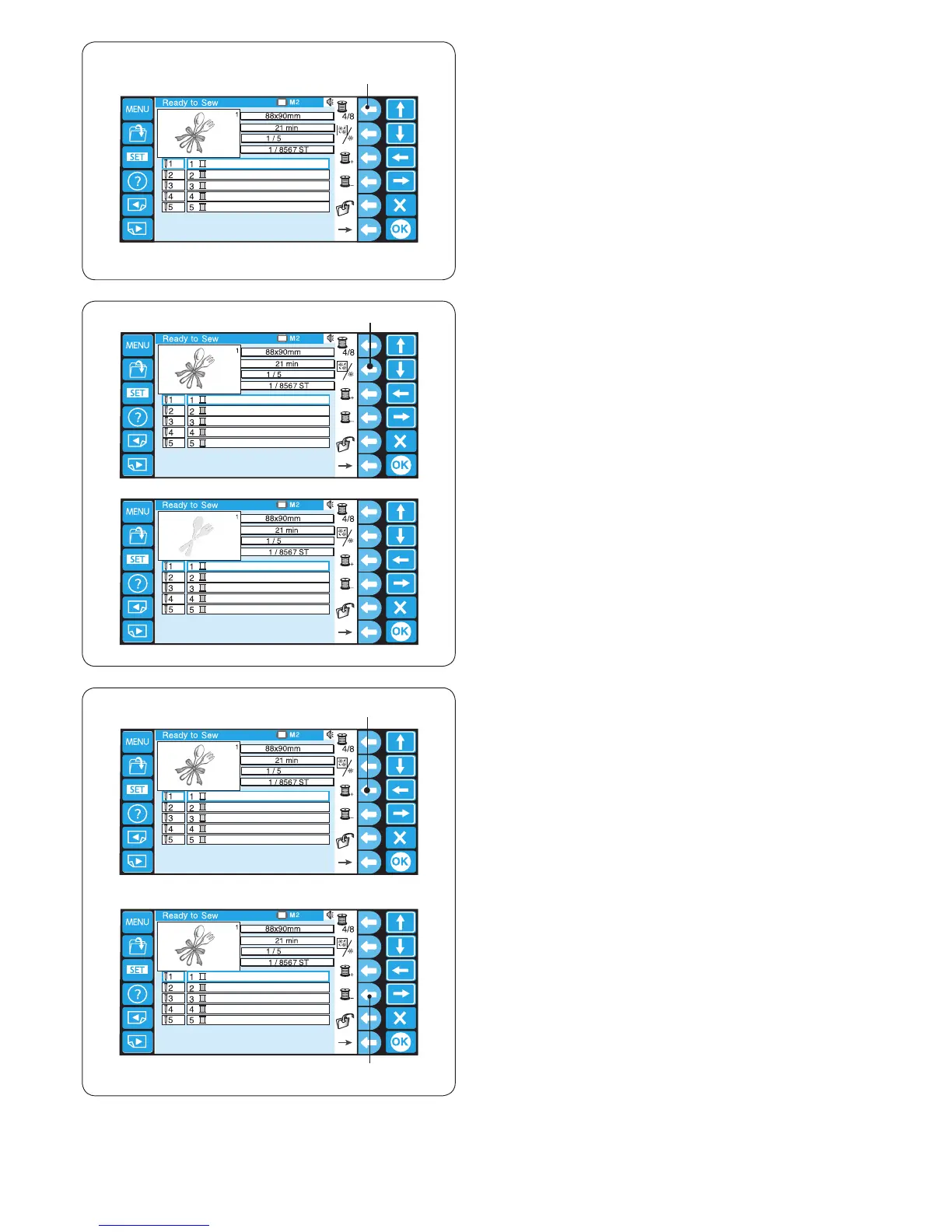
Press the function key next to the previous section
(a spool with “–”) icon to select the previous section.
r Function key (previous section)
The selected color section will be indicated with a red
frame.
Function keys
Color list option
Press the function key next to the color list icon to switch
display between 4 colors and 8 colors.
q Function key (color list option)
Color section (layer) setting
You can select the color section from where you wish to
start sewing.
Press the function key next to the next section (a spool
with “+”) icon to select the next section.
e Function key (next section)
w
e
Color section
Press the function key next to the color section icon to
show the complete stitch image or the selected color
section only.
w Function key (color section)















 To Next Page