56
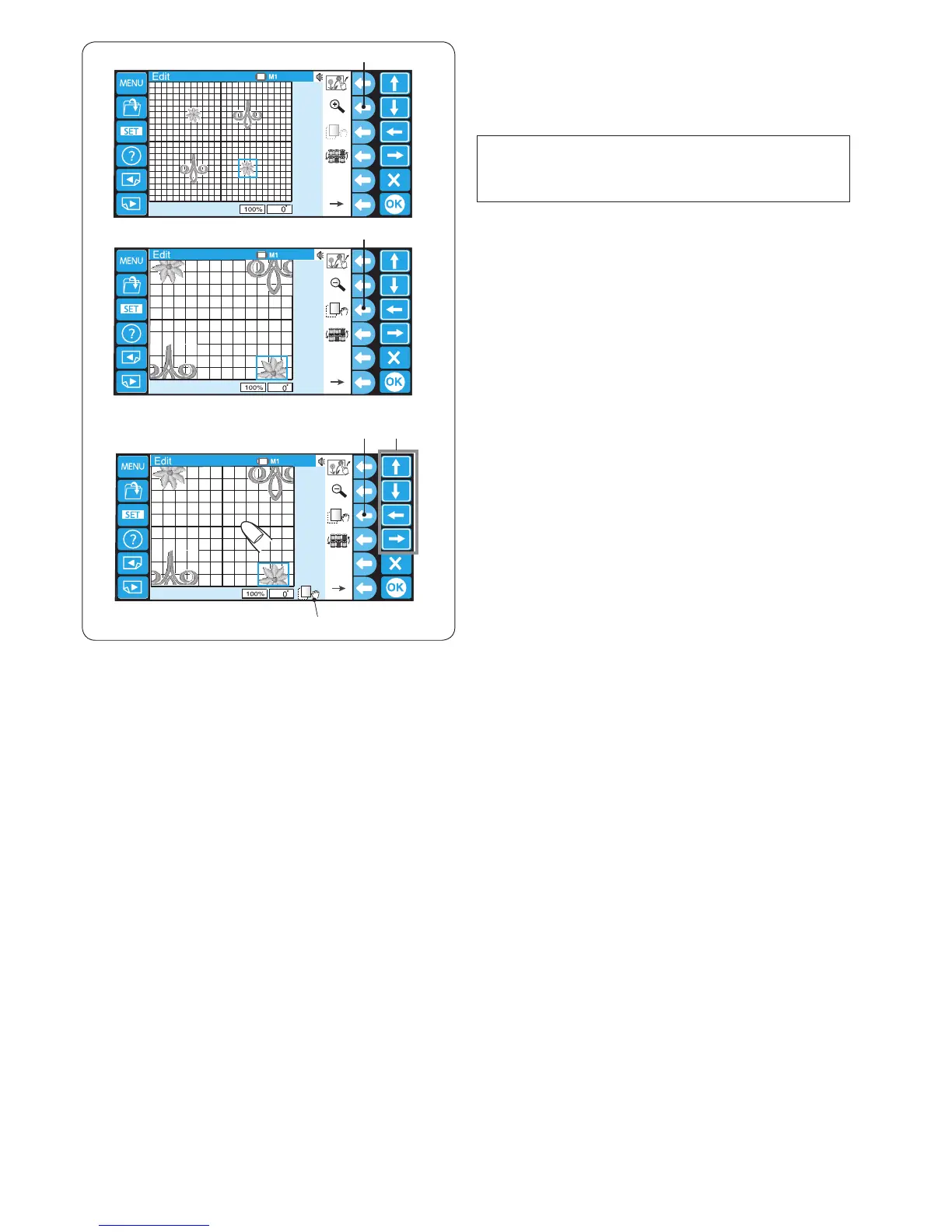
Zooming the editing window
Press the function key next to the magnier icon to zoom-
in or zoom-out the editing window.
q Function key (zoom)
NOTE:
Some patterns cannot be zoomed in depending on the
total stitch count.
q
w
w
e
r
To scroll the zoom-in window, press the function key next
to the scroll icon.
w Function key (scroll)
The scroll icon on the bottom of the screen indicates that
the window is in the scrolling mode.
r Scroll icon
Drag the window to scroll in the desired direction.
You can move the selected pattern with the arrow keys.
e Arrow keys
Press the function key next to the scroll icon again to exit
the scrolling mode.
w Function key (scroll)















 To Next Page