r
t
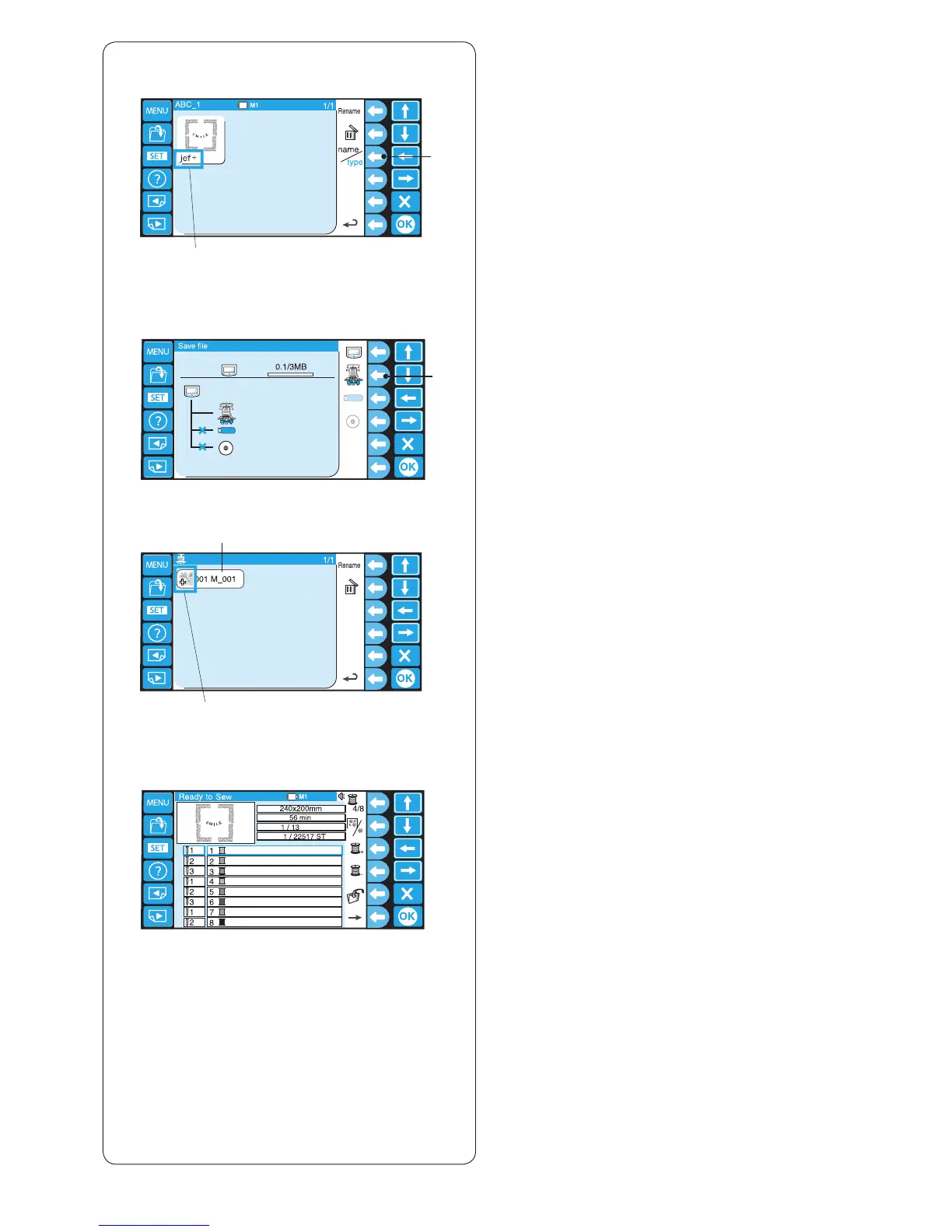
File list option
Press the function key next to name/type icon to switch
display between the le name and le type of the data on
the list.
q Function key (name/type)
w File type jef+, jef (Janome format)
dst (Tajima format)
Example: Opening a le from the machine.
z Press the function key next to the machine icon.
e Function key (machine)
x Select the le (data)
r File
* The le type is indicated by the icon.
t Icon
jef+ (Janome format )icon
jef (Janome format )icon
dst (Tajima format )icon
c The Ready to Sew window will be displayed.















 To Next Page