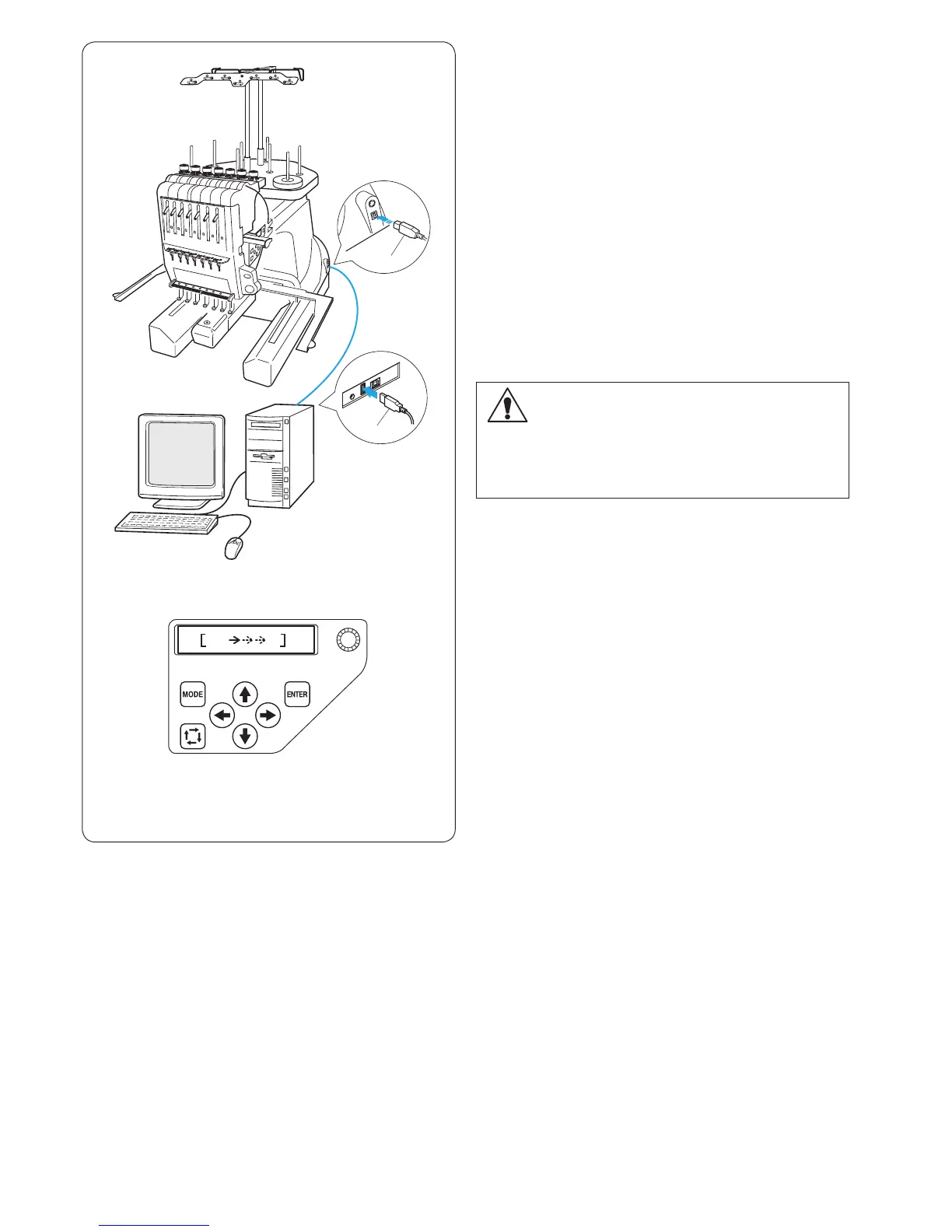
Direct PC-Link
The machine can be connected to PC with the USB cable
included as standard accessory.
You need Digitizer V5 software (optional item) to operate
the machine via direct PC-link.
q Type A USB connector
w Type B USB connector
e Transferring the data
Connecting the Machine and PC
Start up the machine and PC, and insert the type A USB
connector into the PC.
Insert the type B USB connector into the USB port on the
machine.
For operating instructions, refer to the instruction manual
of Digitizer V5.
Embroidery Data Format
The following embroidery data formats can be used
with this machine.
(1) .jef (Janome embroidery format)
(2) .jef + (editable Janome embroidery format)
(3) .dst (Tajima embroidery format)
* Tajima format (.dst) does not have thread color
information. Madeira (Rayon 40) thread color
information will be assigned automatically.
q
w
CAUTION:
Do not turn the power switch off or disconnect the
USB cable while the data transfer is in progress.
Otherwise the data will be lost or the memory will be
damaged.
e















 To Next Page