w
e
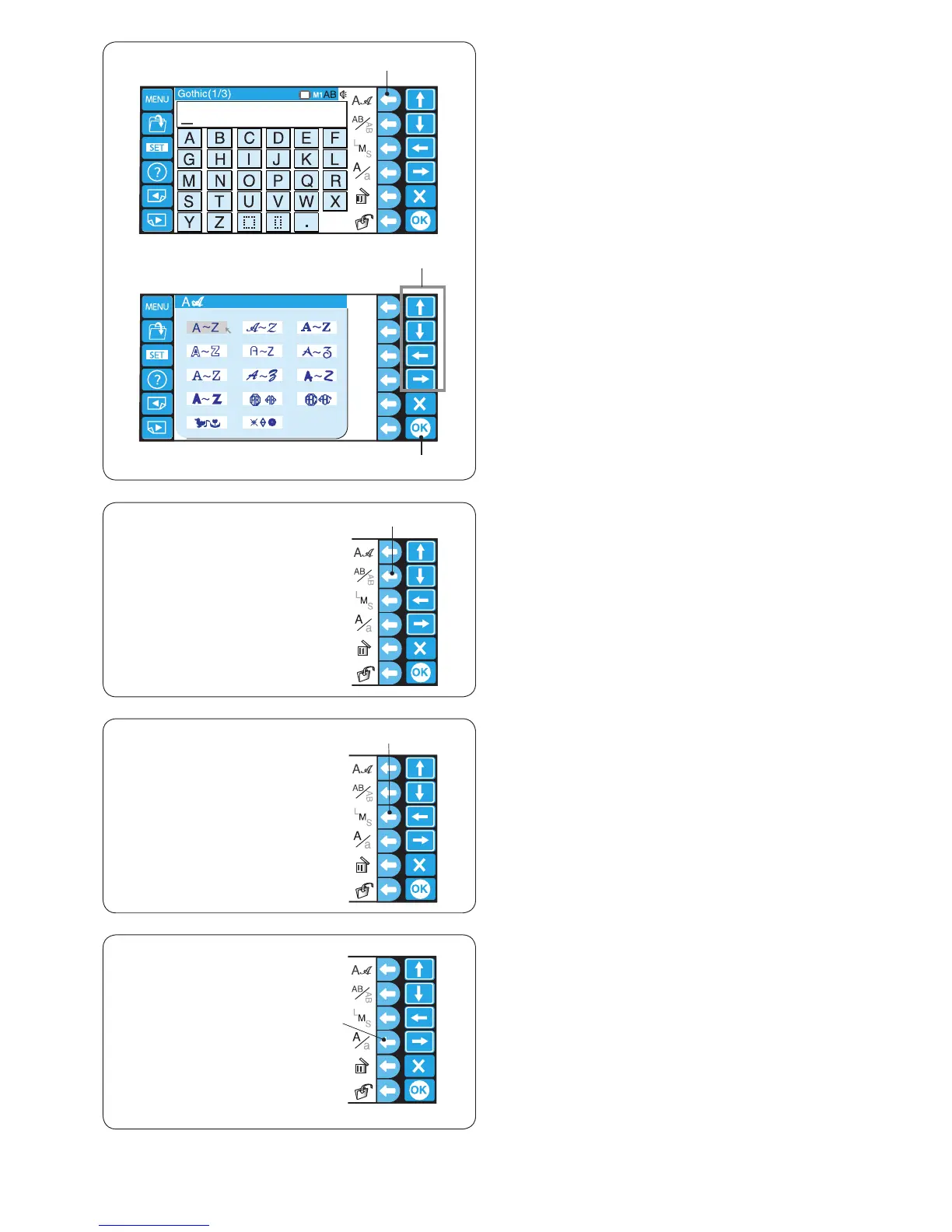
x Press the arrow keys to select the desired font.
Press the OK key to conrm your selection.
w Arrow keys
e OK key
x
z
Lettering orientation
Press the function key next to orientation icon to select
horizontal or vertical orientation alternately.
r Function key (lettering orientation)
Letter size
Press the function key next to letter size icon (LMS) to
select one of 3 sizes of lettering.
L: 30 mm
M: 20 mm
S: 10 mm
t Function key (letter size)
Letter case
Press the function key next to letter case icon (A/a) to
select upper or lower case letters alternately.
y Function key (letter case)
* This function key cannot be used for numbers, symbols
and European accented letters.















 To Next Page