50
Resizing the pattern
The pattern size will change from 80 to 120%.
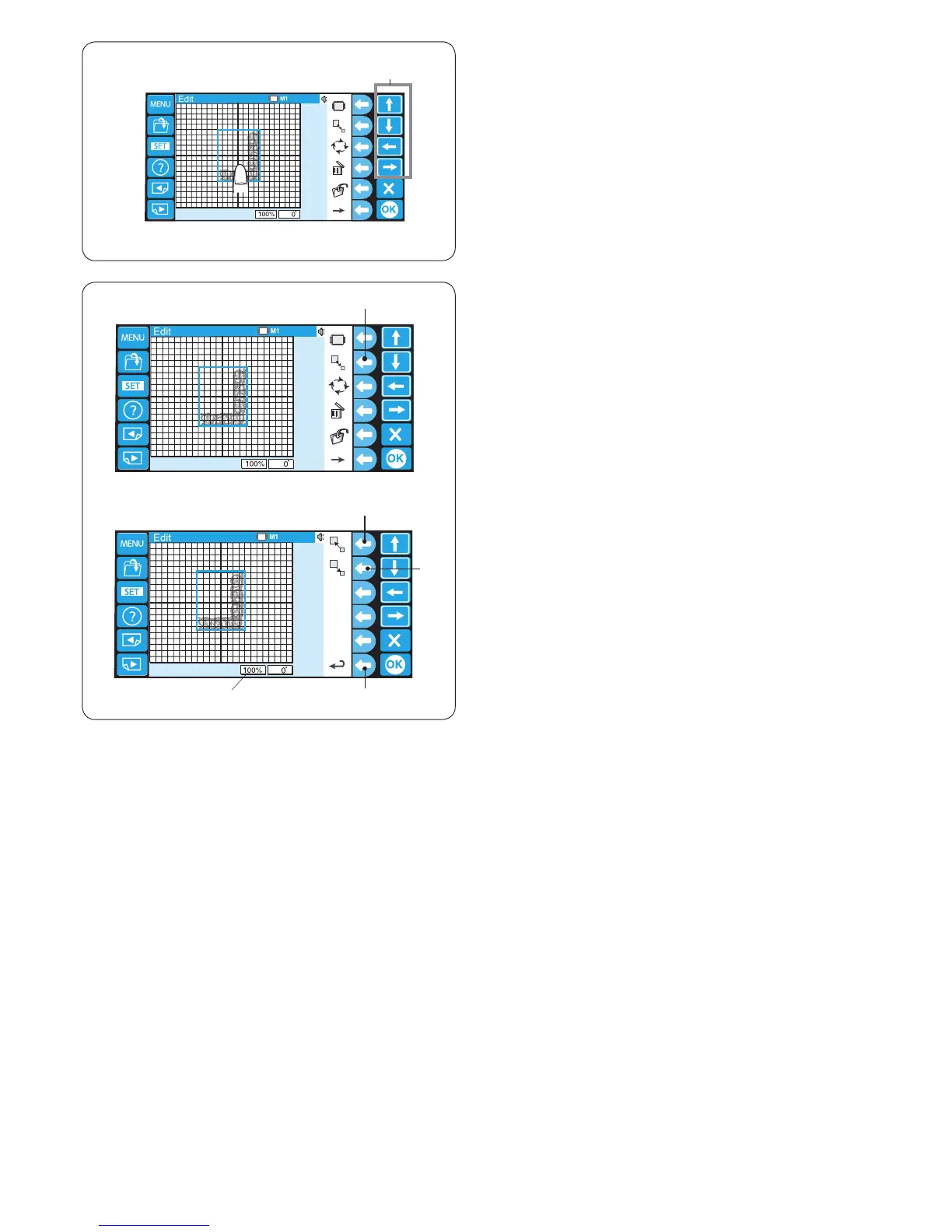
Press the function key next to resize icon and the
function key assignment will change to resizing.
q Function key (resize)
Press the function key next to the enlarge icon to enlarge
the pattern size.
w Function key (enlarge)
The size of the pattern is indicated in the status box
under the editing screen.
e Status box
Press the function key next to the reduce icon to reduce
the pattern size.
r Function key (reduce)
Press the function key next to the return icon to go back
to the previous display.
t Function key (return)
q
w
e
r
t
Moving the pattern
To move the pattern on the editing screen, press and
drag the pattern to the desired location with your ngertip.
You can move the selected pattern also by pressing the
arrow keys.
q Arrow keys
q















 To Next Page