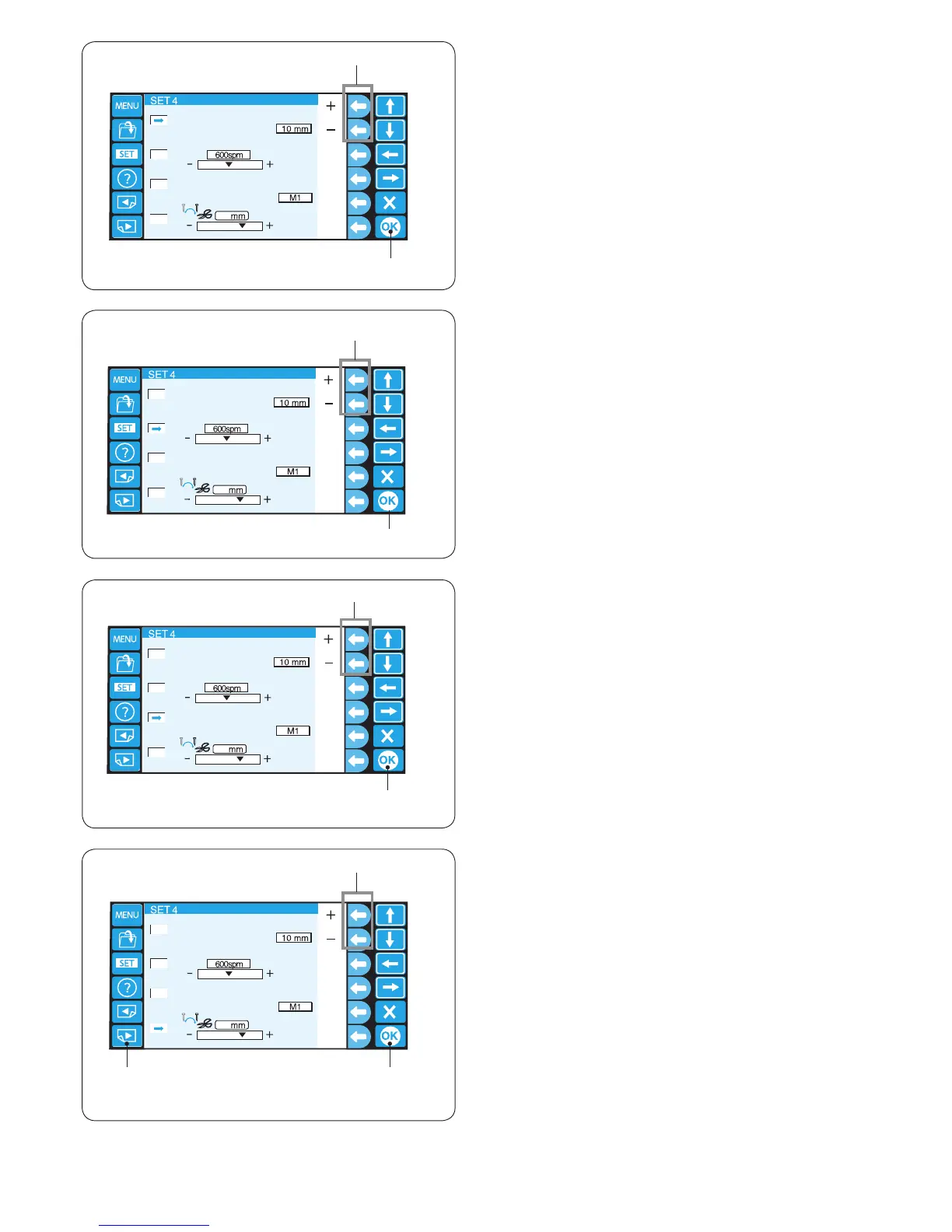
11. Grid size
The grid size of the editing screen can be changed by
pressing the function key next to “+” or “–”.
You can select one of 3 sizes, 10 mm, 20 mm and
30 mm.
To hide the grid, select “OFF”.
q Function keys (+, –)
Press the OK key.
w OK key
q
12. Maximum sewing speed
The maximum speed of embroidery can be changed from
400 to 800 spm by 100 spm intervals.
Press the function key next to “+” or “–” to select the
desired speed.
q Function keys (+, –)
Press the OK key.
w OK key
13. Hoop selection for monogramming
Press the function key next to “+” or “–” to select the
default hoop for monogramming from the following.
M1 to M3
T1 to T6
S1, S2, H1
J1 to J8
Refer to page 49.
q Function keys (+, –)
Press the OK key.
w OK key
14. Thread trimming position
If threads are not trimmed properly, adjust the needle
drop position where the threads being trimmed.
Press the function key next to “+” or “–” to set a distance
between the thread trimming position and the last stitch
of the pattern section or select [OFF] to turn off the
function.
q Function keys (+, –)
The adjustable range is from 0.5 to 1.5.
Press the OK key to register the new setting.
w OK key
To go to the next page, press the next page key.
e Next page key















 To Next Page