User Manual: Interactive Digital Signage
SW602296 Rev D, Page 9 of 34
Landscape
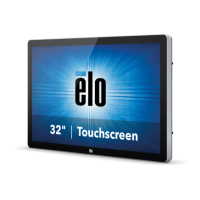
When rotating the monitor to landscape mode, ensure that the Elo logo appears in the same
location as the pictures below
Table Top –Refer to the Temperature Control section for table top mode requirements.
Rear VESA Mount
A four-hole, 400x400mm mounting pattern is provided on the rear of the monitor.
The VESA FDMI-compliant mounting is coded: VESA MOUNT PER MIS-F, 400,400,6MM
Refer to www.elotouch.com for dimensional drawings.
Optional Mounting Methods
Stand Kit PN: E275623
Wall Mount Kit PN: E275050
Optional Stand Kits and Wall Mount kits are available for the IDS02 Series monitors. Detailed
information is available on the marketing specification drawing MS601603 at www.elotouch.com.
Consult the wall mount user guide for detailed installation information.
Note: Stand Kit (E275623) is not compatible with ET5502L


 To Next Page