User Manual: Interactive Digital Signage
SW602296 Rev D, Page 6 of 34
Chapter 3: IDS Touchmonitor Installation
Connector Panel & Interfaces
Note: For your health and safety, it is strongly recommended that at
least two people handle, lift, or move these Touchmonitors.
Elo recommends safe lifting techniques as described in OSHA/NIOSH
Guidelines.
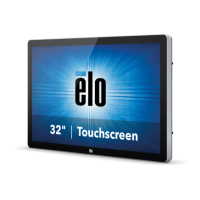
Check that the following items are present and in good condition:
• IDS touchmonitor
• Quick Install Guide
• Cables
o HDMI, USB (for Touch), North America power, Europe/Korea power, U.K. power
Remove the cable cover located on the back-right side of the monitor (when viewed in
landscape orientation) to access the touchmonitors connector panel.
Image of monitors available I/O ports


 To Next Page