

 To Next Page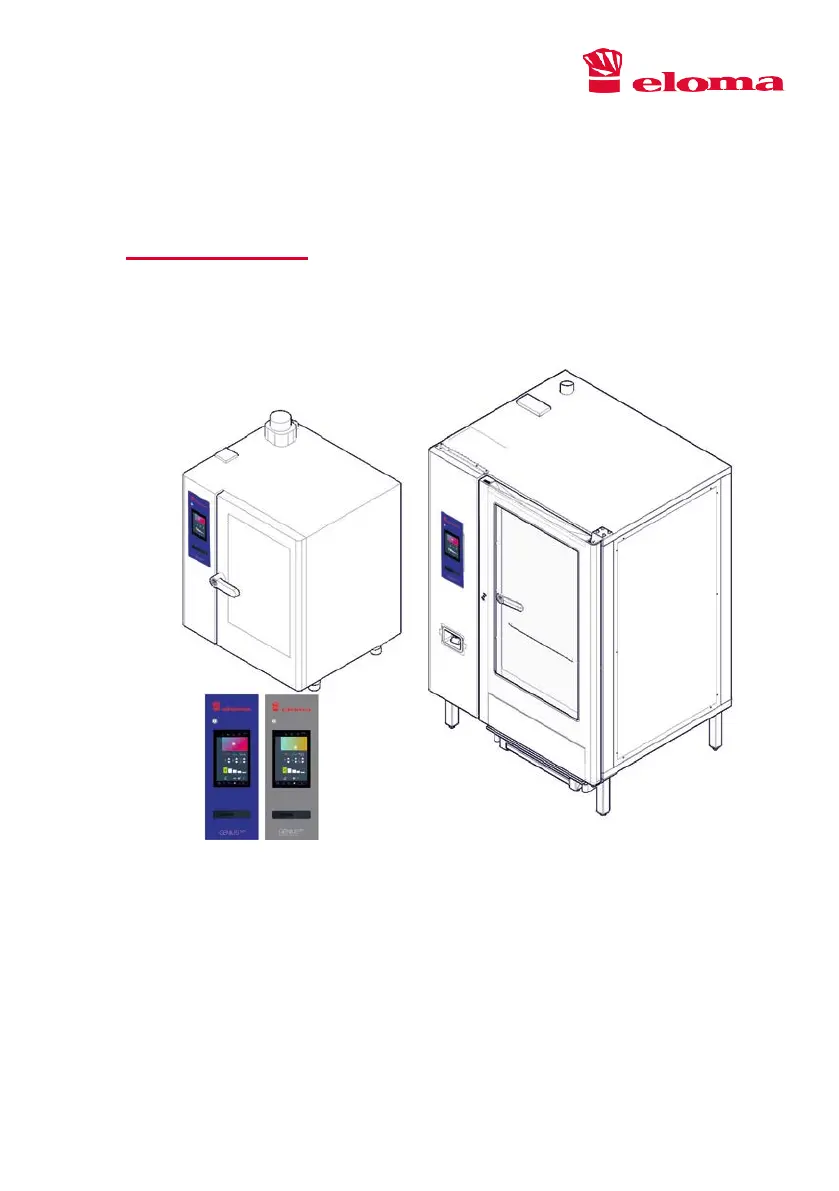
C
Christina OwensSep 9, 2025
What to do if the cleaner is empty (30%) in Eloma GENIUS MT?
- AAmanda HobbsSep 9, 2025
If the cleaner is empty (30%), replace the cleaner.

What to do if the cleaner is empty (30%) in Eloma GENIUS MT?
If the cleaner is empty (30%), replace the cleaner.
What to do if the rinsing agent is empty (15%) in Eloma GENIUS MT Commercial Food Equipment?
If the rinsing agent is empty (15%), replace the rinsing agent.
What to do if the rinsing agent is empty (30%) in Eloma GENIUS MT Commercial Food Equipment?
If the rinsing agent is empty (30%), replace the rinsing agent.
How to restart gas system 1 in Eloma GENIUS MT?
Select the symbol with the small flame to restart the gas system.
How to restart gas system 2 in Eloma Commercial Food Equipment?
Select the symbol with the small flame to restart the gas system.
Specifies the commercial purpose and approved uses for Eloma combi steamers.
Explains the structure of warnings and the meaning of symbols used in the manual.
Lists the available sizes and variants of the GENIUS MT combi steamer.
Details the required qualifications and training for operating staff.
Provides essential safety instructions for operation and fault handling.
Highlights key features and benefits of the GENIUS MT and Backmaster Edition devices.
Explains the different operating modes: Steam, Convection, Combi-Cooking, Baking.
Details functions like Preheat/Cool Down, Multi Cooking, Fan Speed, Energy Saving, Timer.
Identifies and describes key components of the table-top and standalone devices.
Provides instructions for safely loading and unloading food products and accessories.
Outlines actions to take and device behavior during a power outage.
Describes the keys, controllers, and fields used for device operation.
Explains the general structure and interaction with the touch display.
Guides users on how to choose and switch between operating modes like Steam, Combi-Cooking, Convection.
Details how to adjust humidity, temperature, and cooking time.
Explains how to access and navigate program lists and saved favourites.
Covers browsing programs by menu group or keywords.
Introduces the Multi Cooking functionality for parallel operation.
Details the steps to set up and start Multi Cooking programs.
Describes the interface for managing weekly cooking and cleaning schedules.
Explains how to add new programs to the weekly schedule.
Covers the interface for saving cooking programs with names and images.
Details the sequence and requirements for saving programs.
Describes the display during active cooking programs, including step and time information.
Explains how to modify settings like temperature, humidity, and extend cooking time during operation.
Details the start screen specific to the GENIUS MT Backmaster Edition.
Explains the interface for manual baking, including steam injection.
Covers functions like Fan Timer, Energy Saving, Preheat/Cool Down, Start/End Time.
Provides guidelines on approved cleaners, safety precautions, and cleaning utensils.
Details the process for using the automatic cleaning system.
Explains how to set and activate cleaning intervals for regular maintenance.
Covers adjusting device information, date/time, language, and keypad settings.
Explains how to set and manage passwords for access levels.
Lists common faults, their possible causes, and recommended troubleshooting steps.
Provides a guide to error codes, their meaning, and solutions.
Section for recording maintenance activities and dates.
 General
| Model | GENIUS MT |
|---|---|
| Category | Commercial Food Equipment |
| Type | Combination Oven |
| Temperature Range | 30°C - 300°C |
| Power Supply | 400V, 3-phase, 50Hz |
| Weight | 150 kg |
| Cleaning System | Automatic |


