days after first activation. After this time the access key is required. If the TI’s MSP-FET430UIF
adapter is not used, then the MSPFET430UIF.dll file can be removed to avoid the pop-up messages
with information regarding access key installation, or in the start-up definition the option - ANY
adapter should not be used. Use the FPAs serial number or FPA definition to avoid activation the
API-DLL servicing the TI’s MSP-FET430UIF adapter, or vice-verse - when the MSP-FET430UIF
adapter is used only, then do not use ANY adapter definition. Use the UIF definition instead ANY
adapter (‘*’).
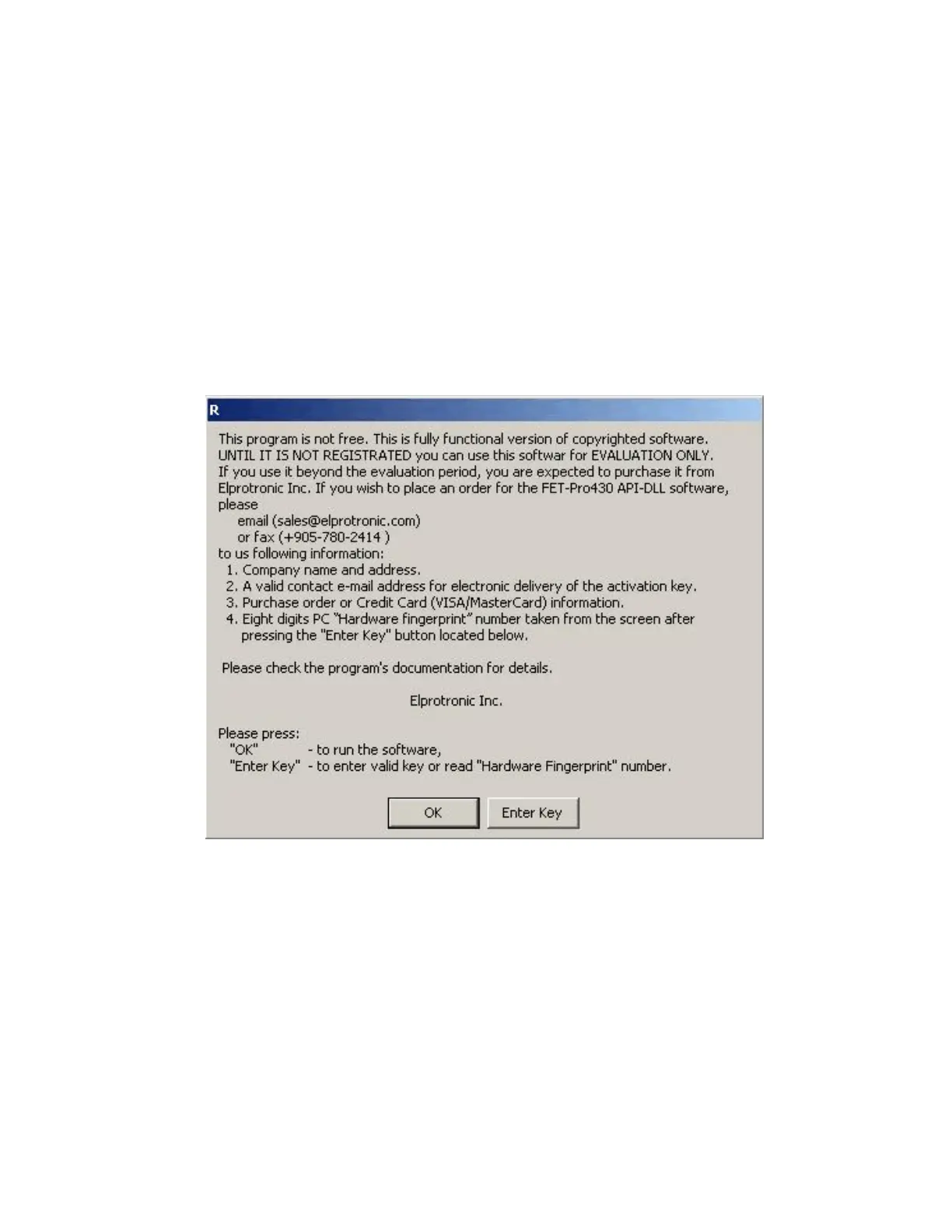
When the access key for the MSPFET430UIF.dll file is not installed, then the following pop-
up message will be displayed every time when the dll is activated.
Since the application software can install and close the dll a few times on the startup then the pop-up
messages can be reentered even - 2-4 times on the startup. Press OK button and go head. After expire
time the dll without valid access key will reject the communication with application software. When
the access key is installed, then the pop-up messages are not displayed any more.
Figure 1.4
16



 To Next Page