EasyManua.ls Logo

ELRO C935IP - User Manual

ELRO C935IP
33 pages
Print Icon
To Next Page IconTo Next Page
Loading...
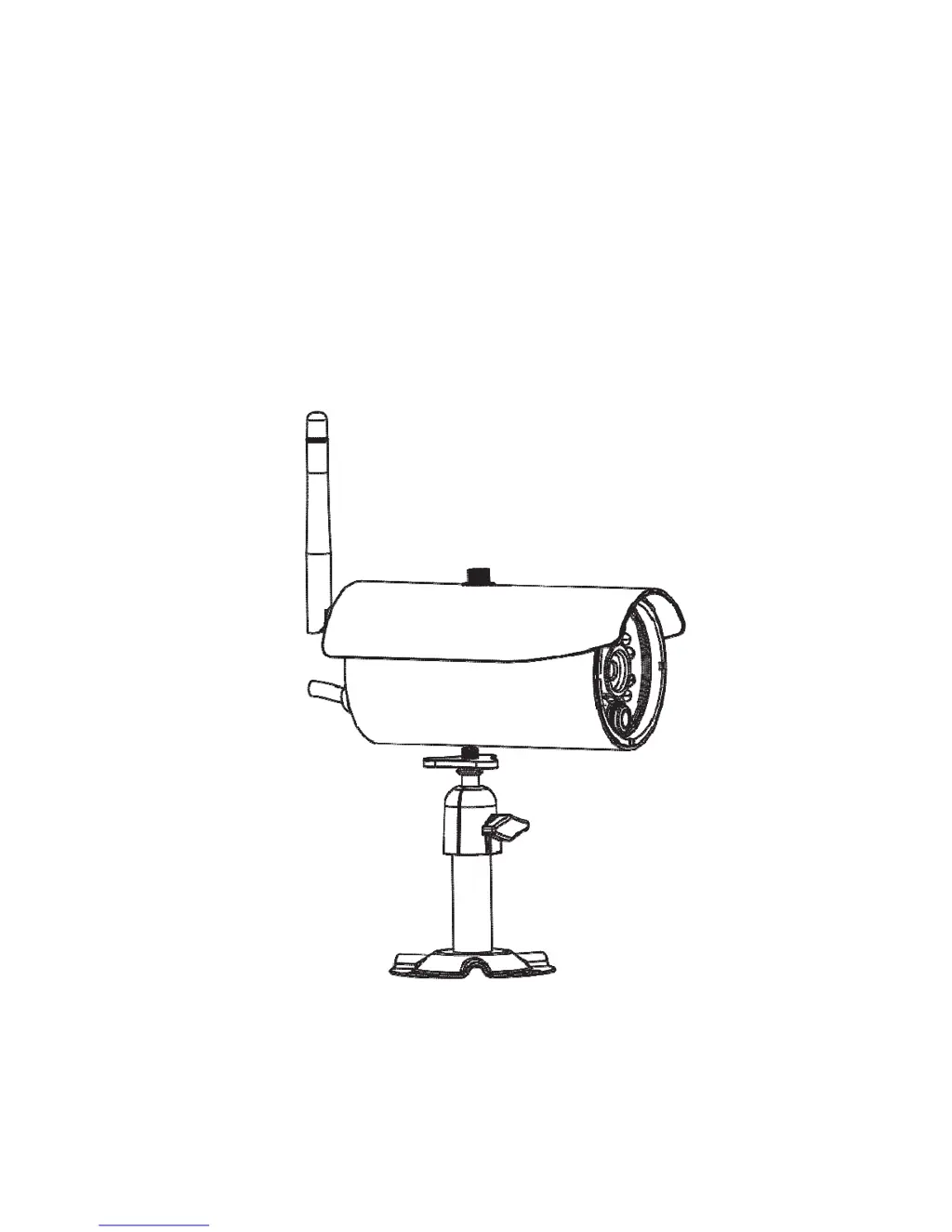
Wireless APP Camera
Installation and Operating Instructions
C935IP
Version 1.0
PLEASE READ THESE INSTRUCTIONS CAREFULLY BEFORE USING THIS PRODUCT
AND KEEP THIS MANUAL FOR FUTURE REFERENCE.

Questions and Answers

Summary

Introduction, Safety, and Compliance

Getting Started and Safety Precautions

Advises on safe practices, operating range, and essential precautions for initial use.

Regulatory Compliance and Disposal

Covers FCC/CE compliance statements, warnings, and proper disposal procedures for the device.

Camera Setup and Overview

Kit Contents, Requirements, and Installation

Lists kit contents, system requirements, installation safety tips, and camera overview.

App Download and Initial Setup

Guide to downloading the OMGuard HD app and connecting the camera to the Wi-Fi network.

Main Page Overview and Camera Settings

Describes the main app screen, adding cameras, and accessing camera settings menus.

App Usage and Media Management

Live View and Media Capture Controls

Using the app for live video, taking snapshots, and starting/stopping recordings.

Viewing, Downloading, and Deleting Media

Accessing snapshots, playing videos, downloading files, and deleting recorded content.

SD Card Management and Profile Settings

Managing SD card formatting, overwriting, and saving custom setting profiles.

Advanced Settings and Troubleshooting

Security Features: PIN Lock and Notifications

Setting up PIN lock for app security and configuring push notifications for motion detection.

Detailed Configuration Options

Configuring time zone, Wi-Fi, sensitivity, video quality, and admin password for system management.

Troubleshooting Common Issues

Solutions for connectivity, image, recording, and alert problems, including specifications.

Production Specifications

Detailed technical specifications for networking, camera parameters, and general hardware requirements.

Summary

Introduction, Safety, and Compliance

Getting Started and Safety Precautions

Advises on safe practices, operating range, and essential precautions for initial use.

Regulatory Compliance and Disposal

Covers FCC/CE compliance statements, warnings, and proper disposal procedures for the device.

Camera Setup and Overview

Kit Contents, Requirements, and Installation

Lists kit contents, system requirements, installation safety tips, and camera overview.

App Download and Initial Setup

Guide to downloading the OMGuard HD app and connecting the camera to the Wi-Fi network.

Main Page Overview and Camera Settings

Describes the main app screen, adding cameras, and accessing camera settings menus.

App Usage and Media Management

Live View and Media Capture Controls

Using the app for live video, taking snapshots, and starting/stopping recordings.

Viewing, Downloading, and Deleting Media

Accessing snapshots, playing videos, downloading files, and deleting recorded content.

SD Card Management and Profile Settings

Managing SD card formatting, overwriting, and saving custom setting profiles.

Advanced Settings and Troubleshooting

Security Features: PIN Lock and Notifications

Setting up PIN lock for app security and configuring push notifications for motion detection.

Detailed Configuration Options

Configuring time zone, Wi-Fi, sensitivity, video quality, and admin password for system management.

Troubleshooting Common Issues

Solutions for connectivity, image, recording, and alert problems, including specifications.

Production Specifications

Detailed technical specifications for networking, camera parameters, and general hardware requirements.

ELRO C935IP Specifications

General IconGeneral
BrandELRO
ModelC935IP
CategorySecurity Camera
LanguageEnglish

Related product manuals