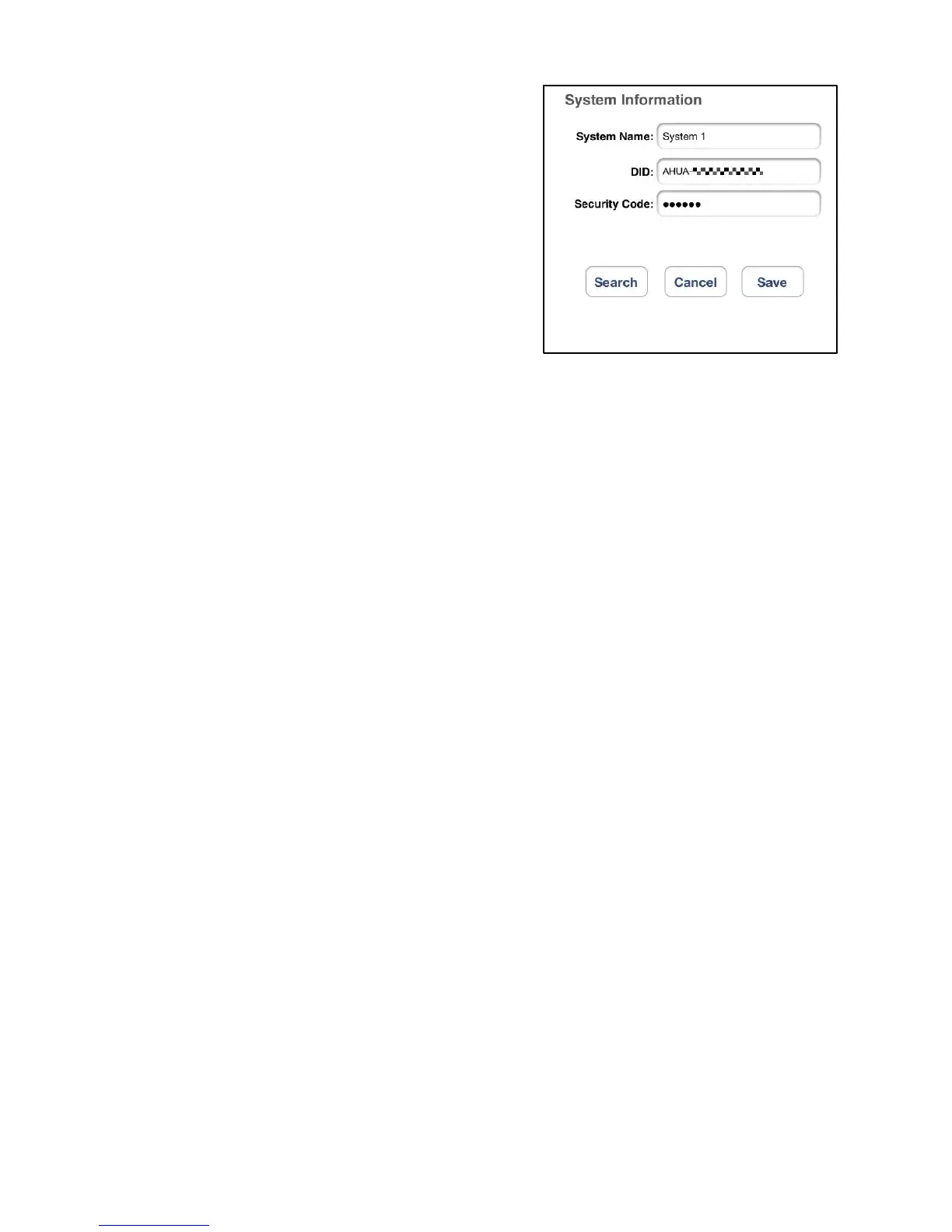
4. Enter the default password 123456 in
the Security Code column.
5. Click SAVE to complete the camera settings. The APP attempts to
establish camera connection. Once the camera is successfully connected,
the “Connected” status will be shown on the left upper corner.
6. Repeat step 2 to 5 to add more cameras.


 To Next Page