1. Disconnect via the Eluktronics Control Center under
the "Liquid Propulsion Package (LPP) Control" tab.
2. Press the power button to turn off your LPP G2.
1. Turn off the power by pressing the power button on the LPP
G2.
2. Remove the Mag-Valve connector from the laptop.
To reduce the possibility of damage, when you would like to
remove the Mag-Valve tubing, make sure the LPP G2 is turned
off (to avoid water leakage). Please always check the connector
before removal to make sure the temperature is not too hot
before removing it. Let the device cool for a few minutes before
removal otherwise.
05 Operating your LPP G2
06 Disconnect your LPP G2
07 Disconnect the Liquid Tubes
To disconnect the LPP G2:
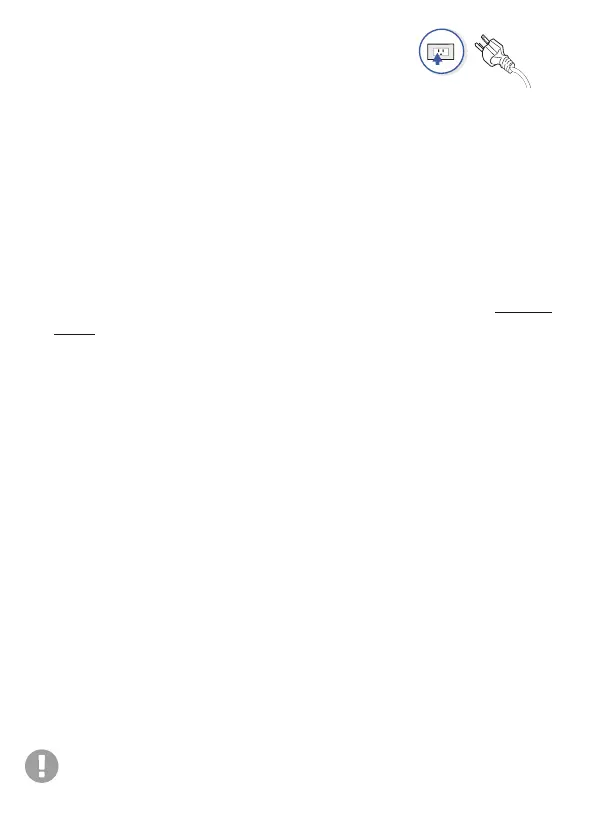
1. Plug in the laptop power cord to an outlet.
2. Turn on the laptop and make sure Bluetooth is turned on as well.
3. Press the power button on the LPP, and the LED indicator will start
glowing.
4. After selecting the device and clicking the connect button, the LPP
G2 and the laptop will pair via Bluetooth (When the connection is
successful, the fan and water pump will activate). [
BT Paired : Solid
Blue LED]
5. Check all ports for leakage after the first few minutes. If leakage
occurs, turn off the power and reconnect the port.
6. The liquid level drops in standard operation. Please, add distilled
water and make sure the liquid level is above the low marker
indicator.


 To Next Page