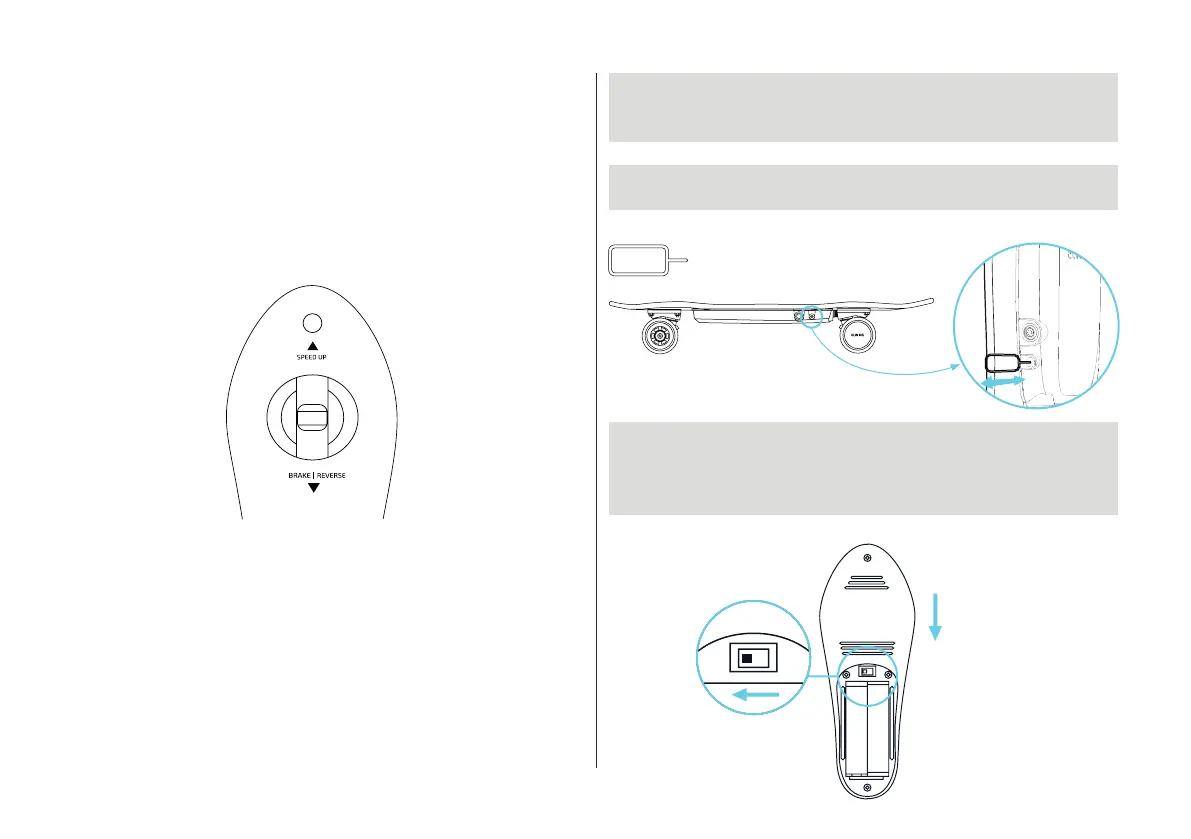
REVERSE FUNCTION
FORWARD / BACKWARD: Push the main button forward
to speed up
progressively. Pull it backwards to brake.
Once the board has stopped, the reverse can start if you
keep pulling the joystick.
Note: When you go reverse you can brake by pushing the
joystick
forward.
SYNCHRONIZATION
When the remote is synchronized with the board
the sync button on the board is blinking blue.
blue
anymore. This is the process to
remote to the
If for some reason this button is not blinking
anymore this means the remote is not synchronized
with the board
synchronise the remote (or a new
board).
1. PLEASE MAKE SURE THAT THE BOARD AND THE REMOTE ARE
SWITCHED OFF. THE REMOTE IS ON «SLOW MODE»,
AND THE «CHILD SAFETY» IS ON
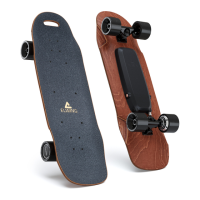
2. SWITCH THE BOARD ON. USE A PAPERCLIP TO PRESS THE SYNC
BUTTON. THEN THE SYNC BUTTON WILL TURN OFF.
3.
To the left
Slow mode is
activated
Back view
Side view
Paperclip
6
REMOTE IS OFF. ACTIVATE THE SLOW MODE WITH THE BUTTON
ON THE SIDE. INSIDE THE AAA BATTERY COMPARTEMENT YOU
WILL FIND THE KID SAFETY MODE, PRESS IT TO THE LEFT
(TURTLE MODE).


 To Next Page