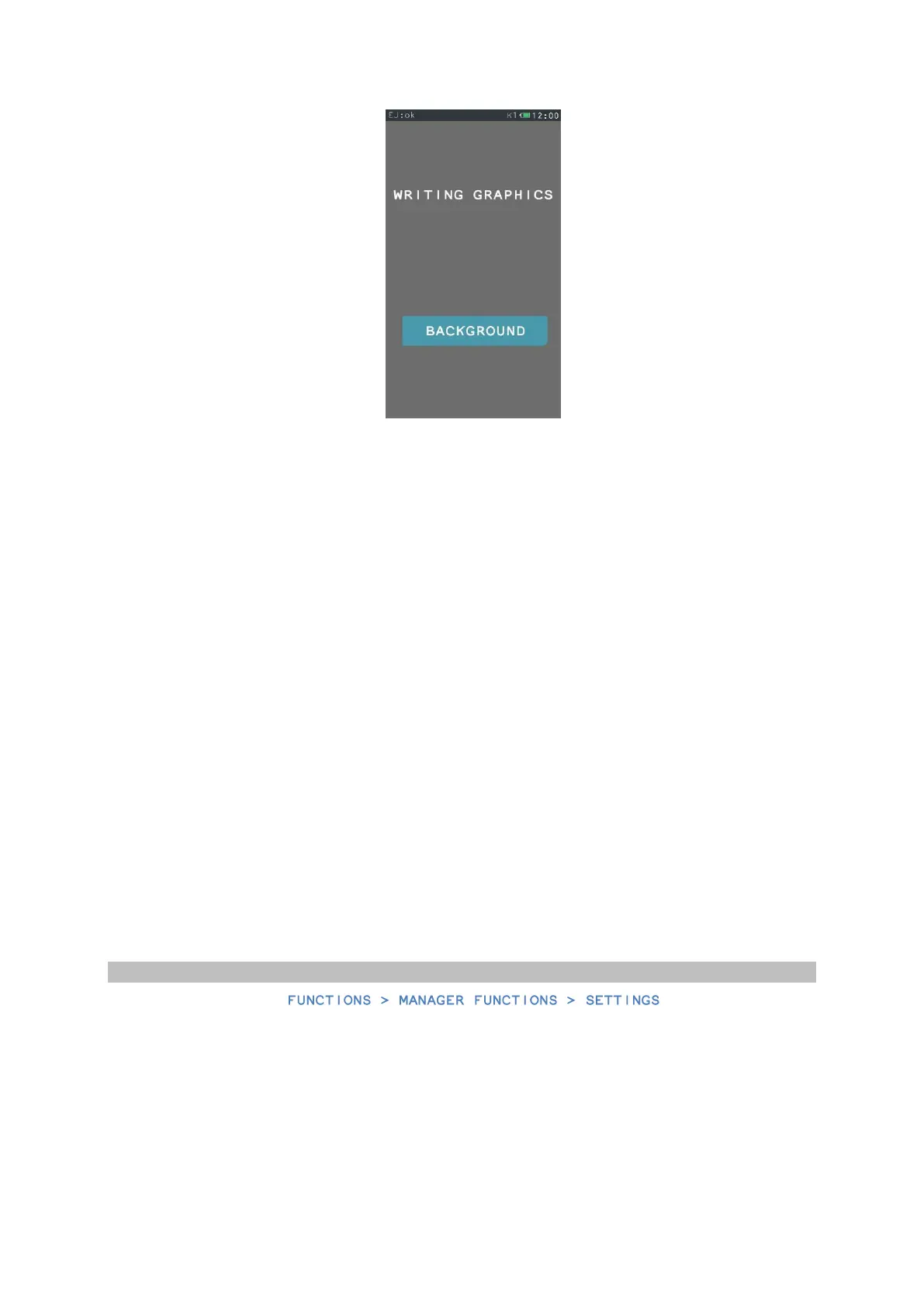
For the graphics to be readable for the cash register and printed correctly, it has to meet the
following parameters:
Make a directory on an external data medium, with the name graphics, next in this directory – a
directory with the name printer. The directory printer is the target directory where you locate
the files of the graphic heading of the printouts. In case you want to place more than one
graphics, only change the graphics number, whereas the beginning of the name remains
without change. Maximum of four graphics files of printout headings can be downloaded in the
cash register.
Parameters of the graphics files of the graphics heading:
File name – graphic_1
Resolution – 192 x 64
Type – BMP monochromatic
During the keyboard screen lockout, it is possible to display you own graphics. To do so, first
place a directory named scrsaver in the main directory graphics. Next, in the directory
scrsaver, place the graphics file of the screen lockout prepared earlier, according to the
following guidelines:
Parameters of the graphic file of screen lockout:
File name – logo_3
Resolution– 460 x 272
Type – BMP with palette (8 bits)


 To Next Page