91
This function makes it possible to choose if, after the cash register is switched on, the cashier
MANAGER is to be activated automatically to whom the administrator rights will be assigned.
Enabling this function is useful if the cash register is operated by more than one person.
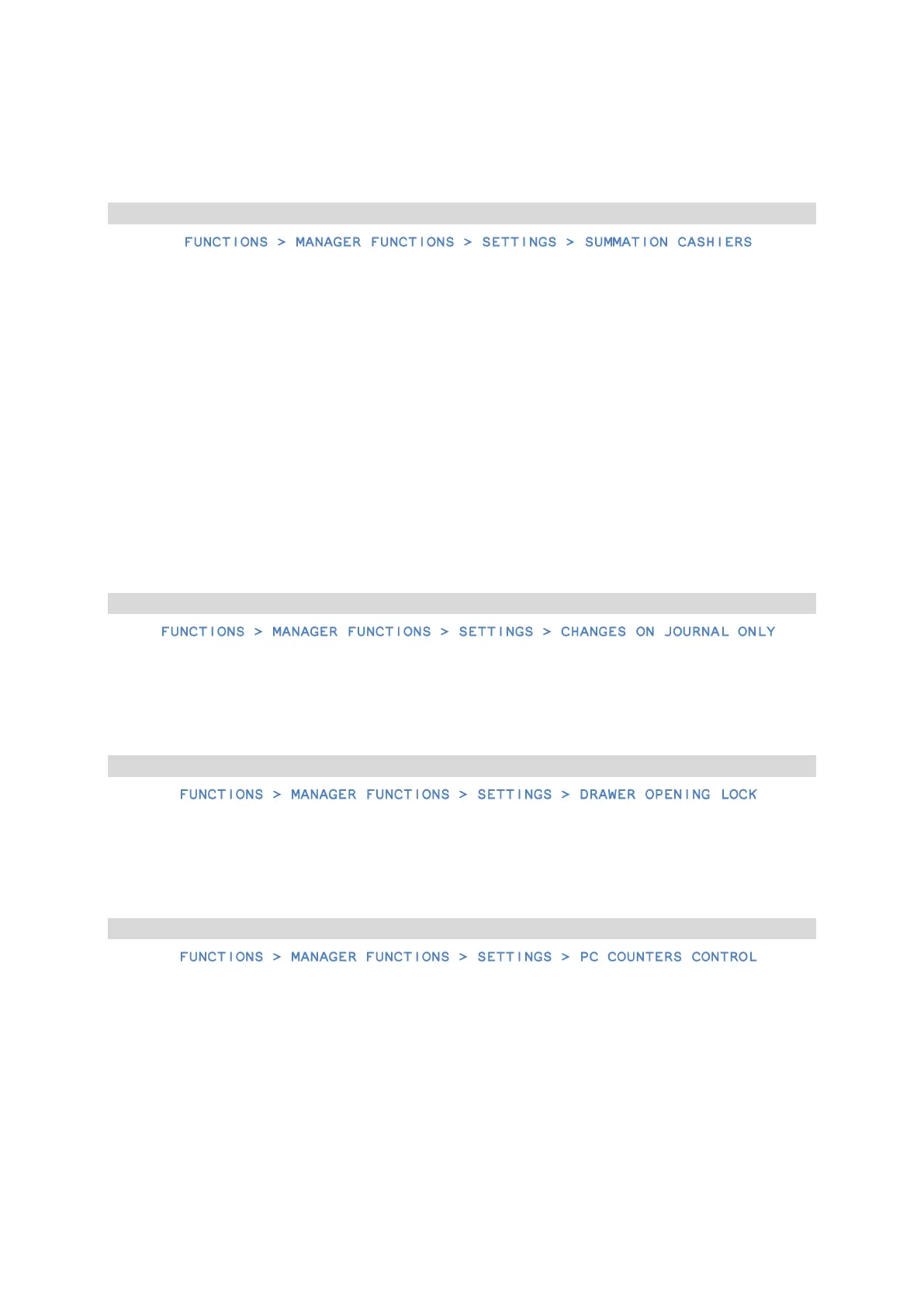
17.7 Summation cashiers
This function makes it possible to carry out a report containing the sum of turnover, payments
in and out, discounts, and other values for all cashiers. The period for carrying it depends on
how the shop is organized and can be freely set, e.g. report for SUMMATION CASHIER 8 is made
at the end of the day, SUMMATION CASHIER 9 at the end of the week, SUMMATION CASHIER 10
at the end of the month.
The summation cashier report can by carried out as non-zeroing – it is then a CASH REGISTER
STATE REPORT, or as zeroing – it is then an END OF SHIFT REPORT.
The function of summation cashiers is enabled by default.
After finishing a cash register operation, the cashier counters of the cashiers 1 to 7 are
summed up additionally to the summation cashiers with the numbers 8, 9, and 10.
17.9 Changes in the journal only
This function makes it possible to enable reporting of changes in the article database solely on
the electronic journal, in order to reduce the use of paper and speed up the operation itself.
17.10 Lock for opening the drawer
This function makes it possible to block the function of an additional opening the drawer (other
than program finishing, payment in, payment out, and cashier's end of shift).
17.11 Control of the PC counters
This function should be set based on the instruction manual of the warehousing program. If
the cash register does not work with a warehousing program, it is then recommended to
switch on this function.
Switching this function off allows you to change or delete articles with a non-zero sale, using
the computer keyboard.



 To Next Page