www.emachines.com
29
To remove a memory card:
• Wait for the memory card reader access indicator to
stop blinking, then pull the memory card out of the slot.
Adjusting the volume
You can adjust volume using your speakers’ controls or the
Windows volume controls. You can also adjust the volume of
specific sound devices in your computer.
To adjust the overall volume using hardware controls:
• If you are using external speakers, turn the knob on the
front of the speakers.
-OR-
Use the mute and volume control buttons on the
keyboard. For more information, see “Using the
keyboard” on page 20.
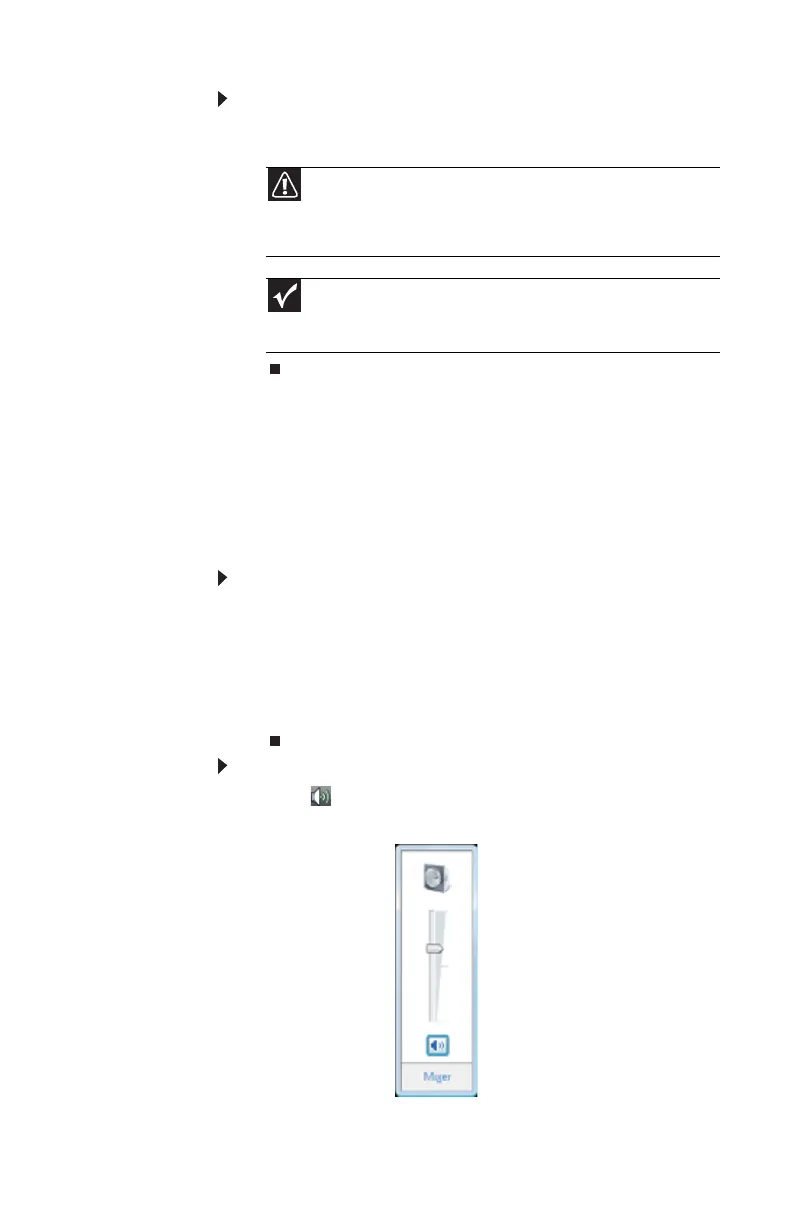
To adjust the volume from Windows:
1 Click (Volume) on the taskbar. The volume control
slider opens.
Caution
Do not remove the memory card or turn off the computer while
the memory card reader access indicator is blinking. You could lose data.
Also, remove the memory card from the reader before you turn off the
computer.
Important
Do not use the remove hardware icon in the taskbar to remove
the memory card, or you will have to restart the computer to re-enable
the memory card reader.
8512161.book Page 29 Wednesday, February 7, 2007 11:02 AM














 To Next Page