1.
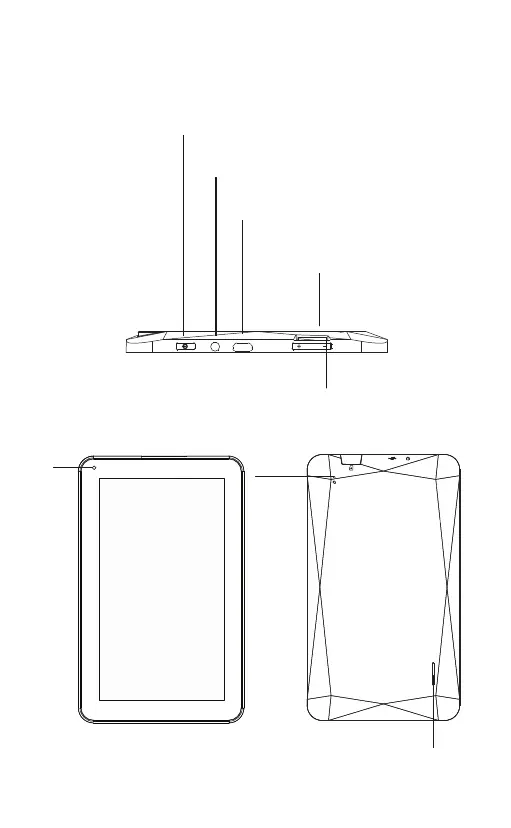
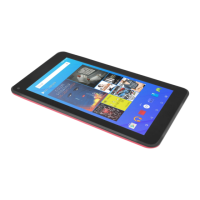
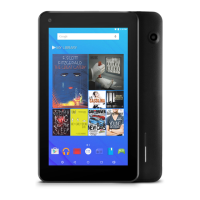
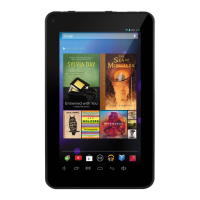
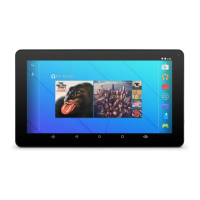
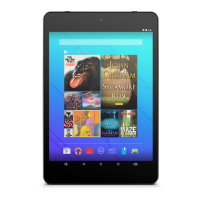
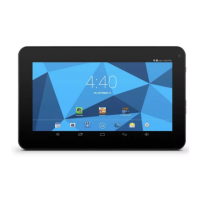
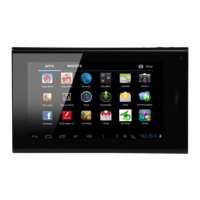
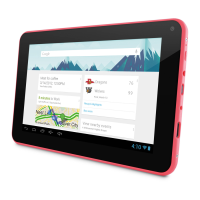
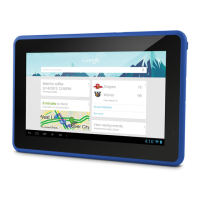
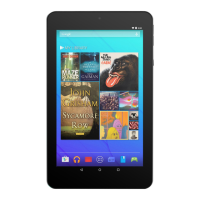
Tablet Overview
Camera
Speaker
Headphones,
Audio output connection for headphones
Micro USB OTC.
Connect to a USB device
TF Card,
Load external microSD memory cards here.
VOL+/VOL-
vol+ to increase the volume level.
vol- to decrease the volume level
Reset.
Power.
Press to turn the unit on, or to turn the screen on
or off. Press and hold to acces the power off menu.


 To Next Page