20
Function of keys
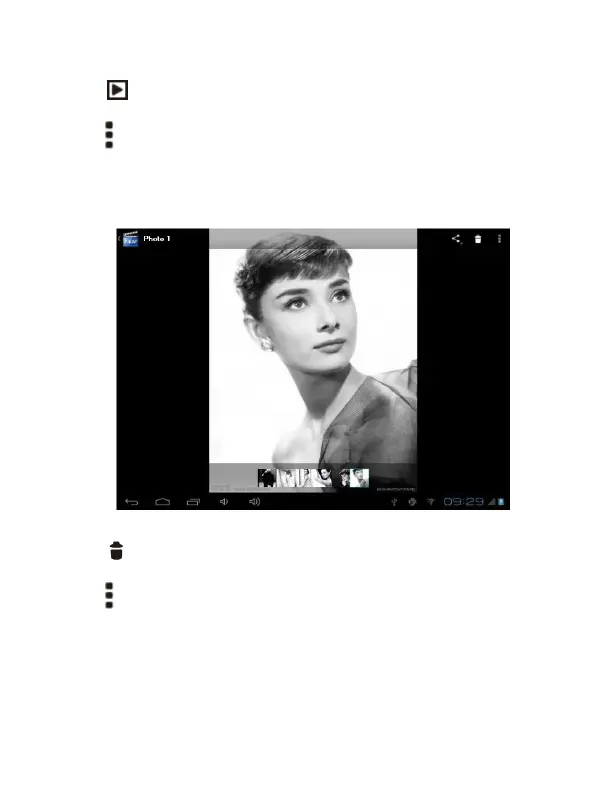
'' '': In slide form browse all pictures
'' '' Can through this icon, images batch management, For example: delete,
Rotate left, Rotate right, you can also according to the location, time, people
and tags setting picture group.
'' '': Delete picture
'' '': Through you can click on the icon to set and understand pictures
information, including: Slideshow, Edit, Rotate left, Rotate right, Crop,
Details, Set picture as


 To Next Page