19
'' / ": shot press to play the last /next music, long press for fast
rewind / forward;
'' '': Click start/stop playing music
'' " : Click into play lists
" ": Click on open/close songs random play mode
" " key: short press it to return to the upper interface
Lyric Display
When there is any lyric file with the same name in the folder for playing music,
the player will directly access the lyric display interface.
This player supports "*.Lrc" lyric files (The user can download it from the
website of "http://www.51lrc.com", or search "LRC Lyric" to have the lyric file) for
the synchronous playing of lyrics and music.
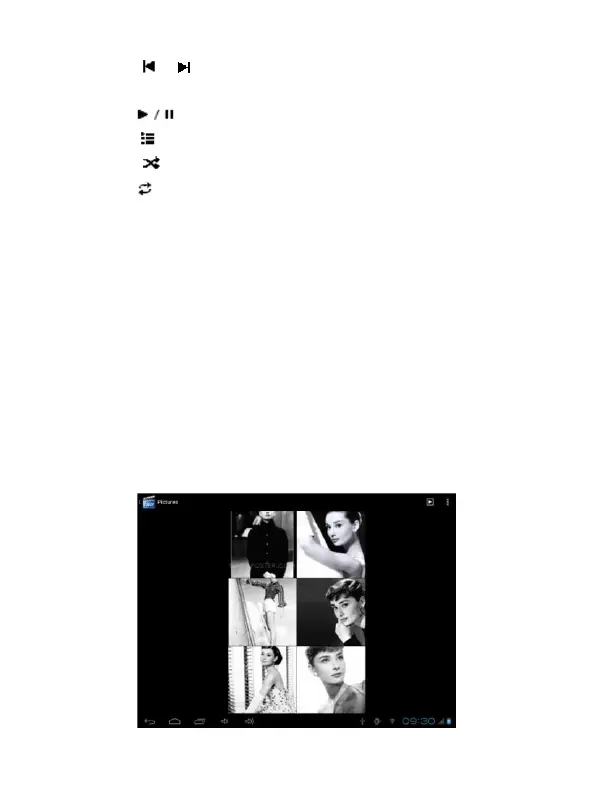
Pictures
In the main menu, select the option of "super-HD player" to be able to access
Photo folder.
Picture viewing interface


 To Next Page