31
configuration" setting.
Note
1. Due to the different communication systems Ethernet card more, this machine
Ethernet function can't ensure that is compatible with all equipment.
2. Due to external Ethernet card equipment from the machine to the USB
interface take electricity, so in Ethernet connection, please ensure that the battery
power in one case above.
Calendar
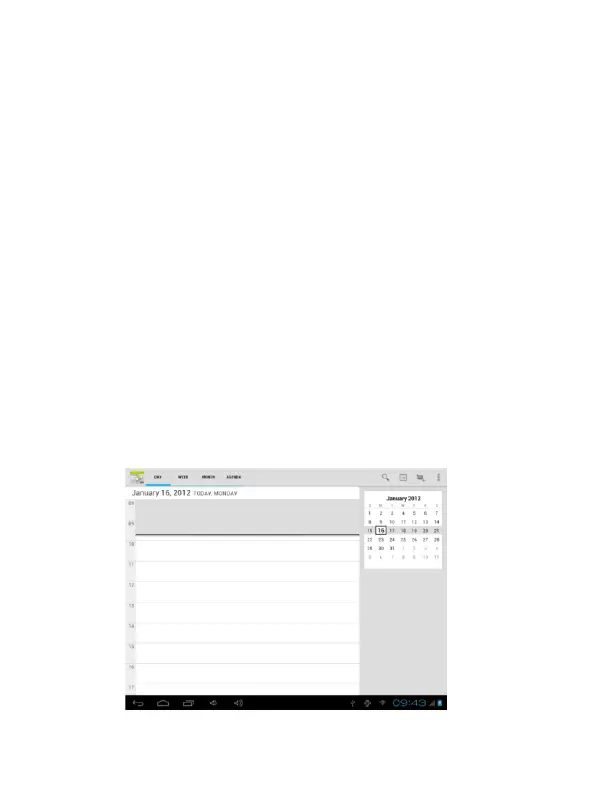
In the main menu, touch "calendar" icon to be able to access the calendar
interface.
Under this menu, Touch & slide screen left and right which will accomplish to
flip increase or decrease month by month. If you need to record new event and before
you can add an event, you must add at least one Calendar account to the device and
make a calendar visible.


 To Next Page