x2
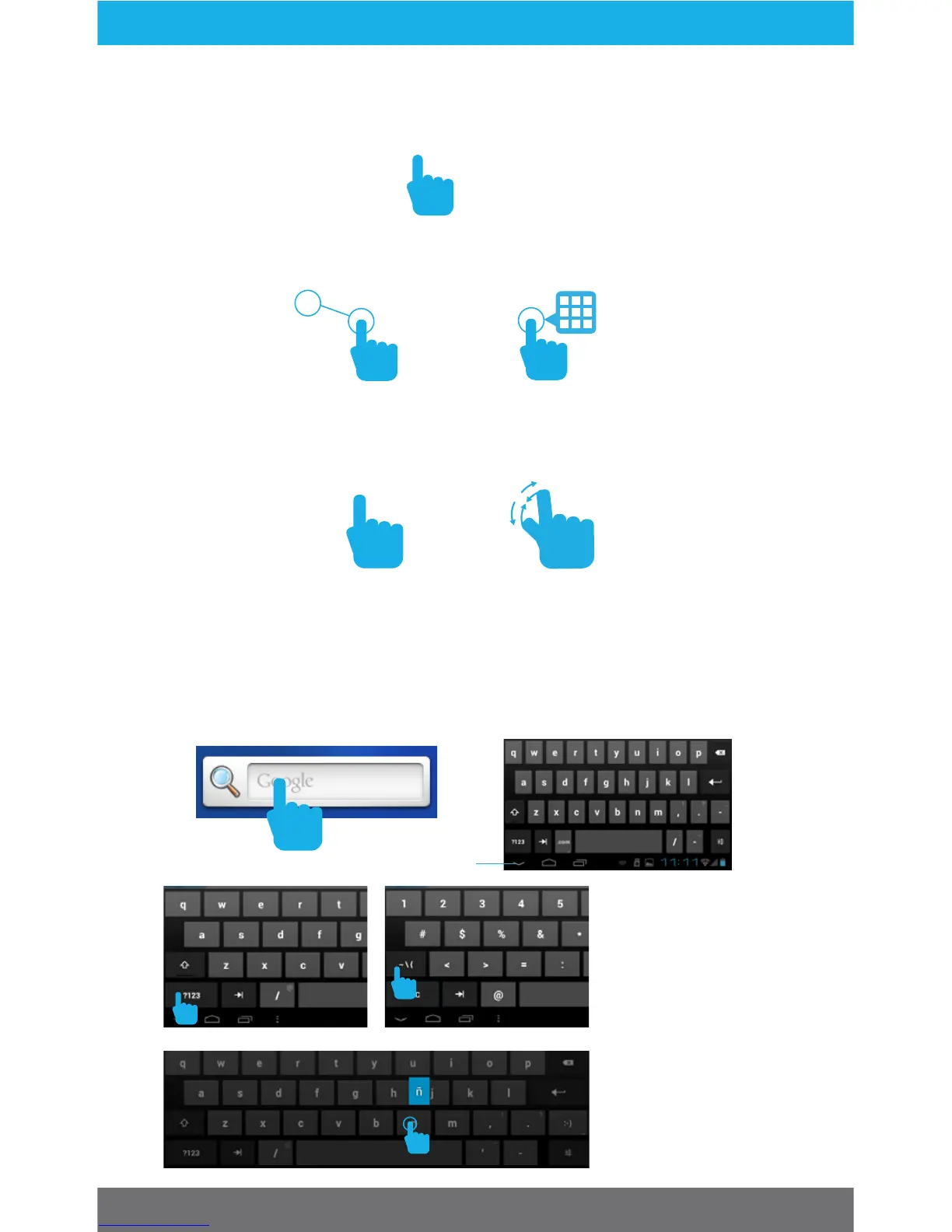
Tap the screen once to activate or open something.
Touch and hold to move an item by dragging.
*In many apps touch and hold can oer more options.
Zooming: Double tap quickly to zoom into a webpage, picture,
or map. Some apps allow you to zoom in and out by touching
the screen with two fingers, and pinching them together.
TIP: You can flick the screen with your finger to quickly scroll
through a long list, such as a library of music.
Tap a specific location on the screen where you would like to
enter text. The on-screen keyboard will pop up, allowing you to
type out your desired text.
Touch Screen Basics
Hide Keyboard
Tap ?123 for
numbers and more
punctuation.
Then tap ~\{ for
more symbols.
Touch and hold a
letter for special
characters.
4



 To Next Page