EasyManua.ls Logo

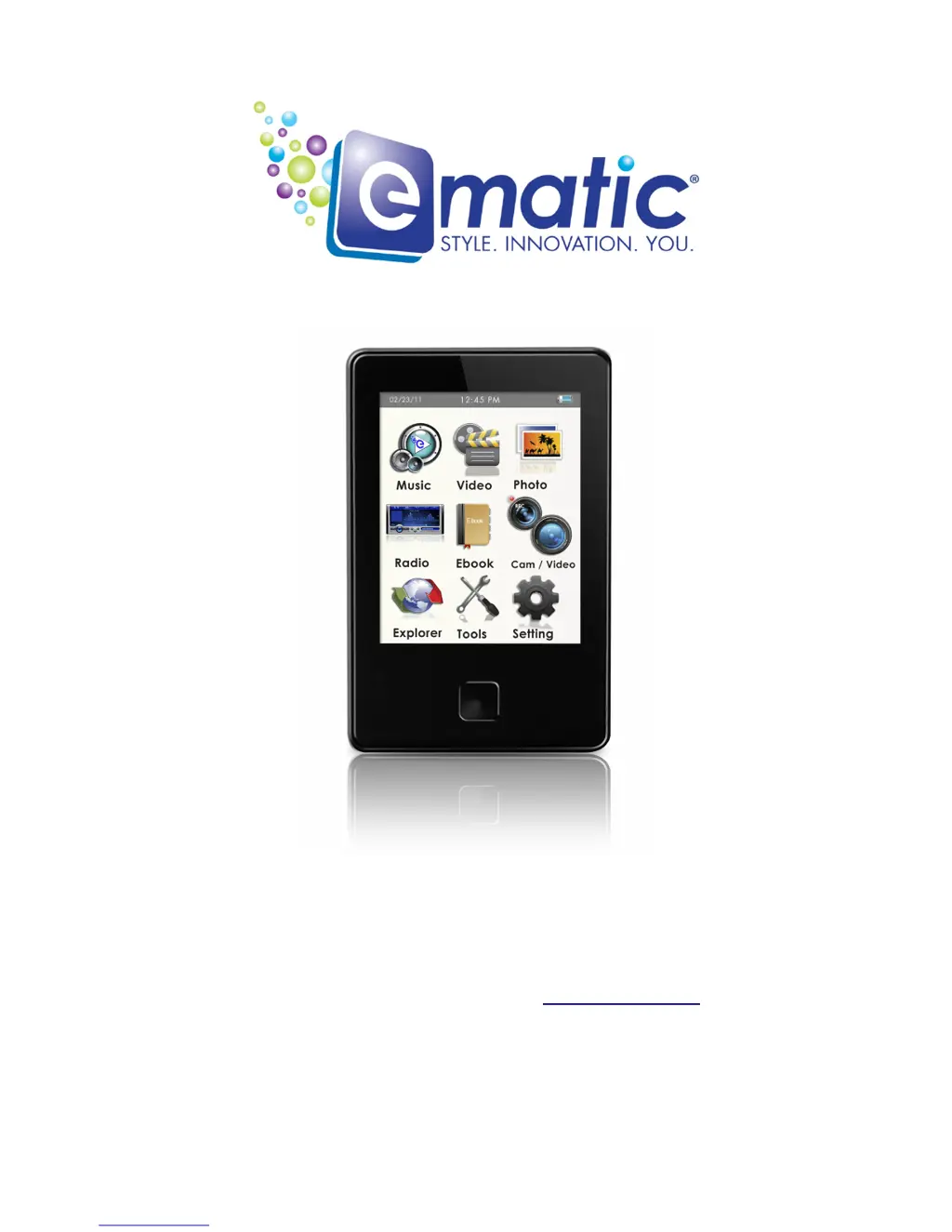
Ematic E8 Series - User Manual

Ematic E8 Series
36 pages
Print Icon
To Next Page IconTo Next Page
Loading...
E8 Series User Manual
© 2011 Ematic 1-888-968-1985 http://www.Ematic.us
Windows and Windows Media Player are registered trademarks of Microsoft Corporation
Mac OS X and iTunes are registered trademarks of Apple Inc.
Linux is a registered trademark of Linus Torvalds
YouTube is a registered trademark of Google, Inc.

Table of Contents

Other manuals for Ematic E8 Series

Questions and Answers

  • B
    Brenda KaneAug 12, 2025
    What to do if my Ematic E8 has no sound when playing media?
    • L
      Lisa BaileyAug 12, 2025
      If you're not getting any sound, there are several things to check: 1. Make sure the volume isn't too low and turn it up. 2. Verify the correct audio output device is selected in settings. 3. Ensure the media file is in a supported format; if not, re-encode it. 4. The file might be corrupted, so try re-copying it to the player or re-encoding. 5. Test with different earphones, as the ones you're using could be damaged. 6. Confirm that the device is formatted with a FAT32 file system.
  • R
    robert38Aug 16, 2025
    Why won't my Ematic E8 Tablet turn on?
    • M
      Miss Brittany MaxwellAug 16, 2025
      If your device isn't turning on, it could be due to a weak battery. Try recharging it for 4 hours. Alternatively, it could be an invalid operation; try switching the player off and then on again.
  • P
    Pamela HillAug 20, 2025
    What to do if Ematic Tablet connected by USB, but computer does not recognize the device?
    • K
      Kevin BoyerAug 20, 2025
      If your computer isn't recognizing your Ematic Tablet when connected via USB, consider these possibilities: * The USB cable might be damaged; try replacing it with a new one. * USB functionality might be disabled in the BIOS; enable it. * Your operating system might not support USB; install or update the OS driver. * The USB connection might not be firm; ensure it's securely connected. * There might be issues with your PC; try rebooting it.
  • J
    johnsonshaneAug 25, 2025
    Why does my Ematic E8 Tablet spontaneously turn off?
    • T
      Teresa PerkinsAug 25, 2025
      If your Ematic Tablet is turning off unexpectedly, it's likely due to a weak battery. Try recharging it for 4 hours.
  • S
    Steven NortonAug 28, 2025
    How to fix 'Save Failure' on my Ematic Tablet?
    • G
      George JonesAug 28, 2025
      If you're getting a “Save Failure” message, it could be because the storage is full. Try deleting some files from the player. Alternatively, you may have selected the wrong save path, so double-check the destination folder.
  • J
    Jennifer HunterAug 31, 2025
    How to fix wrong language on Ematic E8 Tablet?
    • M
      Mary HuberAug 31, 2025
      If the wrong language is displayed on your Ematic Tablet, it means the wrong language is configured. To fix this, change the language in the Settings.
  • H
    Hannah LarsenSep 4, 2025
    Why videos won’t display on the screen of my Ematic E8 Tablet?
    • L
      Lisa AllenSep 4, 2025
      If videos aren't displaying on your Ematic Tablet screen, it might be due to an improper TV-OUT configuration. Turn OFF the TVOUT Setting in order to watch videos on the device.
  • W
    Walter PerrySep 8, 2025
    Why are songs on my Ematic E8 not in the playable list?
    • M
      Mr. Nicholas BrownSep 8, 2025
      If songs aren't showing up in the playable list on your Ematic Tablet, it's likely because they are in the wrong folder. Move all song files to the player's MUSIC folder, or one of its subfolders.

Summary

Introduction to the Ematic E8 Series Player

Safety Warnings

Important safety precautions to follow when using the player.

Connecting and Charging the Player

Charging the Battery

Steps to charge the player's built-in battery using a computer.

Video Conversion

Converting Video Files

Steps to convert video files to a format compatible with the player.

Copying Media Files

Copying Media Files to Your Player

How to transfer music, video, and other media files to the player.

Expanding Player Storage

Basic Player Operations

Watching Videos

Video Playback Controls

Controls and features available during video playback.

Listening to Audio

Audio Playback Operations

Controls and features for playing music and managing audio.

Viewing Pictures

Shooting Photographs

Basic Photo Shooting Operations

How to take photos, adjust settings, and manage images.

Recording Video

Basic Video Shooting Operations

Controls and settings for recording videos and managing recordings.

Recording Audio

Basic Recorder Operations

Controls and settings for recording audio and managing recordings.

Listening to the FM Radio

Basic Radio Operations

Tuning, saving, and managing FM radio channels and volume.

Using the Player as a PC Camera

System Settings

Basic Settings Operations

Explanation of various player settings like Time, Language, Display, etc.

Formatting the Player

Reformatting Player in Windows

Step-by-step guide to reformat the player using Windows.

Help and Support

Troubleshooting Common Issues

Common problems and their solutions for the player.

Technical Specifications

Ematic E8 Series Specifications

General IconGeneral
BrandEmatic
ModelE8 Series
CategoryTablet
LanguageEnglish

Related product manuals