7
|Setup
Setting
Setting
Setting
SettingUp
U p
Up
UpYour
Y our
Your
YourFunTab
F unTab
FunTab
FunTabTablet
T ablet
Tablet
Tablet
Charge
Charge
Charge
Chargethe
the
the
thedevice
device
device
device
1Plugthepoweradapterintoanelectricalwalloutlet.
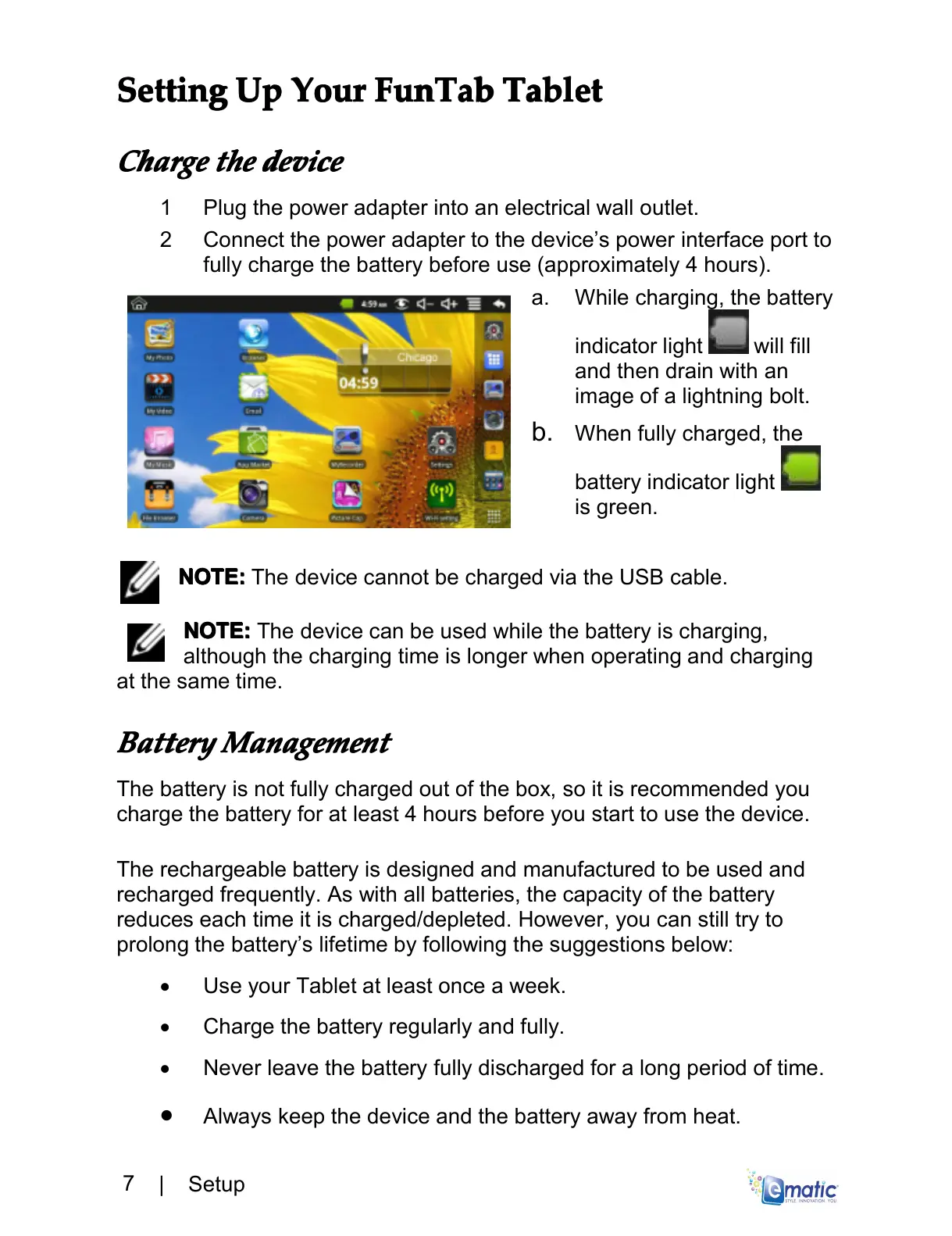
2Connectthepoweradaptertothedevice’spowerinterfaceportto
fullychargethebatterybeforeuse(approximately4hours).
a.Whilecharging,thebattery
indicatorlight willfill
andthendrainwithan
imageofalightningbolt.
b.Whenfullycharged,the
batteryindicatorlight
isgreen.
NOTE:
NOTE:
NOTE:
NOTE:ThedevicecannotbechargedviatheUSBcable.
NOTE:
N OTE:
NOTE:
NOTE:Thedevicecanbeusedwhilethebatteryischarging,
althoughthechargingtimeislongerwhenoperatingandcharging
atthesametime.
Battery
Battery
Battery
BatteryManagement
Management
Management
Management
Thebatteryisnotfullychargedoutofthebox,soitisrecommendedyou
chargethebatteryforatleast4hoursbeforeyoustarttousethedevice.
Therechargeablebatteryisdesignedandmanufacturedtobeusedand
rechargedfrequently.Aswithallbatteries,thecapacityofthebattery
reduceseachtimeitischarged/depleted.However,youcanstilltryto
prolongthebattery’slifetimebyfollowingthesuggestionsbelow:
•UseyourTabletatleastonceaweek.
•Chargethebatteryregularlyandfully.
•Neverleavethebatteryfullydischargedforalongperiodoftime.
•
Alwayskeepthedeviceandthebatteryawayfromheat.



 To Next Page