5. THE LIGHT BAR, CONTINUED
4. UNDERSTANDING THE LIGHT BAR
Embr Wave is
ramping to a
nice temperature.
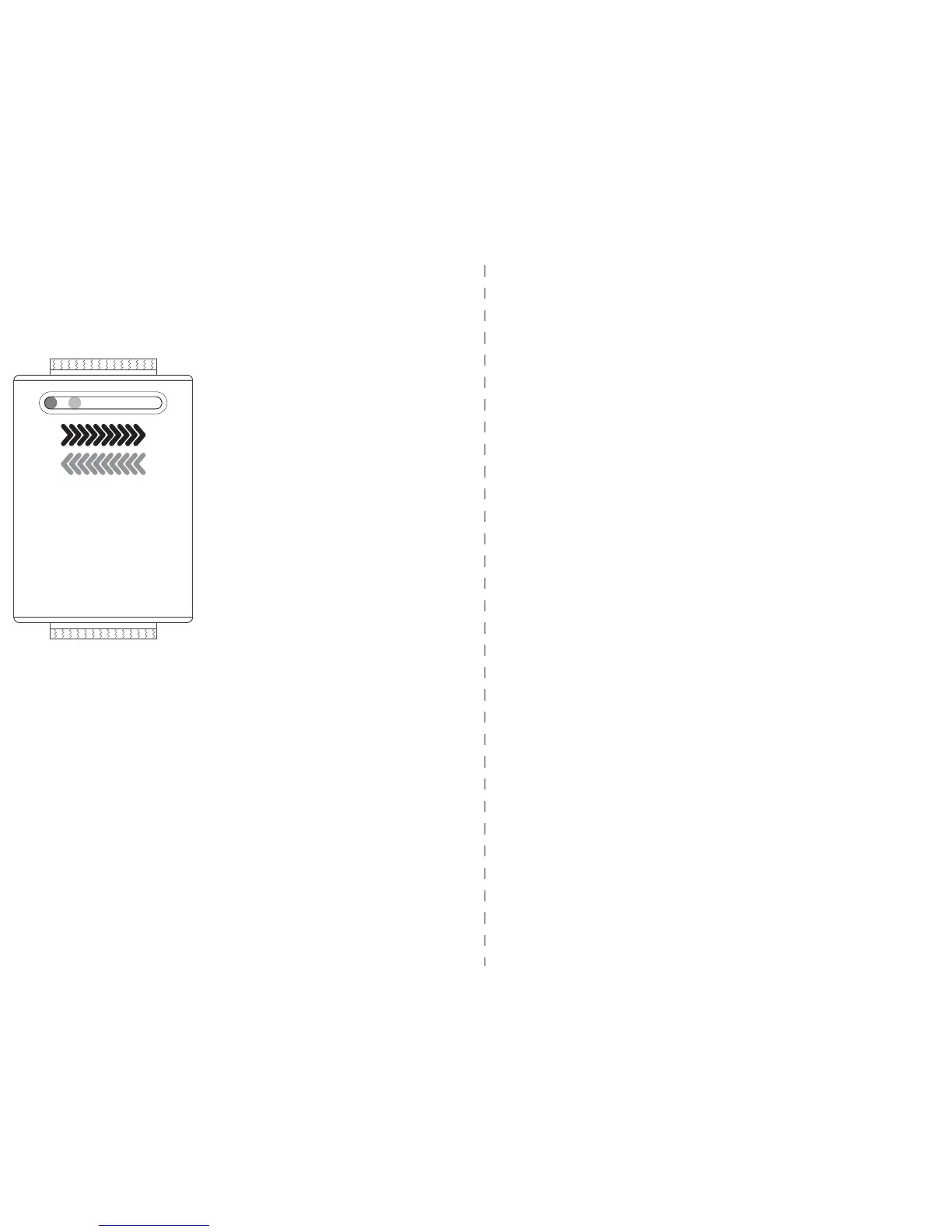
The Light Bar will indicate the
status of your Embr Wave.
Initialization
When you hold down the left
(or right) side of the Light Bar,
Embr Wave will ramp up to
increasingly strong cooling (or
warming). The Light Bar will
animate to show that Embr
Wave is ramping up.
Temperature waves
Because the human body is more sensitive to tem-
perature contrast than to static temperatures, Embr
Wave cools and warms in rhythmic waves.
PRO TIP: If you look closely, you’ll notice that the
Light Bar pulses brighter and dimmer to show you
the rhythm of the thermal waves.
Occasionally, Embr Wave will not be able to fulfill a
temperature request.
Too cold to start
If the device is too cold, a yellow and cyan light pat-
tern will slowly fade in and out to indicate that it
needs to warm up — wear it against your skin for a
few seconds, and you should be all set!
Too warm to start
If Embr Wave is too hot to start a session, a yellow
and orange light pattern will slowly fade in and out.
Let it rest 3-5 minutes, or until the Light Bar turns
back off.
Overheated
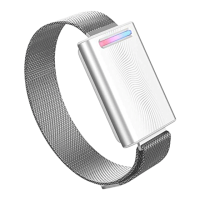
If your device overheats, the entire Light Bar will
flash orange and red. If this happens, wait to use
your Embr Wave until it has cooled down.
Low battery
When the Light Bar flashes orange, Embr Wave is
running low on battery.


 To Next Page