7. TIPS FOR WARMING
6. TIPS FOR COOLING
Finite cooling
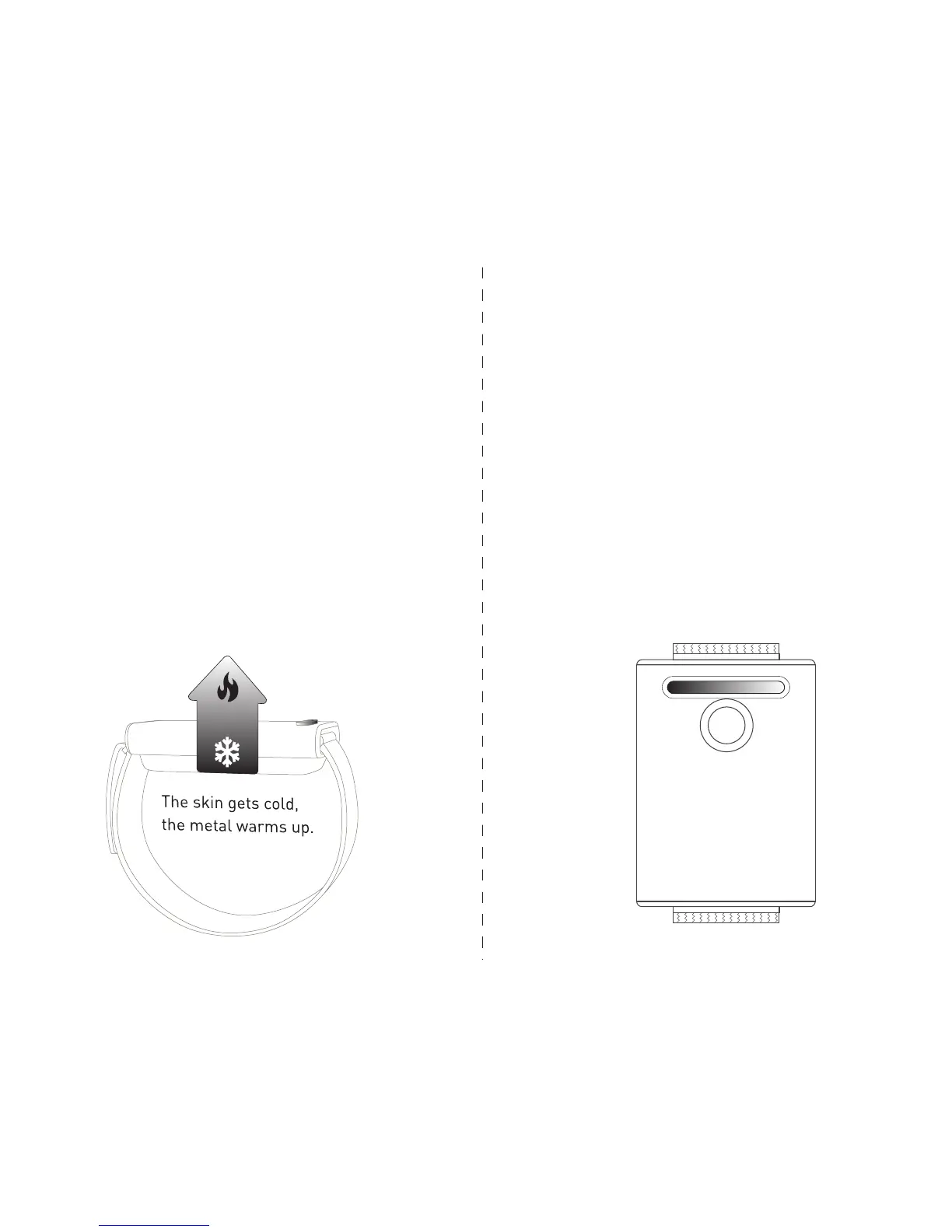
When in Cooling Mode, the top of the device may get
warm, because Embr Wave is pulling heat away
from your skin. For best results:
1. Avoid touching the metal during Cooling Mode.
2. Think of Embr Wave as a friend who is working
hard for you and may need rest for 3-5 minutes be-
tween cooling sessions.
3. Let Embr Wave breathe! Leave the metal body un-
covered to facilitate heat dissipation (e.g., not under
your sleeve).
4. Wear the wristband loosely while you aren’t ac-
tively cooling.
In Warming Mode, you want to keep as much heat in
as possible!
1. For best results, insulate the device when in
Warming Mode (such as by covering the device with
your sleeve).
2. In both modes, if you double-tap the device with
your knuckle during a session, it will toggle to Ex-
tended Mode, which consists of intermittent pulses
over a 30 min session.
To access Extended Mode, you’ll need the latest
firmware and Embr Wave mobile app.
Double-tap to toggle Extended Mode (30 min).


 To Next Page