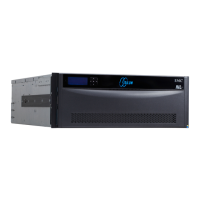
4 DD670, DD860, and DD890 Hardware Overview
Related Documentation
The Documentation page at https://my.datadomain.com/documentation provides
access to three categories of documents that are related to use of Data Domain products:
• End user documents, under Product Documentation.
• Documents about how to integrate Data Domain systems with third party backup
applications, under Integration Documentation.
• Matrices that show which components are compatible with each other, under
Compatibility Matrices.
View Data Domain documents
1. Log into the support portal at: https://my.datadomain.com/documentation.
2. To view user documents, click Product Documentation and then perform the
following steps:
a. Select the Data Domain model from the Platform list and click View.
b. On the row for the correct Data Domain operating system (DD OS) version, click
View under Documentation.
c. Click the desired title.
3. To view integration-related documents, perform the following steps:
a. Click Integration Documentation.
b. Select the vendor from the Vendor menu.
c. Select the desired title from the list and click View.
4. To view compatibility matrices, perform the following steps.
a. Click Compatibility Matrices.
b. Select the desired title from Product menu and click View.


 To Next Page