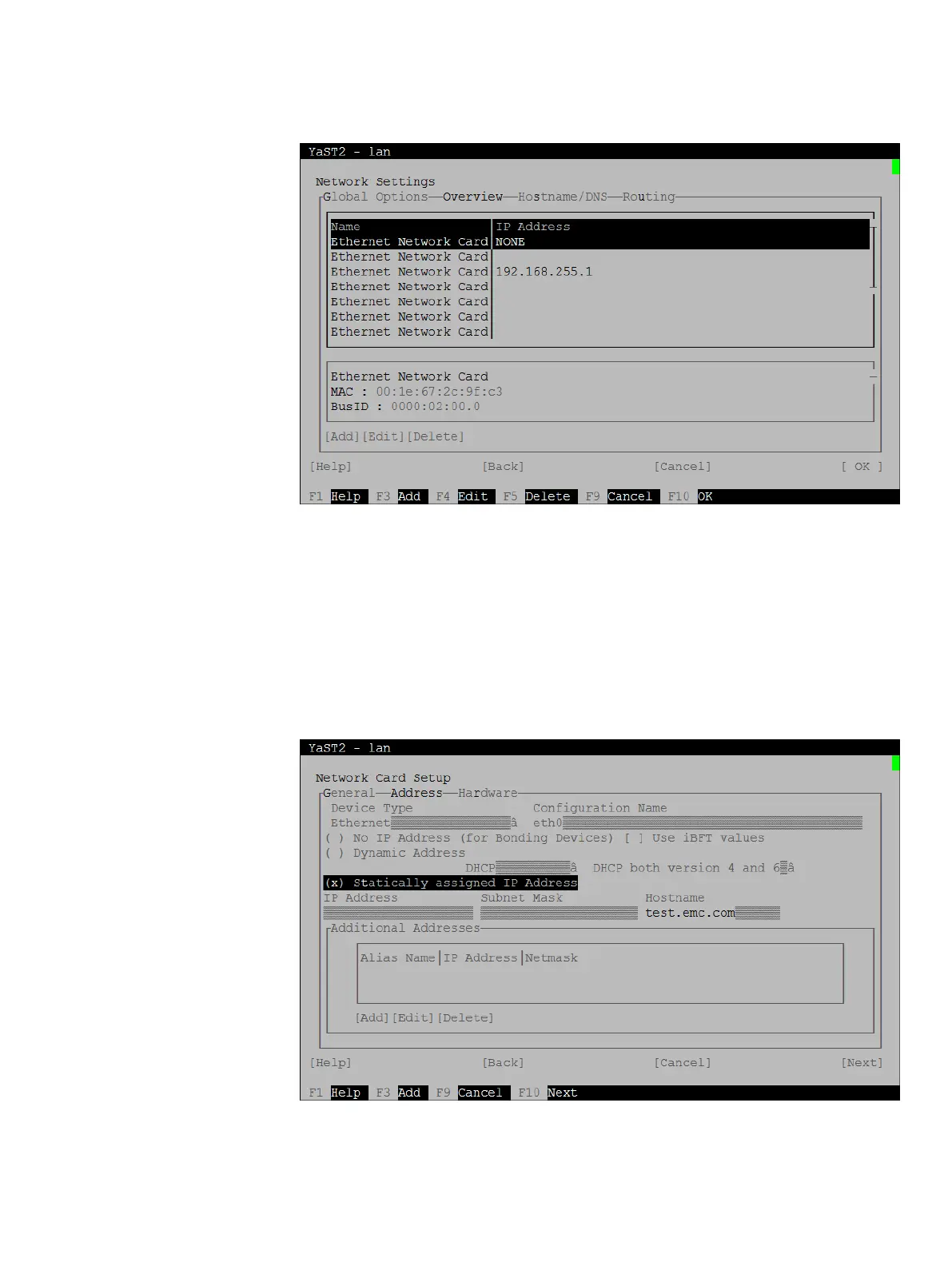
Figure 21 YaST Network Settings - Overview
8. Tab to the Name list and use the arrow keys to select the primary backup network
port, noted at the beginning of this task.
As you move from one entry to the next in the list, the description in the second box
changes. You may need to tab to the second box and use the arrow keys to scroll until
you can see the interface name assigned to each network card.
9. With the primary backup network port selected, tab to Edit and press Enter.
The Network Card Setup screen appears.
Figure 22 YaST Network Card Setup
10. Use the arrow keys to select the Address tab, if required.
11. Tab to Statically assigned IP address.
System Preparation
46 EMC Avamar Data Store Gen4S Customer Installation Guide


 To Next Page