EasyManua.ls Logo

EmerCom Technologies EMC-PAC - User Manual

Default Icon
10 pages
Print Icon
To Next Page IconTo Next Page
Loading...
EMC-PAC
USER GUIDE
Power and Alarm Consolidator

Questions and Answers

  • S
    Samantha BrownAug 10, 2025
    What to do if the EmerCom Technologies Security System shows a flashing FAULT?
    • B
      Bryan Graham DVMAug 10, 2025
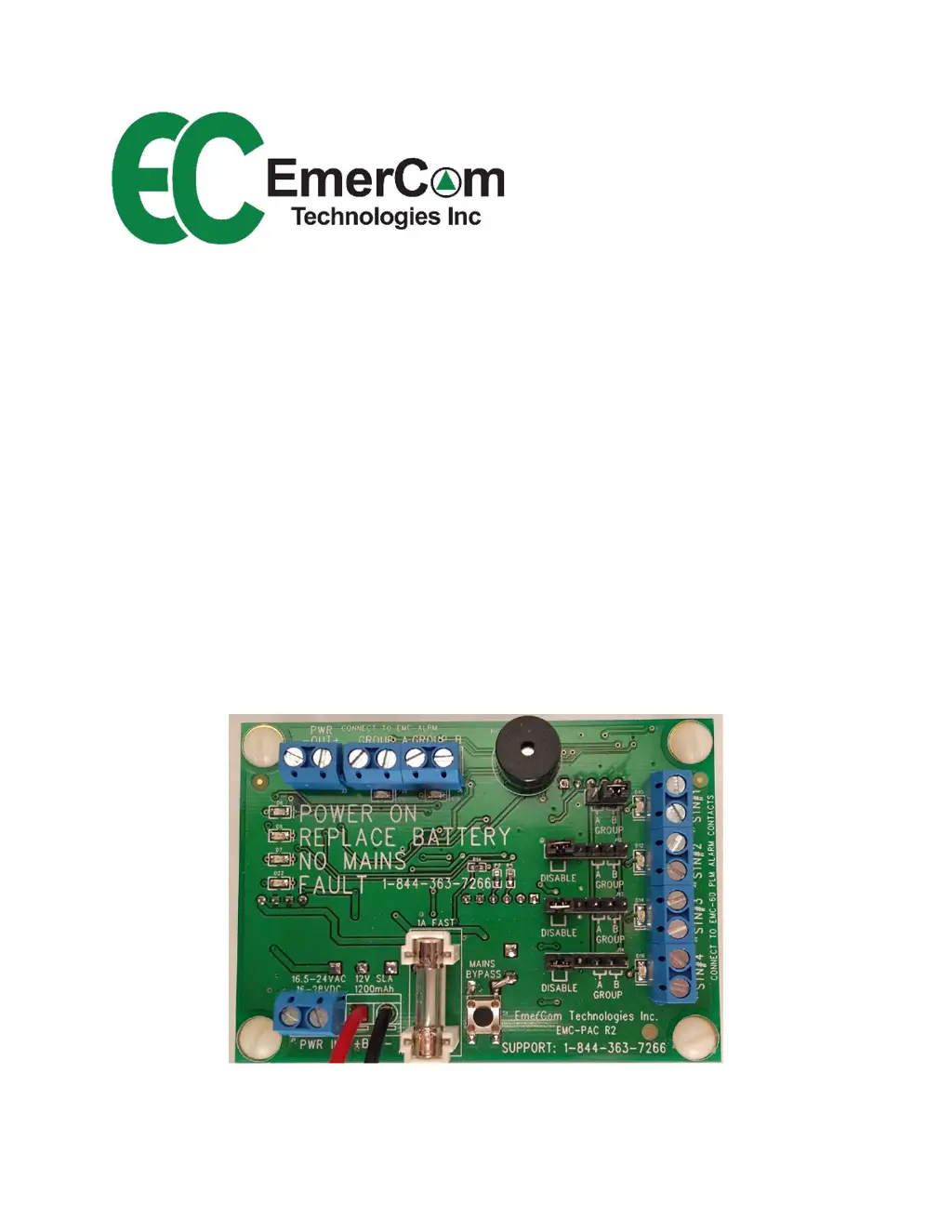
      If the EmerCom Technologies Security System shows a flashing FAULT, it could be due to several reasons: the battery is dead (replace the battery), the battery fuse is blown (replace the fuse with a 1A fast fuse), or the output is shorted (remove the load on PWR OUT).
  • B
    baileyfreemanAug 27, 2025
    How to fix the 'NO MAINS Flashing' error on the EmerCom Technologies Security System?
    • J
      James PatelAug 27, 2025
      If you see a 'NO MAINS Flashing' error on your EmerCom Technologies Security System, it means the mains are not connected to PWR IN. Ensure that the mains are properly connected to the PWR IN.

EmerCom Technologies EMC-PAC Specifications

General IconGeneral
BrandEmerCom Technologies
ModelEMC-PAC
CategoryEmergency Phone
LanguageEnglish

Related product manuals