15
Connect the power AC/DC adapter to
the unit or wall outlet.
Play music/movie in the paired/
connected device as usual and make
sure the volume level of it is in high
level.
Bluetooth
reception failure
The external device is too far from the
unit
Put the external BT device close to the
unit.
Have not paired Pair the unit with the BT Device as the
procedures stated in this manual.
Input source incorrect
Press the Standby/Source button on
the unit or SOURCE button on the
Remote Control repeatedly to set the
input source to the desired mode.
The unit is in standby mode
The paired/connected device is not
in
playing mode
Press the Standby/Source button on the
unit or press
button on remote control
to turn on the unit from Standby mode.
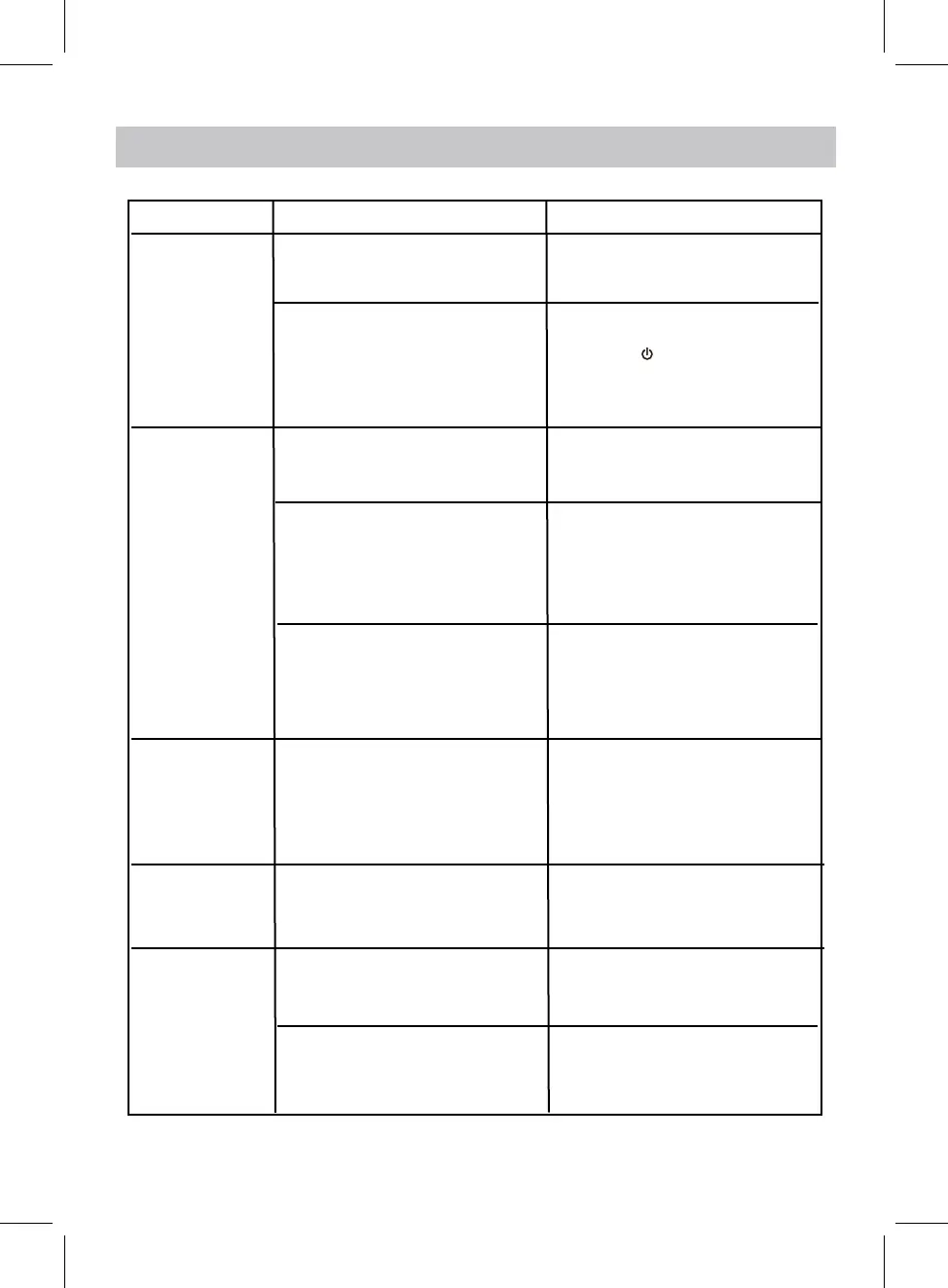
SYMPTOM
POSSIBLE CAUSE
POSSIBLE SOLUTION
No sound
Volume in minimum position
Remote control
not working
The battery is weak
Replace with new battery
No power
Power AC/DC Adapter
not connected
Sound distortion
TROUBLESHOOTING
Raise volume by pressing the Vol+
button.
Volume level too high
• Reduc
e the volume level by
press
ing the Vol- button.
• Reduce the volume level of the
paired/connected device.


 To Next Page