22
RECORD
DOWN
UP
PLAY
MENU
SETTINGS
BROWSER
RECORD
E-BOOK
PHOTO
VIDEO
MUSIC
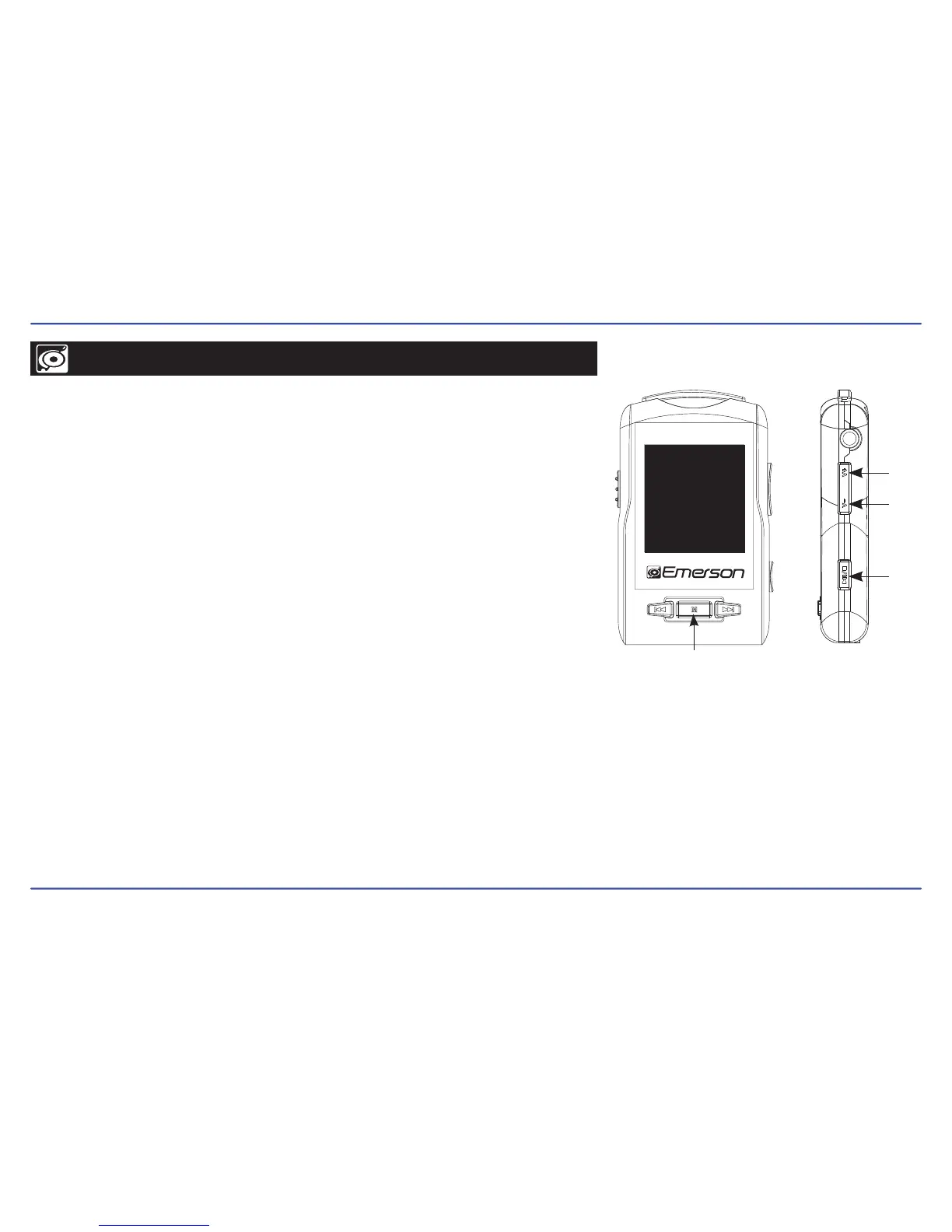
Your MP3 Player is able to perform voice recordings with its integrated microphone.
The files are in WAV format. You can listen to these files while being at the “BROWSER” mode,
and selecting the “Voice” folder.
Recording
1. Select “RECORD” from the main menu, and press the [PLAY] button.
2. Press the [PLAY] button once again to start recording.
3. Press the [PLAY] button to pause recording.
4. To finish recording and save, press and HOLD the [MENU] button.
Playing back recorded files
1. Select “BROWSER” from the main menu, and press the [PLAY] button.
2. Select the the “Voice” folder.
3. Select the file you wish to play, and press the [PLAY] button.
4. Press the [PLAY] button to pause the playback, to resume playback, press the [PLAY] button once again.
5. Press and HOLD the [MENU] button to return to the main menu.



 To Next Page