26 27
Fault cases:
Wrong password for your
home Wi-Fi network
or
unknown connectivity issue
between your router and
EMFIT QS
Three fast flashes, 3 seconds
pause, again 3 fast flashes
and pause. When the device
notices the connection can-
not be established it returns
back to the AP mode and
red and green start flashing
alternately.
Stops flashing during con-
nection attempt. When QS
notices that connection
cannot be established it
returns to AP mode and
red and green start flashing
alternately.
Several long beeps when
establishing connection.
Low pitched beep and beep-
beep indicate return to AP
mode.
Network problems:
During use
Your home Wi-Fi network
has no Internet connection
(for example temporary loss
of Internet connection)
Flashes in cycles of three Does not flash
(person out of bed)
or
stays on
(person in bed)
Emfit server does not
respond (temporarily)
Flashes once
(person out of bed)
Does not flash
(person in bed)
Does not flash
(person out of bed)
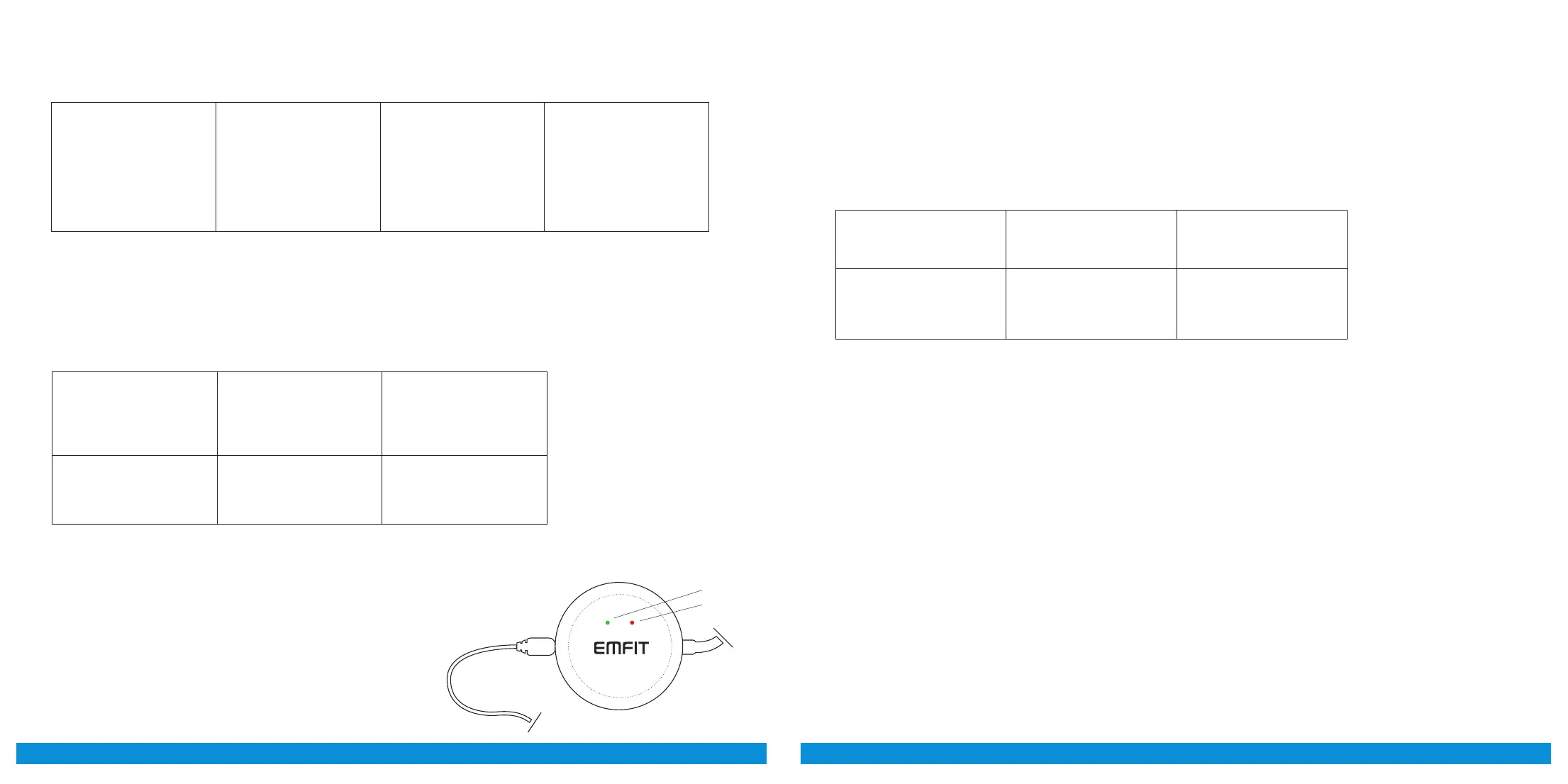
Power cord
Green
Red
Sensor cord
Data buffering, network connection is lost:
Data buffering release, network connection up again:
Case Red LED light
(light on the right)
Green LED light
(light on the le)
Person is sleeping or lying
in bed. Wi-Fi network or
connection to Emfit server
reverts.
Flashes in parallel
with green led in every
2 seconds
Flashes in parallel
with red led in every
2 seconds
EMFIT QS has an internal memory (about 15 hours) where sleep data is stored if network
or server connection is lost. Blinking LED lights are used to inform user when device is
buffering sleep data to memory and when sleep data is released from memory to Emfit
server.



 To Next Page