Remote Centre| Operation
_erature _'uetment in AUTO SELECT mode
To adjust the air temperature during AUTO SELECT
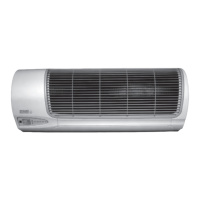
mode, point the remote control toward the indoor air
conditioning unit:
1) Press the _ button once. To raise the set point
temperature 1°C or 1°F.
2) Press the button once, to reduce the set
point temperature 1°C or 1°F.
COOL/HEAT & FAN/DRY mode
Point the remote control toward the indoor air condition-
ing unit:
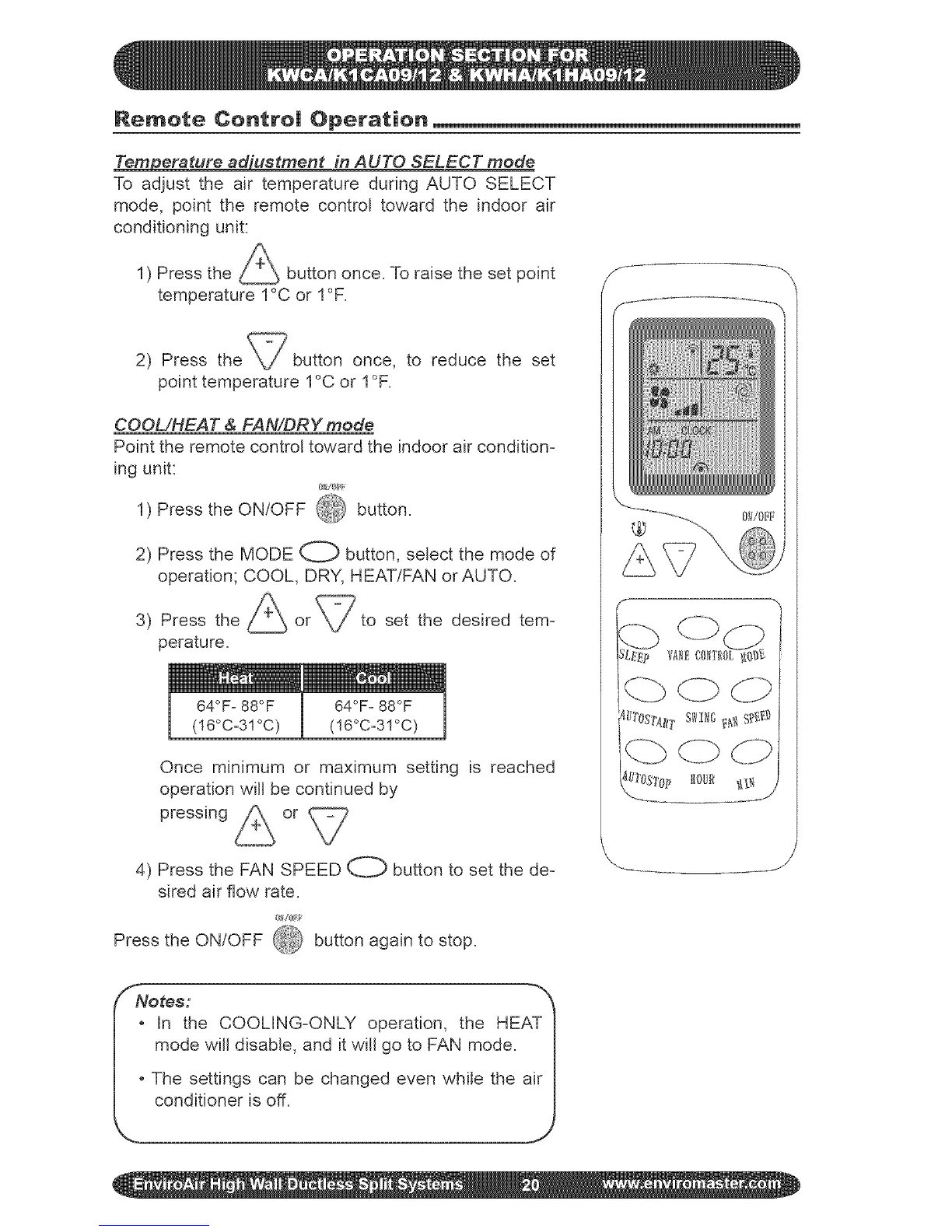
1) Press the ON/OFF @ button.
2) Press the MODE O button, select the mode of
operation; COOL, DRY, HEAT/FAN or AUTO.
3) Press the
perature.
I 64OF° 88OF
(!6°Co31°C)
set the desired tem-
64OFo88OF
(!6°Co3!°C)
Once minimum or maximum setting is reached
operation will be continued by
pressing or
4) Press the FAN SPEED O button to set the de-
sired air flow rate.
Press the ON/OFF 4&_ button again to stop.
SNores:
_ in the COOLING-ONLY operation, the HEAT I
mode wifl disable, and it will go to FAN mode. |
|
|o The settings can be changed even while the air I



 To Next Page